Menu


Trending Top Sellers
$149/Month BAi THE MIRROR Commercial Embroidery Machine - 15-Needle Custom Apparel & Structured Hat System - NEW


$149/Month BAi THE MIRROR Commercial Embroidery Machine - 15-Needle Custom Apparel & Structured Hat System - NEW
- Price
- $149
$185/Month BAi THE VISION 15-Needle Single-Head Embroidery Machine - 15.7" x 19.7" Commercial Apparel System - NEW


$185/Month BAi THE VISION 15-Needle Single-Head Embroidery Machine - 15.7" x 19.7" Commercial Apparel System - NEW
- Price
- $185
$265/Month BAi THE VISION 2 Dual-Head Commercial Embroidery Machine - Dual-Head 15-Needle Custom Apparel System - NEW


$265/Month BAi THE VISION 2 Dual-Head Commercial Embroidery Machine - Dual-Head 15-Needle Custom Apparel System - NEW
- Price
- $265
$890/month NEW - IN STOCK -Mimaki 64" Hybrid – Complete Turnkey Package | UJ330H-160 Hybrid UV-LED Printer


$890/month NEW - IN STOCK -Mimaki 64" Hybrid – Complete Turnkey Package | UJ330H-160 Hybrid UV-LED Printer
$185/Month New Mimaki DTF TxF300-75 32" High-Speed Dual Printheads DTF Printer


Sale


$185/Month New Mimaki DTF TxF300-75 32" High-Speed Dual Printheads DTF Printer
PROMO: $285/month New Mimaki DTF TxF300-75 32" DTF BUNDLE DTF PRINTER (DIRECT-TO-FILM) Dual Print Heads with Miro 36 Shaker Bundle


Sale


PROMO: $285/month New Mimaki DTF TxF300-75 32" DTF BUNDLE DTF PRINTER (DIRECT-TO-FILM) Dual Print Heads with Miro 36 Shaker Bundle
- Sale price
- $285
- Regular price
- $695
PROMO: $268/month New Mimaki DTF TxF300-75 32" DTF BUNDLE DTF PRINTER (DIRECT-TO-FILM) Dual Print Heads with Miro 24 Shaker Bundle

Sale

PROMO: $268/month New Mimaki DTF TxF300-75 32" DTF BUNDLE DTF PRINTER (DIRECT-TO-FILM) Dual Print Heads with Miro 24 Shaker Bundle
- Sale price
- $268
- Regular price
- $28,600
$495/month - 4'x8' Plytronix Flatbed Cutter TX-1325 (4.26 ft x8.2 ft ) High-Precision Digital Flatbed Cutting Machine with Automated Finishing System Utilizes Interchangeable Tool Heads


$495/month - 4'x8' Plytronix Flatbed Cutter TX-1325 (4.26 ft x8.2 ft ) High-Precision Digital Flatbed Cutting Machine with Automated Finishing System Utilizes Interchangeable Tool Heads
- Price
- $495
New Prisma Auto Clam Slider 110V 16X20" Inch DTF Heat-Press GS-105HS-Grey/Black With Auto Open Slider Feature And Pressure Sensor


Sale


New Prisma Auto Clam Slider 110V 16X20" Inch DTF Heat-Press GS-105HS-Grey/Black With Auto Open Slider Feature And Pressure Sensor
- Sale price
- $1,690
- Regular price
- $1,986
$99/month - JAGUAR 70" AUTOMOTIVE SPECIAL EDITION PPF/TINT Cutter Plotter with Anti-Static kit and Tint Velvet Film.


Sale


$99/month - JAGUAR 70" AUTOMOTIVE SPECIAL EDITION PPF/TINT Cutter Plotter with Anti-Static kit and Tint Velvet Film.
- Sale price
- $99
- Regular price
- $145
$99/Month - (FREE SHAKER) DTF x2 Epson Print Heads (110V) YINSTAR A3 13" DTF PRINTER


Sale


$99/Month - (FREE SHAKER) DTF x2 Epson Print Heads (110V) YINSTAR A3 13" DTF PRINTER
- Sale price
- $99
- Regular price
- $185
From $99/month - New Prestige R1 13" DTF Printer Bundle - Includes Prestige R1 DTF Printer, Startup Package and Compatible Machine Options -MC


From $99/month - New Prestige R1 13" DTF Printer Bundle - Includes Prestige R1 DTF Printer, Startup Package and Compatible Machine Options -MC
- Price
- From $99
From $149/month New Prestige R2 PRO 13.75" WITH CUTTER DTF Printer 110V A3+ with Bundle options -MC


From $149/month New Prestige R2 PRO 13.75" WITH CUTTER DTF Printer 110V A3+ with Bundle options -MC
- Price
- From $149
From $417/Month 9-Colour BUNDLE 24" Prestige XL2 PRO New DTF Station Printer with Automatic Powder Applicator/Shaker/Oven/Purifier -MC


From $417/Month 9-Colour BUNDLE 24" Prestige XL2 PRO New DTF Station Printer with Automatic Powder Applicator/Shaker/Oven/Purifier -MC
- Price
- From $417
From $497/month - 9 COLORS Prestige XL3 with 3 Epson i3200 DTF Printer Bundle with Auto Powder Shaker/Oven


From $497/month - 9 COLORS Prestige XL3 with 3 Epson i3200 DTF Printer Bundle with Auto Powder Shaker/Oven
- Price
- From $497
NEW JAGUAR 70" AUTOMOTIVE SPECIAL EDITION PPF/TINT Cutter Plotter with Anti-Static kit and Tint Velvet Film.
Sale
NEW JAGUAR 70" AUTOMOTIVE SPECIAL EDITION PPF/TINT Cutter Plotter with Anti-Static kit and Tint Velvet Film.
- Sale price
- $5,980
- Regular price
- $6,980
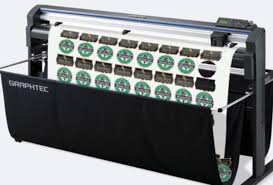
$169/MONTH NEW 64" Graphtec FC9000-160 For Automotive Professionals with 50 ft accurate tracking of Window Tint, PPF Film & Vinyl. Roll-fed Cutting Plotter

Sale

$169/MONTH NEW 64" Graphtec FC9000-160 For Automotive Professionals with 50 ft accurate tracking of Window Tint, PPF Film & Vinyl. Roll-fed Cutting Plotter
- Sale price
- $169
- Regular price
- $225
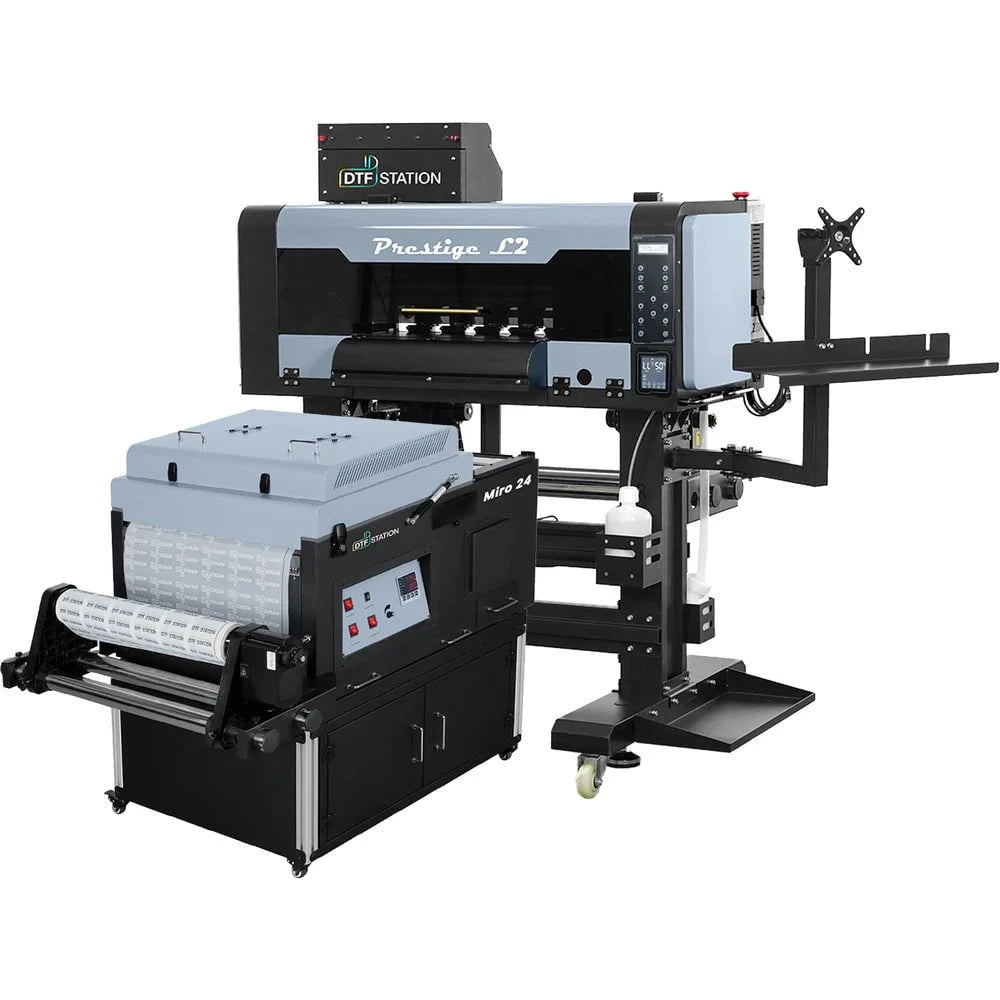
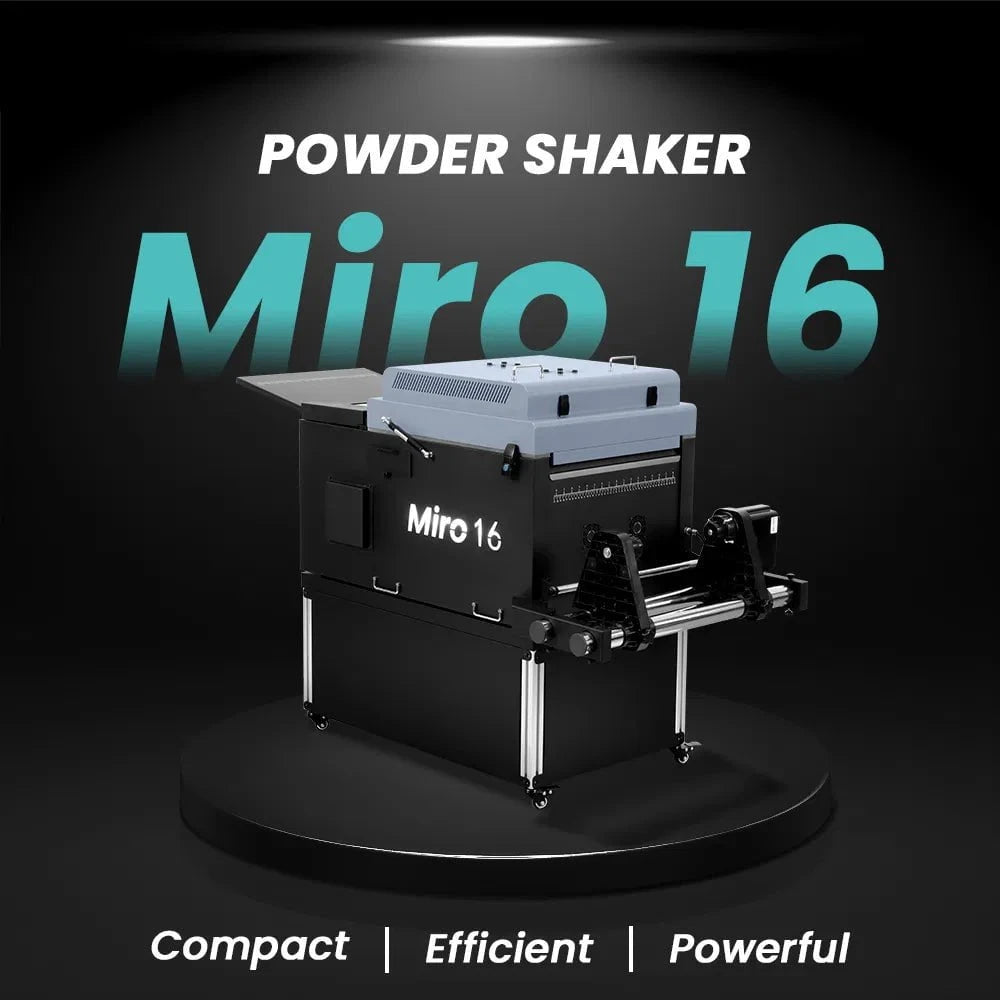
$379/month Prestige L2 18.5" DTF Printer Dual i3200 with Miro 16 Automatic Powder Applicator/Shaker oven and Built-In Oven
Sale
$379/month Prestige L2 18.5" DTF Printer Dual i3200 with Miro 16 Automatic Powder Applicator/Shaker oven and Built-In Oven
- Sale price
- $379
- Regular price
- $465
$195/Month 27" IN-STOCK Yinstar High Precision 27" Commercial Production DTF Printer with 2x i3200-A1 Epson Printheads DTF Powder Shaker.


Sale


$195/Month 27" IN-STOCK Yinstar High Precision 27" Commercial Production DTF Printer with 2x i3200-A1 Epson Printheads DTF Powder Shaker.
- Sale price
- $195
- Regular price
- $249
$247/Month 24" IN-STOCK Yinstar WI-FI DTF Printer with 2x Epson I3200 Print Heads Including DTF Powder Shaker Machine with Air Filter and Auto Powder Recycling System


Sale


$247/Month 24" IN-STOCK Yinstar WI-FI DTF Printer with 2x Epson I3200 Print Heads Including DTF Powder Shaker Machine with Air Filter and Auto Powder Recycling System
- Sale price
- $247
- Regular price
- $350
Upgrade Your Copier To Save Money

Upgrade Your Copier To Save Money
If it's not broken, do not fix it. Frequently, that is not a bad rule to follow. On the flip side, copiers, printers, and other office equipment you use today may be broken and should be upgraded.
How a lot of you work in a workplace using copiers and laser printers which are unable to do whatever you need them to do?
Since the speed of technology always accelerates, everything gets better, quicker, cheaper (well, maybe not necessarily less expensive), including office equipment.
Cost of Repair and Maintenance
How much are you spending on maintenance? Like any device, copiers and printers need upkeep. As they age, thus do maintenance and repair needs. However, unlike an older car, one might invest in as a classic, an old copier is not going to win you style points in your workplace.
Hanging onto equipment too long is a false market. If you're spending a few hundred each month to keep an old machine working, you could use that money to rent or lease equipment with better functionality.
Improved Document Security
More accessible options to incorporate more robust authentication at the copier with proximity card readers, swipe card readers, as well as biometrics. For companies that need a detailed audit trail of access, this additional layer of safety keeps files out of unauthorized hands.
Many newer versions of copy machines include an option for encryption, or hard drive overwrite. Encryption keeps files stored on your equipment from being used in the event of a data breach. The capability to digitally shred data on the copier hard drive removes sensitive information from the copiers (like social security numbers, banking statements, employee and client names and addresses, etc.).

Superior Output Capability
Contemporary office equipment is continually evolving and becoming better at generating high-quality files and graphics. Improvements in applications enhance scan crispness and resolution. Fundamentally, record output continuously improves. It is similar to your TV; newer versions have higher resolution compared to last year's models. Copiers and printers will be the same.
Streamline Workflows
Program multi-step jobs to be finished using a push of a button. Use the scanning abilities to start workflows.
Power Consumption
Those Energy Star ratings are not just for display.
One approach to measuring electricity consumption is using a kilowatt meter to assess the draw of gear when it is in use, on standby, and if only plugged.
Let us say that you have a copier that's left on 24/7. With a meter, you can ascertain how much that costs each year and just how much you might save by turning it off whenever the office is shut. All apparatus should default mode to draw at the energy when not being used. Be cautious of turning a few copiers away as that can influence their visibility over time -- consult your broker provider.
Regardless, let us say you've got three copiers and five printers, which cost $1,500 annually to continue. By ensuring they're off/in standby mode, you can avoid spending half or even more of the cost.
Remote Troubleshooting and Diagnostics
Lots of new versions of copiers permit not just remote diagnostics, but remote troubleshooting. Though your service tech will not have the ability to correct a copier jam, they are going to be able to spot and fix software-related issues remotely. And that leads to higher productivity for you.
Cloud Connectivity
Scanners are network-connected for decades. But not all copiers all one-button connectivity into cloud programs. The capability to scan to email, scan to the repository, and scan to establish a business process are all massive boosts to workplace productivity.
Wireless Connectivity
Empower mobile printing to remote workers. Allow employees to publish from their smartphones tablets, or notebooks so that they may operate on the go.
Simple To Use

While the capacities of copiers are advancing, they are also getting simpler to use. Enormous, easy-to-read touchscreens make it possible for users to personalize often used functions. Quick menus enable fast access to private workflows. Most copiers have how-to videos which may be looked at on consumer interface.
Continuous improvements in paper handling and also the internal workings of the gear function to reduce paper jams too.
Size
While size isn't necessarily a problem, if you want more space you can find a newer copier using precisely the same (or better) performance using a smaller footprint.
Track Resource Use
You can not handle that which you do not measure. Utilize monitoring and publish principles to monitor and control the print output. Examine colour output (and limit if desired ), path tasks to the cheapest apparatus, and monitor overall printing tendencies so you can evaluate and optimize your printing spend -- without even overspending.
Quicker Warm-up
Newer devices go from stop to print or replicate quicker than previously -- which means less time standing in the copier.
More Uptime
Copiers send notification alarms.
It is time to quit sharing tales in the water cooler about the most recent reason that the copier has broken or wanting that you might do more.
Outdated technologies -- and copiers are technologies -- slow down your organization, dragging down productivity and efficiency.
Contact Absolute Toner to get a free evaluation and recommendations to get a printing solutions strategy, which will help save you money and enhance the overall efficiency of your workers.
- Choosing a selection results in a full page refresh.