Menu

Trending Top Sellers
HP DeskJet 4132e All-in-One Printer Includes Six Months of FREE Ink Through HP Ink Replacement Program and HP 1 Year Extended Warranty


Sale


HP DeskJet 4132e All-in-One Printer Includes Six Months of FREE Ink Through HP Ink Replacement Program and HP 1 Year Extended Warranty
- Sale price
- $75
- Regular price
- $149
New Prestige R2 PRO 13" Media Roll DTF Printer 110V A3 (Dual Epson i1600 Print Heads) - Includes Prestige R2 Pro DTF Printer, Startup Package and Accessories


Sale


New Prestige R2 PRO 13" Media Roll DTF Printer 110V A3 (Dual Epson i1600 Print Heads) - Includes Prestige R2 Pro DTF Printer, Startup Package and Accessories
- Price
- From $198
New Prisma Auto Clam Slider 110V 16X20" Inch DTF Heat-Press GS-105HS-Grey/Black With Auto Open Slider Feature And Pressure Sensor


Sale


New Prisma Auto Clam Slider 110V 16X20" Inch DTF Heat-Press GS-105HS-Grey/Black With Auto Open Slider Feature And Pressure Sensor
- Sale price
- $1,398
- Regular price
- $1,499
Cap Heat Press (PROMO: Including 5 Cap Press Lower Platen) Curved For Baseball Hats and Caps DTF Station Galaxy GS-501


Sale


Cap Heat Press (PROMO: Including 5 Cap Press Lower Platen) Curved For Baseball Hats and Caps DTF Station Galaxy GS-501
- Sale price
- $695
- Regular price
- $895
New Prestige R2 13" DTF Printer Bundle - Includes Prestige R2 DTF Printer, Startup Package and Accessories

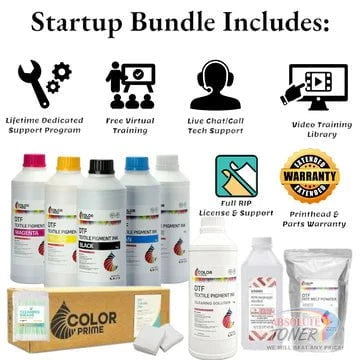

New Prestige R2 13" DTF Printer Bundle - Includes Prestige R2 DTF Printer, Startup Package and Accessories
- Price
- From $167
New Prestige R1 13" DTF Printer Bundle - Includes Prestige R1 DTF Printer, Startup Package and Compatible Machine Options


Sale


New Prestige R1 13" DTF Printer Bundle - Includes Prestige R1 DTF Printer, Startup Package and Compatible Machine Options
- Price
- From $116
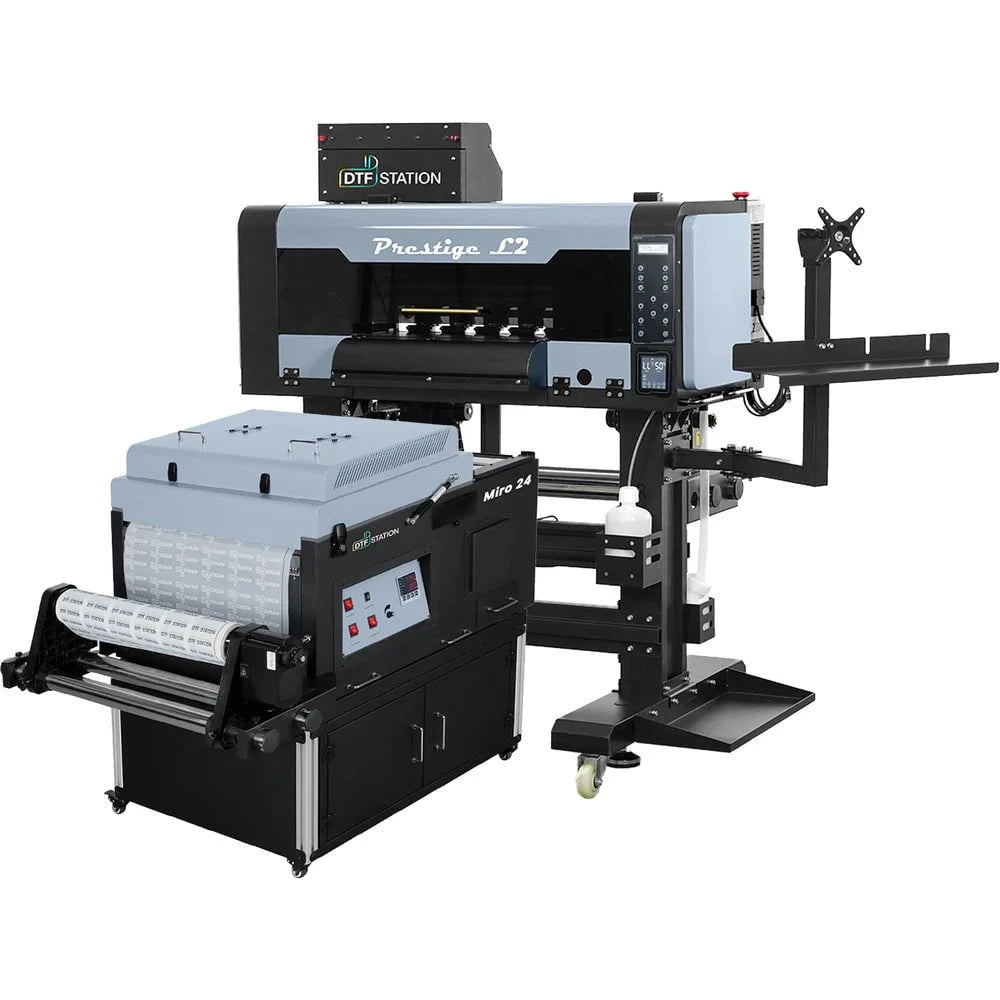
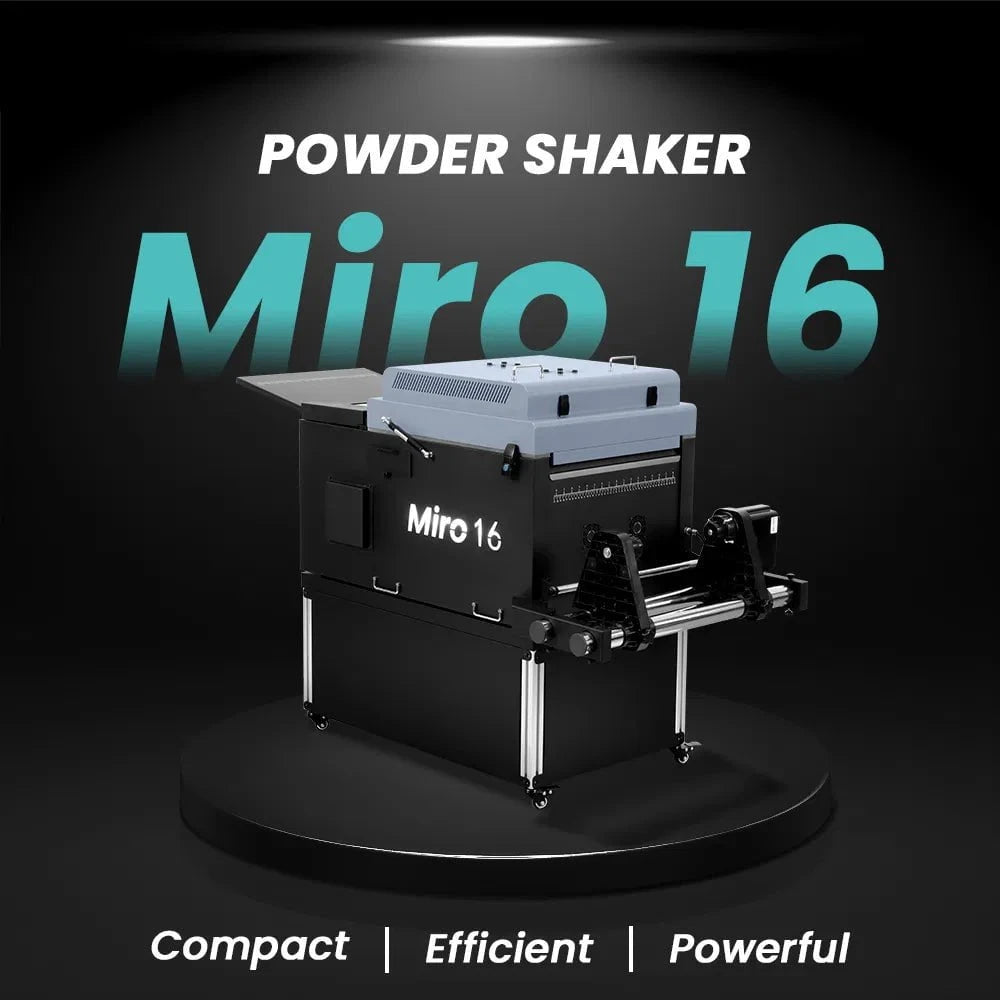
$323/month Prestige L2 18.5" DTF Printer Dual i3200 with Miro 16 Automatic Powder Applicator/Shaker oven and Built-In Oven
Sale
$323/month Prestige L2 18.5" DTF Printer Dual i3200 with Miro 16 Automatic Powder Applicator/Shaker oven and Built-In Oven
- Sale price
- $323
- Regular price
- $483
Prestige XL2 24" DTF Printer with optional Bundle Accessories (Shaker/Oven/Purifier)


Sale


Prestige XL2 24" DTF Printer with optional Bundle Accessories (Shaker/Oven/Purifier)
- Price
- From $342
$398/Month 9-Colour BUNDLE 24" Prestige XL2 PRO New DTF Station Printer with MIRO 24 Automatic Powder Applicator/Shaker/Oven/Purifier


Sale


$398/Month 9-Colour BUNDLE 24" Prestige XL2 PRO New DTF Station Printer with MIRO 24 Automatic Powder Applicator/Shaker/Oven/Purifier
- Sale price
- $398
- Regular price
- $520
$195/month BRAND NEW DTF Station Aries 213 UV DTF with i3200HD Printer 2-in-1 Printing and Laminating With Exceptional Colour Accuracy


Sale


$195/month BRAND NEW DTF Station Aries 213 UV DTF with i3200HD Printer 2-in-1 Printing and Laminating With Exceptional Colour Accuracy
- Sale price
- $195
- Regular price
- $250
$449/month - Aries 124 – 24" (60cm) Commercial UV DTF Printer with Automatic Lamination


Sale


$449/month - Aries 124 – 24" (60cm) Commercial UV DTF Printer with Automatic Lamination
- Sale price
- $28,880
- Regular price
- $39,995
$91/mo. Auto-Feed and Cut 16pt. 13x19 (400GSM) - Business Cards, Door Hangers, Labels, Decals, Gift Boxes, Thermal Transfer and more...


Sale


$91/mo. Auto-Feed and Cut 16pt. 13x19 (400GSM) - Business Cards, Door Hangers, Labels, Decals, Gift Boxes, Thermal Transfer and more...
- Sale price
- $91
- Regular price
- $117
$174/Month 4ftx8ft IN-STOCK Plytronix Pneumatic Flatbed Laminator Applicator Smart Mounting Table with LED Mounting and Laminating


Sale


$174/Month 4ftx8ft IN-STOCK Plytronix Pneumatic Flatbed Laminator Applicator Smart Mounting Table with LED Mounting and Laminating
- Sale price
- $174
- Regular price
- $299
$195/Month 5ftx11ft IN-STOCK Plytronix Pneumatic Flatbed Laminator Applicator Smart Mounting Table with LED Mounting and Laminating

Sale

$195/Month 5ftx11ft IN-STOCK Plytronix Pneumatic Flatbed Laminator Applicator Smart Mounting Table with LED Mounting and Laminating
- Sale price
- $195
- Regular price
- $265
$125/month JAGUAR 70" AUTOMOTIVE SPECIAL EDITION PPF/TINT Cutter Plotter with Anti-Static kit and Tint Velvet Film.


Sale


$125/month JAGUAR 70" AUTOMOTIVE SPECIAL EDITION PPF/TINT Cutter Plotter with Anti-Static kit and Tint Velvet Film.
- Sale price
- $125
- Regular price
- $179
$94/month 50" JAGUAR AUTOMOTIVE SPECIAL EDITION TINT/PPF V-LX J5-101LX-SE Cutter Plotter with Anti-Static kit and Tint Velvet Film.

Sale

$94/month 50" JAGUAR AUTOMOTIVE SPECIAL EDITION TINT/PPF V-LX J5-101LX-SE Cutter Plotter with Anti-Static kit and Tint Velvet Film.
- Sale price
- $94
- Regular price
- $145
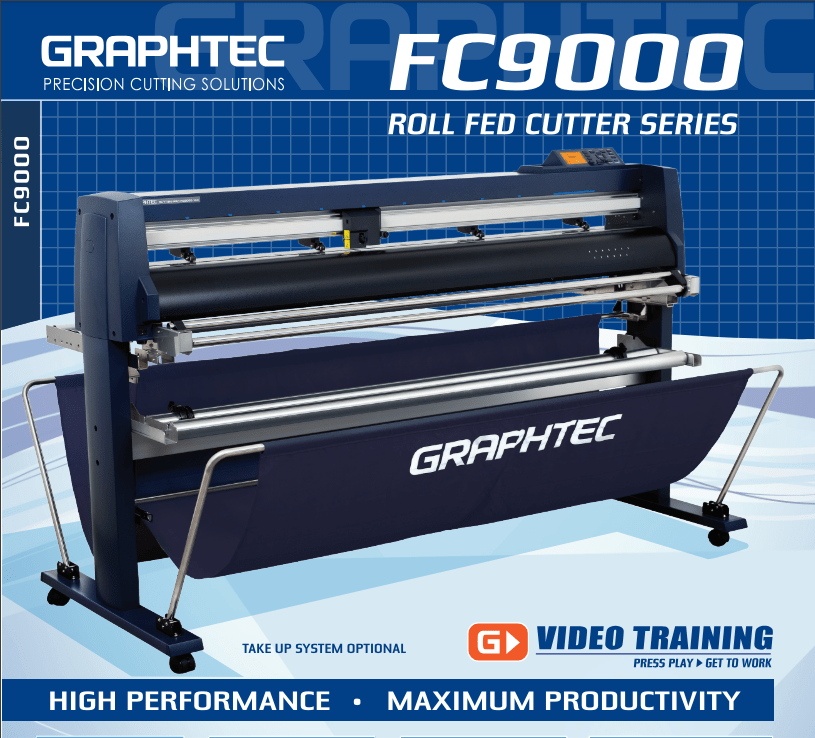
42'' Graphtec FC9000-100 For the Automotive Professionals with 50 ft accurate tracking of Window Tint Film & Vinyl, Roll-fed Cutting Plotter
Sale
42'' Graphtec FC9000-100 For the Automotive Professionals with 50 ft accurate tracking of Window Tint Film & Vinyl, Roll-fed Cutting Plotter
- Sale price
- $129
- Regular price
- $169
$189/MONTH NEW 64" Graphtec FC9000-160 For Automotive Professionals with 50 ft accurate tracking of Window Tint, PPF Film & Vinyl. Roll-fed Cutting Plotter

Sale

$189/MONTH NEW 64" Graphtec FC9000-160 For Automotive Professionals with 50 ft accurate tracking of Window Tint, PPF Film & Vinyl. Roll-fed Cutting Plotter
- Sale price
- $189
- Regular price
- $249
$134/month Graphtec AKZ Engineered for TINT/PPF with Stand, Media Basket and PPF Anti-electrostatic Kit.
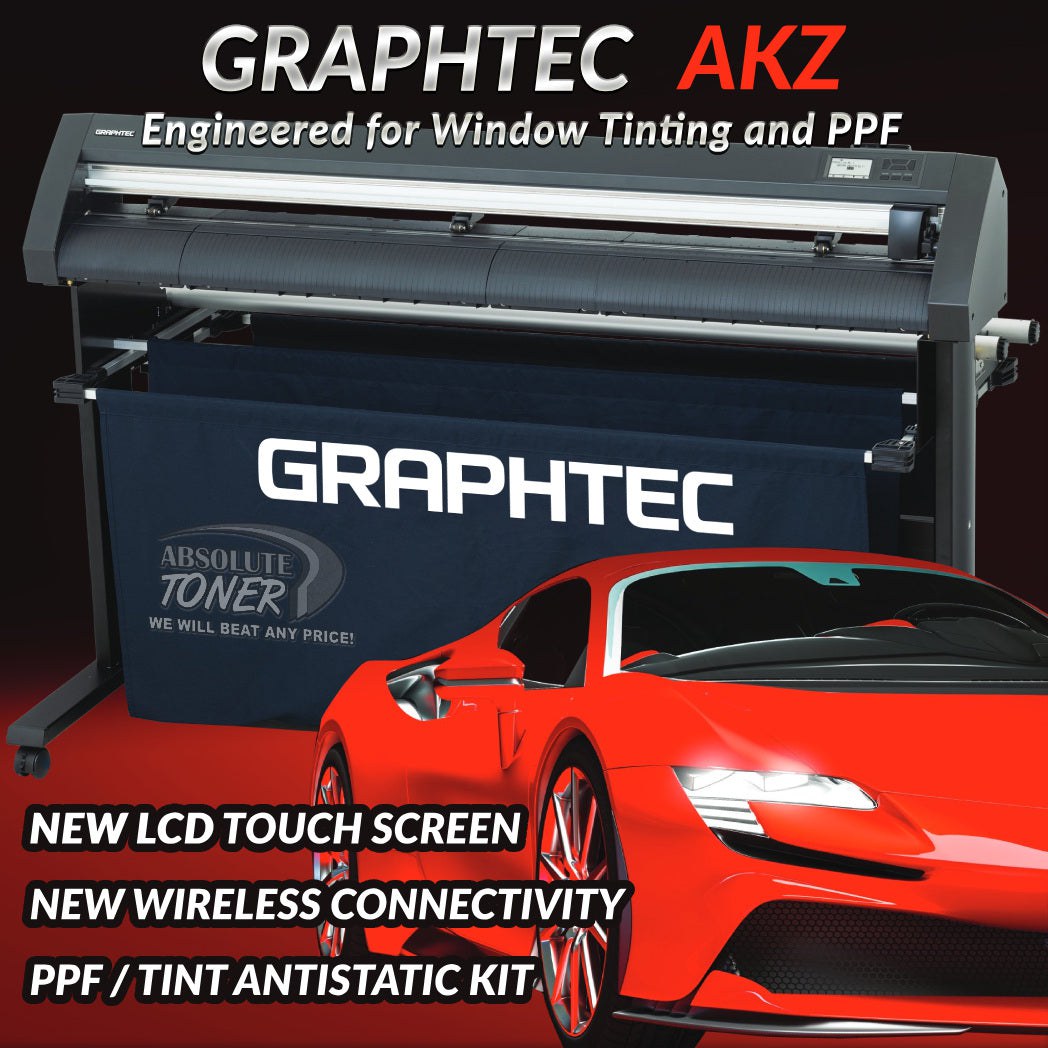
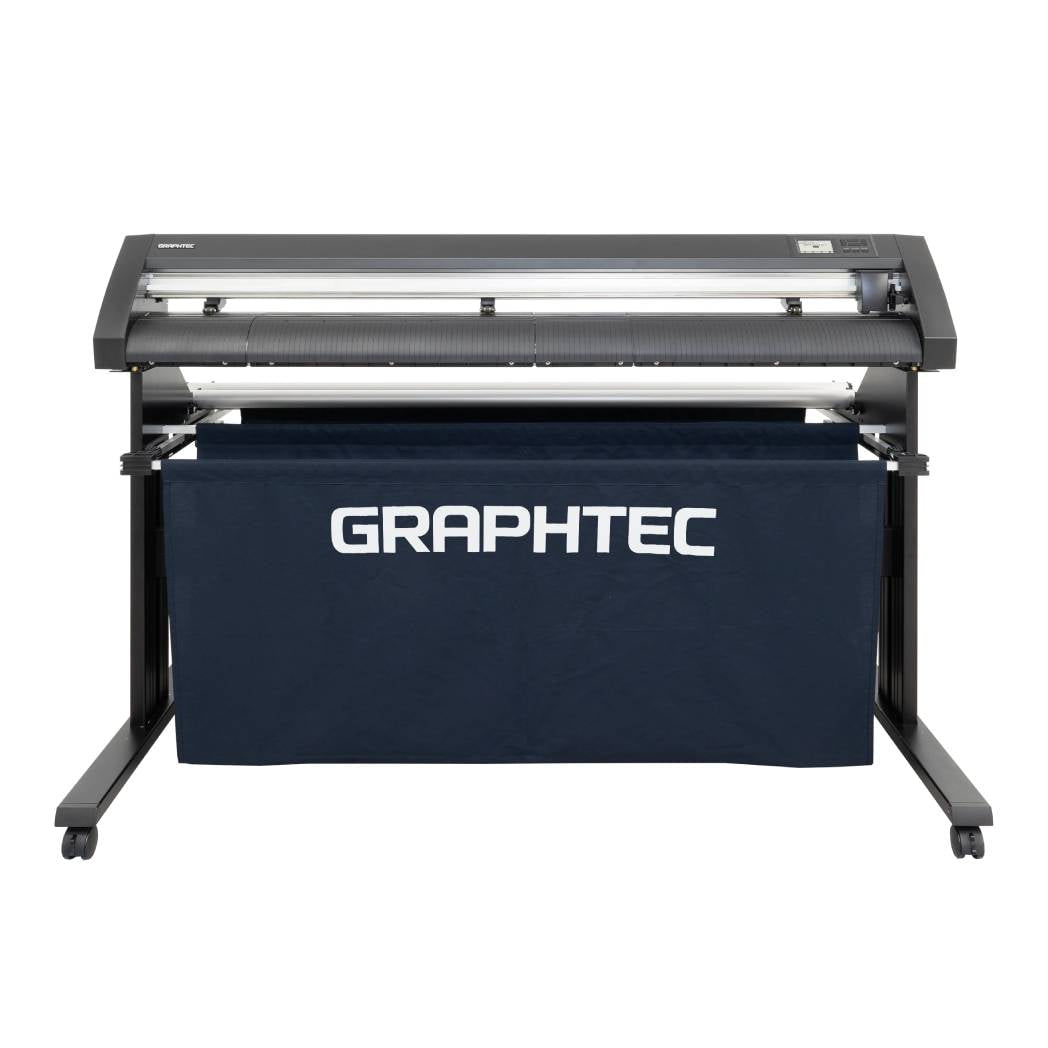
$134/month Graphtec AKZ Engineered for TINT/PPF with Stand, Media Basket and PPF Anti-electrostatic Kit.
- Sale price
- $134
- Regular price
- $159
$115/month PLYTRONIX Pneumatic PRO 64” with Anti-Static System, Large Format Auto High-Speed Cold/Hot Laminator for Signs, Graphics, Banners, Prints & More


$115/month PLYTRONIX Pneumatic PRO 64” with Anti-Static System, Large Format Auto High-Speed Cold/Hot Laminator for Signs, Graphics, Banners, Prints & More
- Sale price
- $115
- Regular price
- $195
12 Effective Ways To Improve Your Ricoh SP C840DN Color Laser Printer With Low Environmental Impact And Great Quality - Easy To Use Color Printer And Better For Your Business
REQUEST A MULTIFUNCTION COPIER QUOTATION
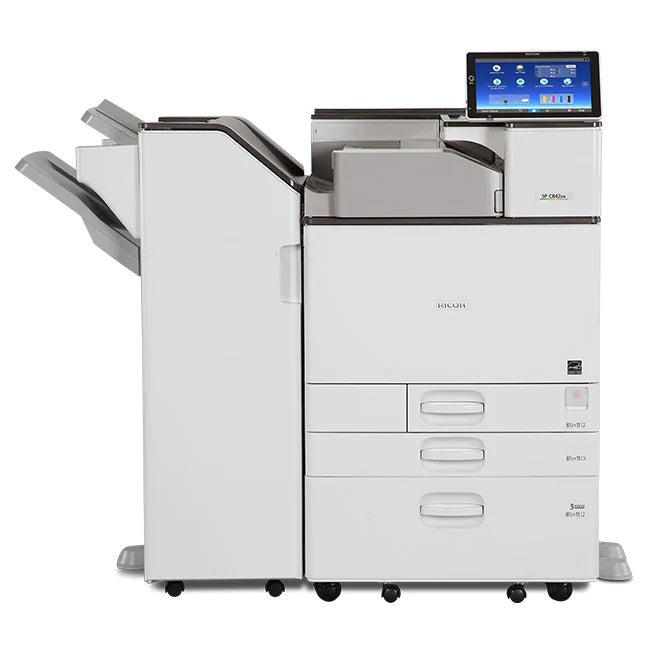
High Quality Ricoh SP C840DN Color Laser Printer
Call 905-326-2886 We are ready to help!
Lowest Copier Prices in Toronto !!!
Lease To Own a Multifunction Copier from $25/month
REQUEST A MULTIFUNCTION COPIER QUOTATION
Produce professional-quality colour documents internally with the SP C840DN Color Laser Printer to avoid the costs and delays associated with outsourcing. To ensure that your audience has vital information when they need it most, you should be able to produce up to 45 pages per minute (ppm), even in duplex mode. Replace toner and drums, reload paper, and refill it quickly without help from a technician.
Printer for Sale by Absolute Toner
- Prints up to 45 ppm
- 1200x1200 dpi max print resolution
- Paper capacity up to 4,700 pages
- Automatic duplex printing (standard)
- Color laser electro-photographic printing (technology)
- Use intuitive touchscreen to produce professional prints in house
High Quality Ricoh SP C840DN Color Laser Printer
Make a bigger impact for less money by using the RICOH SP C840DN to print high-volume, high-quality colour output at high speeds in-house. To consistently dazzle audiences, create eye-catching postcards, brochures, labels, point-of-sale displays, and much more. Utilize the sizable, entirely digital Smart Operation Panel to set shortcuts, automate print jobs, and customize workflows so you can easily share information and move on to the next opportunity. Utilizing cutting-edge mobile support and security, print with confidence and convenience. Make a more polished impression with cutting-edge finishing options. When everything is considered, this robust, flexible colour printer is the best light production tool for any office or workgroup.
Compel with quality color
Impress audiences with expert prints with a resolution of up to 1200 x 1200 dpi. Utilize our patented toner technology to create point-of-sale displays, labels, and postcards with sharper images and more vibrant colours. To save money on expensive reruns, preview your work on the touchscreen and make adjustments.
Add impact with more media
Presenting information in more ways will increase its impact. Use up to six paper sources to print 49.6" banners and personalised envelopes "With speed and accuracy, I can handle long, thick postcards, oversized booklets, and more. For longer runs, increase the paper capacity to 4,700 sheets. On SRA/12.6, include crop marks and colour bars "prints to enable more accurate proofing.
Finish in style, in house
To impress clients and cut costs on outsourcing, use the Internal Multi-Fold Unit to create a variety of professional folding patterns, such as tri-fold, A3 Z-fold, and V-folds. Simplify additional tasks, such as booklet finishing, hole punching, and saddle stitching. For any document set, add the optional 1,000-Sheet Hybrid Staple + Stapleless Finisher. To separate output, use the 4-Bin Mailbox. With the Attention Light, which visually alerts you to changes in the printer status for prompt attention, you can avoid interruptions and delays.
Get personal, stay productive
The 10.1" all-digital Smart Operation Panel, created with our ground-breaking Workstyle Innovation Technology, streamlines daily workflows so you can easily access vital information and complete print tasks with the same finger motions you use on your smartphone or tablet. Pick from a variety of user interfaces. Downloading apps from the Application Site will increase productivity. Even one-touch iconic workflow shortcuts are possible.
Low environmental impact and great quality
To save money and expand your business, print more marketing and sales materials on your own. Finishing options include booklet finishing, multi-folding, hole-punching, and saddle-stitching. You can avoid juggling paper trays thanks to the up to six paper sources. The touch screen Smart Operation Panel's user-friendly interface streamlines routine workflows. Access to mobile printing is simple without sacrificing convenience or security.

Expand what you can do in a smaller footprint
- Smart Operation Panel: Take your pick among multiple user interfaces on the 10.1" Super VGA Smart Operation Panel to simplify print tasks. Use the same finger movements you use on your personal mobile device to find information, create workflow shortcuts and automate manual steps. Download convenient apps from the Application Site to add unique features and one-touch functionality for specific tasks.
- USB/SD Card Slot: Print from or scan to portable media using the standard USB/SD Card Slot located conveniently on the control panel. Print TIFF, PDF or JPEG files from the removable media.
- User Authentication: Use embedded NFC technology and an optional NFC Card Reader to track user activity, set print quotas and restrict access to specific functions.
- Web Browser: Take advantage of the built-in web browser to search for web pages directly from the Smart Operation Panel and print them as PDF files.
- Automatic Duplexing: Produce two-sided documents to reduce paper usage and costs without compromising print speeds.
- PxP Toner Technology: Take advantage of smoother gradations, brighter colors and sharper text for exceptional image quality.
- Internal Multi-fold Unit (Optional): Automate four different types of folds, including tri-, Z- and V-folding to produce more types of professional output in-house.
- 3,000-Sheet Finisher (Optional): Create high volumes of professional quality document sets with multi-position stapling and an optional Hole Punch Unit.
- 320 GB Hard Disk Drive: Help protect your work with DataOverwriteSecurity System (DOSS), data encryption, Locked Print and more. Optional for the SP C840DN.
- Paper Trays and 100-Sheet Bypass Tray: Reduce reloads with two standard front-loading Paper Trays that hold 550 sheets each. The Bypass Tray holds an additional 100 sheets in sizes up to 12.6" x 49.6". Add an optional Banner Paper Guide Tray for impressive banner printing.
- Paper Feed Units (Optional): Choose the 1 x 550- Sheet Paper Tray or 2 x 550-Sheet Paper Tray to boost paper capacity to 2,300 sheets, including user-adjustable paper sizes for letter, legal, ledger and envelopes.
- Large Capacity Trays (Optional): Expand paper capacity with the 1,500-Sheet Side Large Capacity Tray. Add the 2,000-Sheet Large Capacity Tray for a maximum capacity of 4,700 sheets (with addition of 1 x 500-Sheet Paper Tray).
Control and customize your print experience
Make productivity a custom fit
Use what you know about your print environment and customers to add iconic shortcuts to automate workflows and avoid tedious, error-prone manual tasks. Take advantage of the same customizable Workstyle Innovation Technology capabilities you use on other new Ricoh devices, including the large 10.1" intuitive touchscreen control panel, mobile convenience and intelligent support, to expedite and simplify printing. Find critical information and make adjustments in moments. You can also add plug-and-play workflow software, such as RICOH Flex Release CX to automate your most advanced workflows so you can hit your next deadline along with your budgetary goals.
Move information, move yourself
With your smartphone or tablet, you can access information and work from anywhere. Now you can print from there, too. Download the RICOH Smart Device Connector app and print from the SP C840DN without adding software, drivers or utilities. Simply touch your mobile device to the Near Field Communication (NFC) tag, use Bluetooth or activate a QR code to get started. Use the embedded Web Browser to access information from cloud application sites, such as Google Drive or Dropbox, in moments without expensive on-premises storage solutions. Grant visitors the same freedom without compromising security. In fact, you can use an optional second network port to connect the printer to multiple networks simultaneously and assign specific users and guests accordingly.
Move information quickly and securely
Add more finishing in a smaller footprint
Look like you know what you’re doing — while doing less of the work yourself. Choose from a wide range of automated finishing options to add a professional look and feel to your most important output without compromising floor space. Use the Internal Multi-fold Unit to automate four different types of folds, including tri-folds and z-folds, and eliminate expensive and time-consuming manual folding or outsourcing. Prepare invoices and other documents for insertion in envelopes. Create your own complex direct mailers. You can also simplify other finishing tasks, such as stapling, hole punching, saddle stitching, booklet finishing and more, to expedite production and minimize errors even more. With the optional 1,000-Sheet Hybrid Staple + Staple less Finisher, you can choose staple-free document sets you’re printing for children or food-based industries.
Get information to the right people
Use the SP C840DN to share information with more people — and to help protect information. Have users login to the device with a passcode or add the optional NFC card reader for ID card swiping, and restrict access to important information and print functions. Add optional software such as RICOH Device Manager NX Accounting to issue chargebacks to specific workgroups or individuals. Set color print quotas or restrict color prints entirely for users who print only reports, emails and other basic documents. Use Locked Print to hold prints until the authorized user releases them to minimize forgotten prints and to help protect confidential information from passersby. Add watermarks to prevent audiences from copying sensitive information on other devices.
Save your energy, along with the planet
Saving energy and protecting the environment should come automatically. Now it does with the SP C840DN. The printer is ENERGY STAR certified, meets EPEAT Gold criteria and offers Typical Electricity Consumption (TEC) of 1.7 kWh/week for the SP C840DN. Set duplex printing as the default to reduce paper costs. Use Sleep Mode to minimize energy costs. For longer periods of inactivity, you can program the device to shut off entirely when you know the office will be empty. Take advantage of an Eco-Friendly Indicator screen to track eco-saving statistics, including paper usage or to send users responsible printing reminders.
MANY MORE BUSINESS OFFICE MACHINES AND LASER COPIER FAX 11X17 PRINTERS ARE AVAILABLE FROM XEROX SAMSUNG LEXMARK HP HEWLETT PACKARD TOSHIBA CANON IMAGERUNNER ADVANCE MINOLTA BIZHUB KYOCERA MITA RICOH BROTHER AND MORE WWW.ABSOLUTETONER.COM
Servicing the G.T.A. and Surrounding Areas
Brampton, Burlington, Etobicoke, Halton Hills, Markham, Milton, Mississauga, North York, Oakville, Richmond Hill, Scarborough, Toronto, Vaughan, Pickering, New Market, Maple
Color Copiers, used photocopiers, Repossessed copiers, Epson printer, used office copier, used office printer, copier rental, photocopier rental, copier lease, Rent a copier, Lease a copier, hp printer, Lexmark printer, Buy copier, Mono Printer, Buy copier, Brampton, printer machine epson, Lease copier Brampton, xerox color printer, epson machine, photocopier leasing, new copier, lightly used copier, hp printer machine, laser printer, Ricoh copiers, Xerox printer, toronto copiers, cheap copiers, cheap printers, toronto copier, desktop printer, office copier, office photocopier, repossessed copier, epson workforce printer canada, repossessed photocopier, color laser printer canada, xerox printer with scanner, copier warranty, photocopier warranty, Copier service.
- Choosing a selection results in a full page refresh.