Menu

Trending Top Sellers
HP DeskJet 4132e All-in-One Printer Includes Six Months of FREE Ink Through HP Ink Replacement Program and HP 1 Year Extended Warranty


Sale


HP DeskJet 4132e All-in-One Printer Includes Six Months of FREE Ink Through HP Ink Replacement Program and HP 1 Year Extended Warranty
- Sale price
- $75
- Regular price
- $149
New Prestige R2 PRO 13" Media Roll DTF Printer 110V A3 (Dual Epson i1600 Print Heads) - Includes Prestige R2 Pro DTF Printer, Startup Package and Accessories


Sale


New Prestige R2 PRO 13" Media Roll DTF Printer 110V A3 (Dual Epson i1600 Print Heads) - Includes Prestige R2 Pro DTF Printer, Startup Package and Accessories
- Price
- From $198
New Prisma Auto Clam Slider 110V 16X20" Inch DTF Heat-Press GS-105HS-Grey/Black With Auto Open Slider Feature And Pressure Sensor


Sale


New Prisma Auto Clam Slider 110V 16X20" Inch DTF Heat-Press GS-105HS-Grey/Black With Auto Open Slider Feature And Pressure Sensor
- Sale price
- $1,398
- Regular price
- $1,499
Cap Heat Press (PROMO: Including 5 Cap Press Lower Platen) Curved For Baseball Hats and Caps DTF Station Galaxy GS-501


Sale


Cap Heat Press (PROMO: Including 5 Cap Press Lower Platen) Curved For Baseball Hats and Caps DTF Station Galaxy GS-501
- Sale price
- $695
- Regular price
- $895
New Prestige R2 13" DTF Printer Bundle - Includes Prestige R2 DTF Printer, Startup Package and Accessories

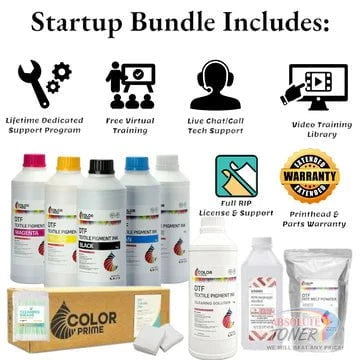

New Prestige R2 13" DTF Printer Bundle - Includes Prestige R2 DTF Printer, Startup Package and Accessories
- Price
- From $167
New Prestige R1 13" DTF Printer Bundle - Includes Prestige R1 DTF Printer, Startup Package and Compatible Machine Options


Sale


New Prestige R1 13" DTF Printer Bundle - Includes Prestige R1 DTF Printer, Startup Package and Compatible Machine Options
- Price
- From $116
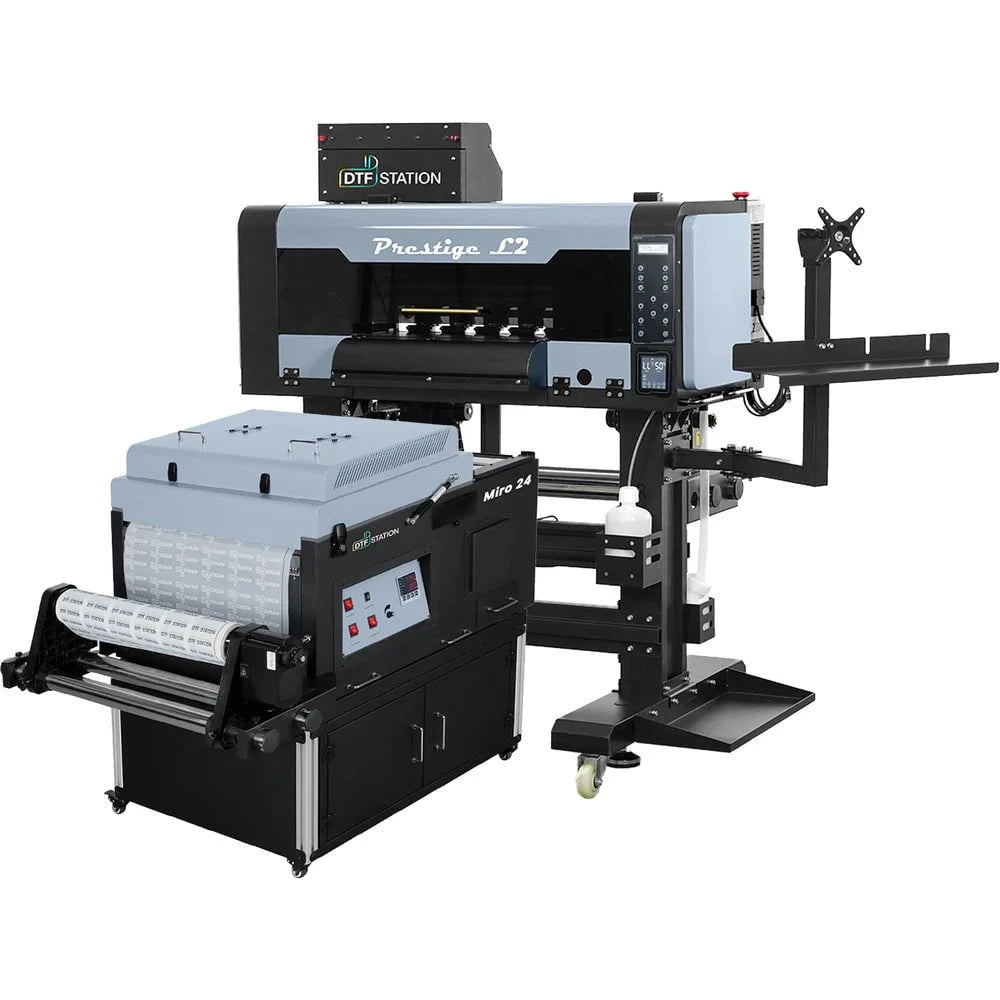
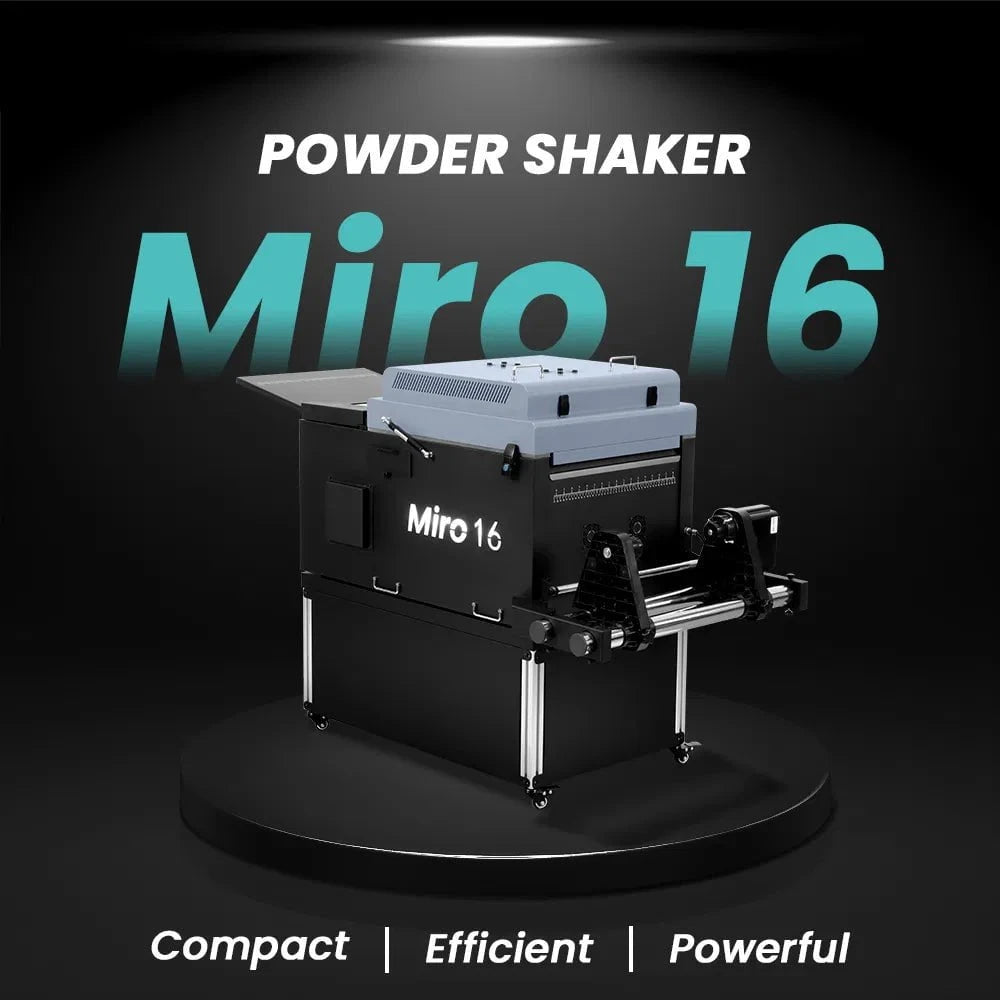
$323/month Prestige L2 18.5" DTF Printer Dual i3200 with Miro 16 Automatic Powder Applicator/Shaker oven and Built-In Oven
Sale
$323/month Prestige L2 18.5" DTF Printer Dual i3200 with Miro 16 Automatic Powder Applicator/Shaker oven and Built-In Oven
- Sale price
- $323
- Regular price
- $483
Prestige XL2 24" DTF Printer with optional Bundle Accessories (Shaker/Oven/Purifier)


Sale


Prestige XL2 24" DTF Printer with optional Bundle Accessories (Shaker/Oven/Purifier)
- Price
- From $342
$398/Month 9-Colour BUNDLE 24" Prestige XL2 PRO New DTF Station Printer with MIRO 24 Automatic Powder Applicator/Shaker/Oven/Purifier


Sale


$398/Month 9-Colour BUNDLE 24" Prestige XL2 PRO New DTF Station Printer with MIRO 24 Automatic Powder Applicator/Shaker/Oven/Purifier
- Sale price
- $398
- Regular price
- $520
$195/month BRAND NEW DTF Station Aries 213 UV DTF with i3200HD Printer 2-in-1 Printing and Laminating With Exceptional Colour Accuracy


Sale


$195/month BRAND NEW DTF Station Aries 213 UV DTF with i3200HD Printer 2-in-1 Printing and Laminating With Exceptional Colour Accuracy
- Sale price
- $195
- Regular price
- $250
$449/month - Aries 124 – 24" (60cm) Commercial UV DTF Printer with Automatic Lamination


Sale


$449/month - Aries 124 – 24" (60cm) Commercial UV DTF Printer with Automatic Lamination
- Sale price
- $28,880
- Regular price
- $39,995
$91/mo. Auto-Feed and Cut 16pt. 13x19 (400GSM) - Business Cards, Door Hangers, Labels, Decals, Gift Boxes, Thermal Transfer and more...


Sale


$91/mo. Auto-Feed and Cut 16pt. 13x19 (400GSM) - Business Cards, Door Hangers, Labels, Decals, Gift Boxes, Thermal Transfer and more...
- Sale price
- $91
- Regular price
- $117
$174/Month 4ftx8ft IN-STOCK Plytronix Pneumatic Flatbed Laminator Applicator Smart Mounting Table with LED Mounting and Laminating


Sale


$174/Month 4ftx8ft IN-STOCK Plytronix Pneumatic Flatbed Laminator Applicator Smart Mounting Table with LED Mounting and Laminating
- Sale price
- $174
- Regular price
- $299
$195/Month 5ftx11ft IN-STOCK Plytronix Pneumatic Flatbed Laminator Applicator Smart Mounting Table with LED Mounting and Laminating

Sale

$195/Month 5ftx11ft IN-STOCK Plytronix Pneumatic Flatbed Laminator Applicator Smart Mounting Table with LED Mounting and Laminating
- Sale price
- $195
- Regular price
- $265
$125/month JAGUAR 70" AUTOMOTIVE SPECIAL EDITION PPF/TINT Cutter Plotter with Anti-Static kit and Tint Velvet Film.


Sale


$125/month JAGUAR 70" AUTOMOTIVE SPECIAL EDITION PPF/TINT Cutter Plotter with Anti-Static kit and Tint Velvet Film.
- Sale price
- $125
- Regular price
- $179
$94/month 50" JAGUAR AUTOMOTIVE SPECIAL EDITION TINT/PPF V-LX J5-101LX-SE Cutter Plotter with Anti-Static kit and Tint Velvet Film.

Sale

$94/month 50" JAGUAR AUTOMOTIVE SPECIAL EDITION TINT/PPF V-LX J5-101LX-SE Cutter Plotter with Anti-Static kit and Tint Velvet Film.
- Sale price
- $94
- Regular price
- $145
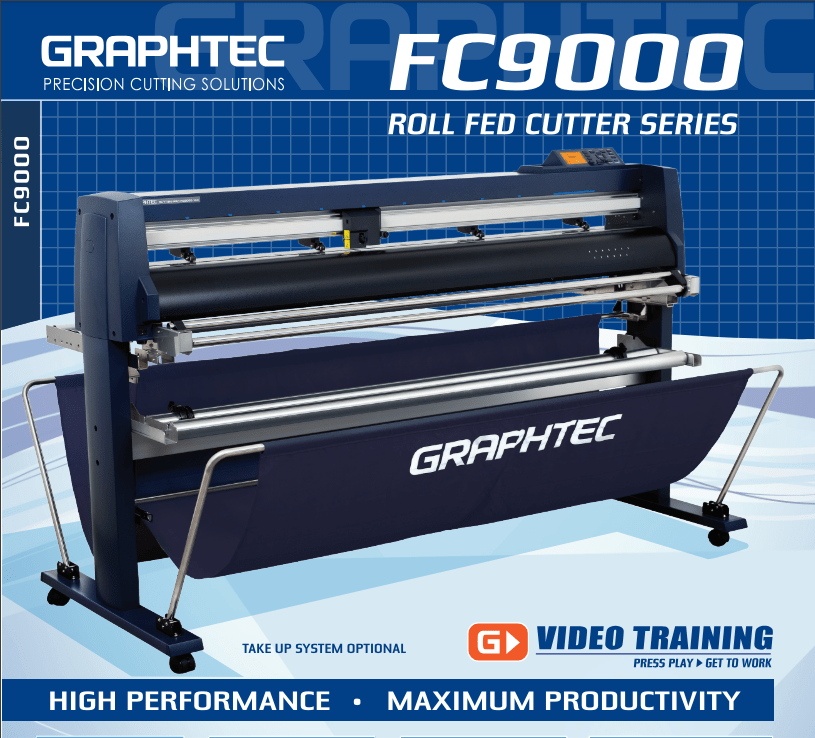
42'' Graphtec FC9000-100 For the Automotive Professionals with 50 ft accurate tracking of Window Tint Film & Vinyl, Roll-fed Cutting Plotter
Sale
42'' Graphtec FC9000-100 For the Automotive Professionals with 50 ft accurate tracking of Window Tint Film & Vinyl, Roll-fed Cutting Plotter
- Sale price
- $129
- Regular price
- $169
$189/MONTH NEW 64" Graphtec FC9000-160 For Automotive Professionals with 50 ft accurate tracking of Window Tint, PPF Film & Vinyl. Roll-fed Cutting Plotter

Sale

$189/MONTH NEW 64" Graphtec FC9000-160 For Automotive Professionals with 50 ft accurate tracking of Window Tint, PPF Film & Vinyl. Roll-fed Cutting Plotter
- Sale price
- $189
- Regular price
- $249
$134/month Graphtec AKZ Engineered for TINT/PPF with Stand, Media Basket and PPF Anti-electrostatic Kit.
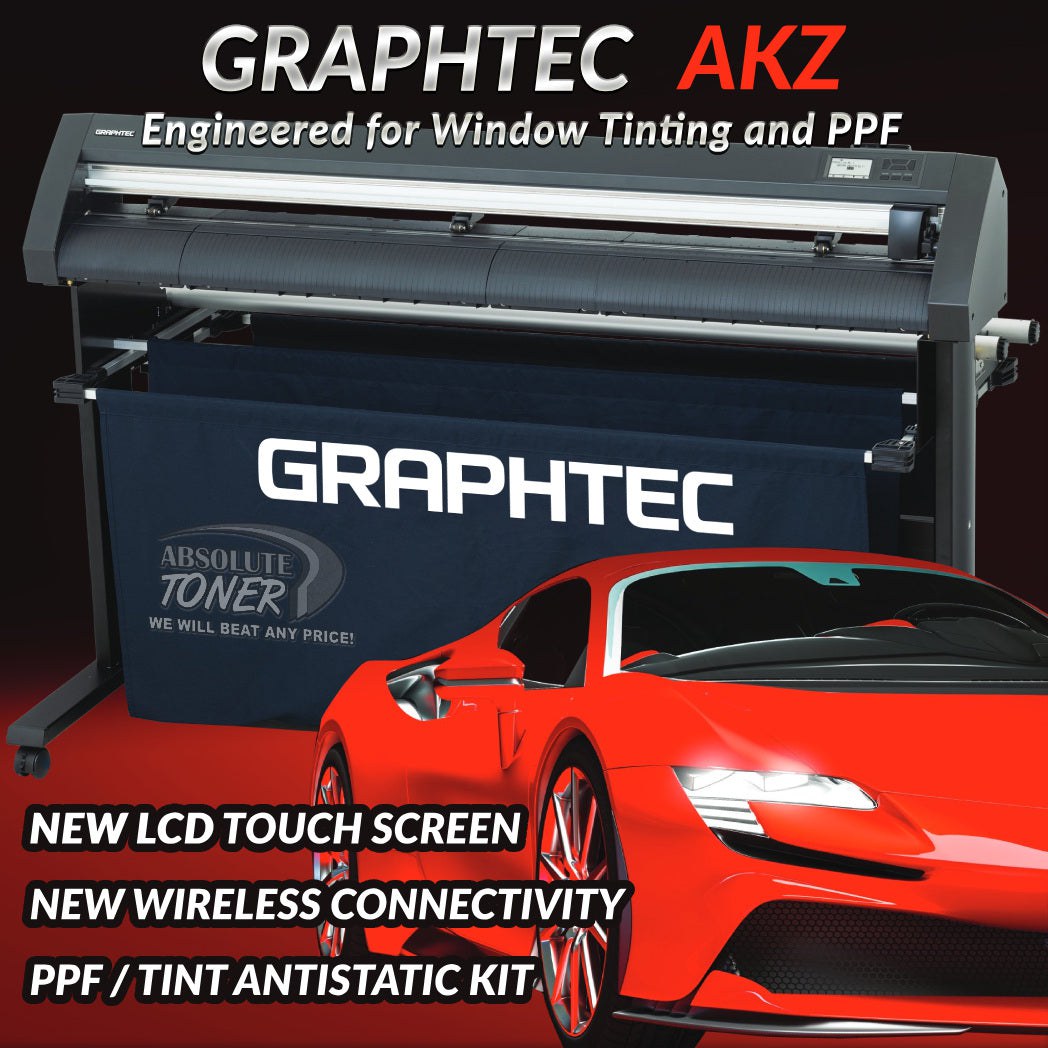
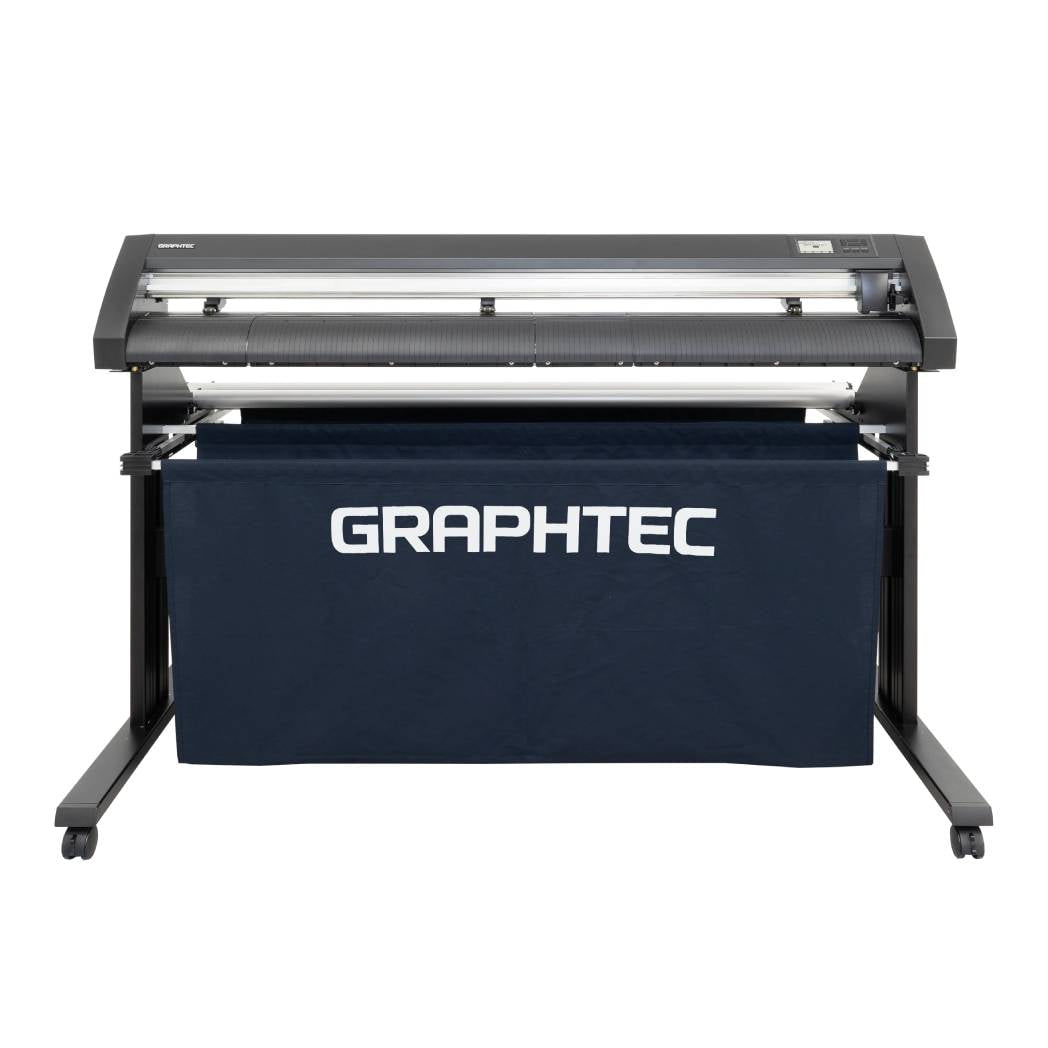
$134/month Graphtec AKZ Engineered for TINT/PPF with Stand, Media Basket and PPF Anti-electrostatic Kit.
- Sale price
- $134
- Regular price
- $159
$115/month PLYTRONIX Pneumatic PRO 64” with Anti-Static System, Large Format Auto High-Speed Cold/Hot Laminator for Signs, Graphics, Banners, Prints & More


$115/month PLYTRONIX Pneumatic PRO 64” with Anti-Static System, Large Format Auto High-Speed Cold/Hot Laminator for Signs, Graphics, Banners, Prints & More
- Sale price
- $115
- Regular price
- $195
A Comprehensive Guide to Comparing Printer Prices

Are you in the market for a new printer but unsure which one to choose? With so many options available, it can be overwhelming to find the perfect printer that meets your needs and fits within your budget. In this comprehensive guide, we will walk you through the process of comparing printer prices, helping you make an informed decision. Whether you need a printer for personal use or for your business, this guide will provide valuable insights to simplify your purchasing journey.
Table of Contents
- Introduction
- Factors to Consider When Comparing Printer Prices
- 2.1 Print Technology
- 2.2 Print Speed
- 2.3 Print Quality
- 2.4 Connectivity Options
- 2.5 Paper Handling
- 2.6 Cost of Consumables
- 2.7 Additional Features
- Understanding Printer Price Ranges
- 3.1 Entry-Level Printers
- 3.2 Mid-Range Printers
- 3.3 High-End Printers
- Where to Find Printer Prices
- 4.1 Online Retailers
- 4.2 Local Electronics Stores
- 4.3 Manufacturer Websites
- 4.4 Comparison Websites
- Making a Decision
- Conclusion
- FAQs (Frequently Asked Questions)
1. Introduction
Printers come in various shapes, sizes, and functionalities, making it crucial to compare prices before making a purchase. By considering multiple factors and understanding the printer price ranges, you can ensure that you get the best value for your money. This guide will provide you with the necessary knowledge to make an informed decision based on your specific requirements.
2. Factors to Consider When Comparing Printer Prices
When comparing printer prices, it's important to evaluate several factors to ensure that the printer you choose meets your needs. Here are some key factors to consider:
2.1 Print Technology
Different printers use different print technologies, such as inkjet or laser. Inkjet printers are generally more affordable, making them a popular choice for home use, while laser printers are known for their fast and high-quality printing, making them suitable for businesses that require high-volume printing.
2.2 Print Speed
The print speed of a printer is an essential factor to consider, especially if you have a large volume of printing tasks. Print speed is measured in pages per minute (PPM), and it determines how quickly the printer can produce prints. If you require fast printing, opt for a printer with a higher PPM rating.
2.3 Print Quality
Print quality refers to the resolution and clarity of the prints. It is measured in dots per inch (DPI). If you need to print documents or photos with high detail and sharpness, look for printers with higher DPI ratings.
2.4 Connectivity Options
Consider the connectivity options available on the printer. USB and Wi-Fi connectivity are common features, allowing you to connect your printer to multiple devices, such as computers, laptops, and smartphones. Some printers also support cloud printing, enabling you to print documents directly from your cloud storage accounts.
2.5 Paper Handling
Evaluate the paper handling capabilities of the printer. Check the supported paper sizes, paper tray capacity, and whether the printer has automatic duplexing (double-sided printing) functionality. If you frequently print on different paper sizes or require double-sided printing, choose a printer that can accommodate these needs.
2.6 Cost of Consumables
Consider the cost of consumables, such as ink cartridges or toner cartridges, as they contribute to the overall cost of printing. Some printers have more affordable consumables, while others may have higher ongoing costs. Look for printers that offer a good balance between upfront costs and long-term consumable expenses.
2.7 Additional Features
Take note of any additional features that might be important to you. This could include built-in scanners, automatic document feeders (ADFs) for multi-page scanning or copying, touchscreen displays, memory card slots for direct printing, or compatibility with mobile printing apps.
3. Understanding Printer Price Ranges
Printer prices can vary significantly depending on their features, capabilities, and brand. Here's an overview of the three main printer price ranges:
3.1 Entry-Level Printers
Entry-level printers are typically the most affordable option. They are suitable for basic printing needs, such as printing documents and occasional photos. While they may lack advanced features, they can still deliver satisfactory results for everyday use.
3.2 Mid-Range Printers
Mid-range printers offer a balance between affordability and advanced features. They are suitable for small businesses or individuals who require additional functionalities like wireless connectivity, higher print speeds, or better print quality.
3.3 High-End Printers
High-end printers are designed for professional use and often come with a higher price tag. These printers offer advanced features, exceptional print quality, faster print speeds, and robust paper handling capabilities. They are suitable for businesses with high-volume printing needs or professionals who require precise and detailed prints.
4. Where to Find Printer Prices
When comparing printer prices, consider the following sources:
4.1 Online Retailers
Online retailers like Amazon, Best Buy, and Staples offer a wide range of printer options and competitive pricing. They also provide customer reviews and ratings to help you make an informed decision.
4.2 Local Electronics Stores
Visit local electronics stores to see printers in person and get hands-on experience. Sales representatives can provide valuable insights and recommendations based on your requirements.
4.3 Manufacturer Websites
Check the official websites of printer manufacturers like HP, Canon, Epson, and Brother. These websites often have detailed product information, pricing, and promotions.
4.4 Comparison Websites
Utilize comparison websites that aggregate prices from multiple retailers. They allow you to compare prices, features, and customer reviews in one place, simplifying the decision-making process.
5. Making a Decision
Once you have compared printer prices, considered the important factors, and identified printers within your desired price range, it's time to make a decision. Assess your specific requirements, budget, and long-term printing needs. Choose a printer that best aligns with your needs, providing the right balance between affordability, features, and print quality.
6. Conclusion
Comparing printer prices is an essential step in finding the right printer for your needs. By considering factors such as print technology, print speed, print quality, connectivity options, paper handling, cost of consumables, and additional features, you can make an informed decision. Remember to evaluate multiple sources, such as online retailers, local electronics stores, manufacturer websites, and comparison websites, to find the best deals. With this comprehensive guide, you're now equipped to compare printer prices confidently and choose a printer that meets your requirements.
FAQs (Frequently Asked Questions)
Q1: How do I determine which print technology is suitable for my needs?
- Consider your printing requirements, such as the volume of printing, need for color prints, and desired print quality. Inkjet printers are suitable for most personal and small business needs, while laser printers excel in high-volume printing and professional-quality prints.
Q2: Are there any ongoing costs associated with printers?
- Yes, printers require consumables like ink cartridges or toner cartridges, which have ongoing costs. Consider the cost of these consumables when comparing printer prices.
Q3: Can I print directly from my smartphone or tablet?
- Many modern printers offer wireless connectivity and support for mobile printing apps. Check the printer specifications to ensure compatibility with your mobile devices.
Q4: What is the advantage of automatic duplexing?
- Automatic duplexing allows for double-sided printing without manual intervention, saving paper and reducing printing costs.
Q5: How can I find the best deals on printers?
- Compare prices from different sources, including online retailers, local stores, and manufacturer websites. Consider promotions, discounts, and customer reviews to find the best deals.
- Choosing a selection results in a full page refresh.