Menu

Ready to Take Your Print Business to the Next Level?
Large Format & Digital Printers
Contact Us Today For a Quote


Trending Top Sellers
$890/month NEW Mimaki 64" Hybrid – Complete Turnkey Package | UJ330H-160 Hybrid UV-LED Printer


$890/month NEW Mimaki 64" Hybrid – Complete Turnkey Package | UJ330H-160 Hybrid UV-LED Printer
From $133/month New Prestige R2 PRO 13.75" WITH CUTTER DTF Printer 110V A3+ with Bundle options


Sale


From $133/month New Prestige R2 PRO 13.75" WITH CUTTER DTF Printer 110V A3+ with Bundle options
- Price
- From $8.95
$99/Month - (FREE SHAKER) DTF x2 Epson Print Heads (110V) YINSTAR A3 13" DTF PRINTER


Sale


$99/Month - (FREE SHAKER) DTF x2 Epson Print Heads (110V) YINSTAR A3 13" DTF PRINTER
- Sale price
- $99
- Regular price
- $185
From $98/month - New Prestige R1 13" DTF Printer Bundle - Includes Prestige R1 DTF Printer, Startup Package and Compatible Machine Options


Sale


From $98/month - New Prestige R1 13" DTF Printer Bundle - Includes Prestige R1 DTF Printer, Startup Package and Compatible Machine Options
- Price
- From $8.95
$99/month - JAGUAR 70" AUTOMOTIVE SPECIAL EDITION PPF/TINT Cutter Plotter with Anti-Static kit and Tint Velvet Film.


Sale


$99/month - JAGUAR 70" AUTOMOTIVE SPECIAL EDITION PPF/TINT Cutter Plotter with Anti-Static kit and Tint Velvet Film.
- Sale price
- $99
- Regular price
- $145
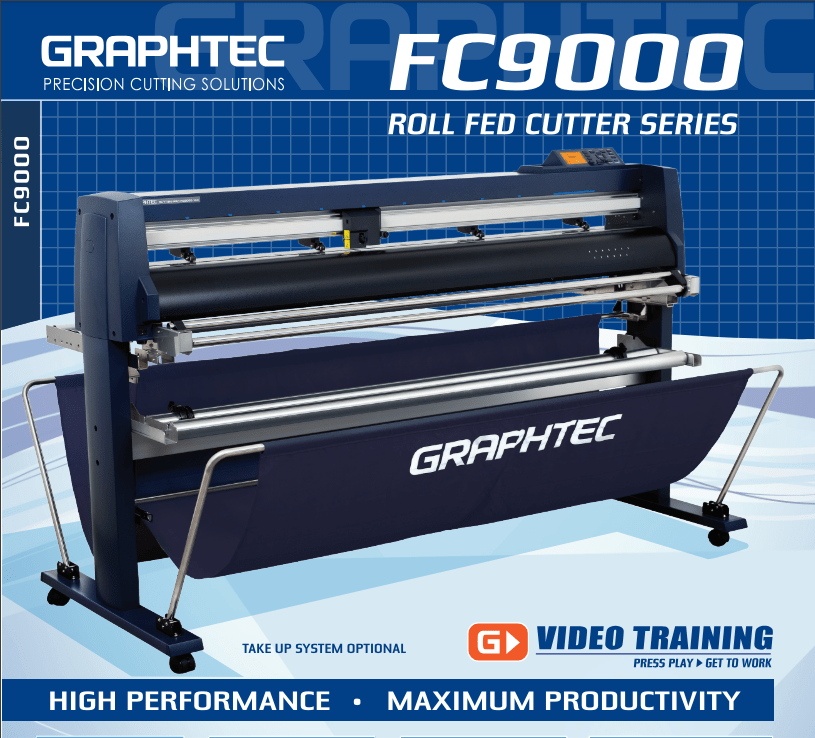
$165/MONTH NEW 64" Graphtec FC9000-160 For Automotive Professionals with 50 ft accurate tracking of Window Tint, PPF Film & Vinyl. Roll-fed Cutting Plotter

Sale

$165/MONTH NEW 64" Graphtec FC9000-160 For Automotive Professionals with 50 ft accurate tracking of Window Tint, PPF Film & Vinyl. Roll-fed Cutting Plotter
- Sale price
- $165
- Regular price
- $225
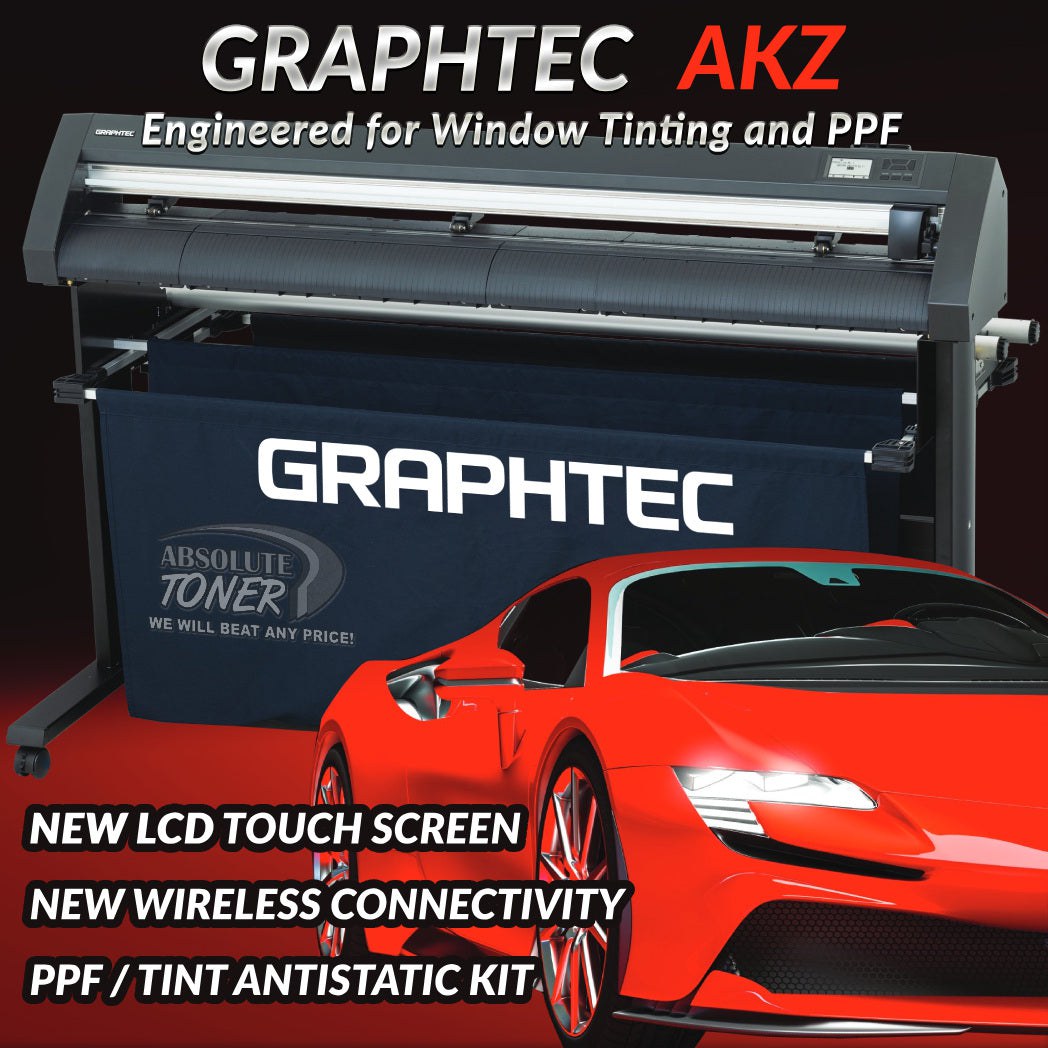
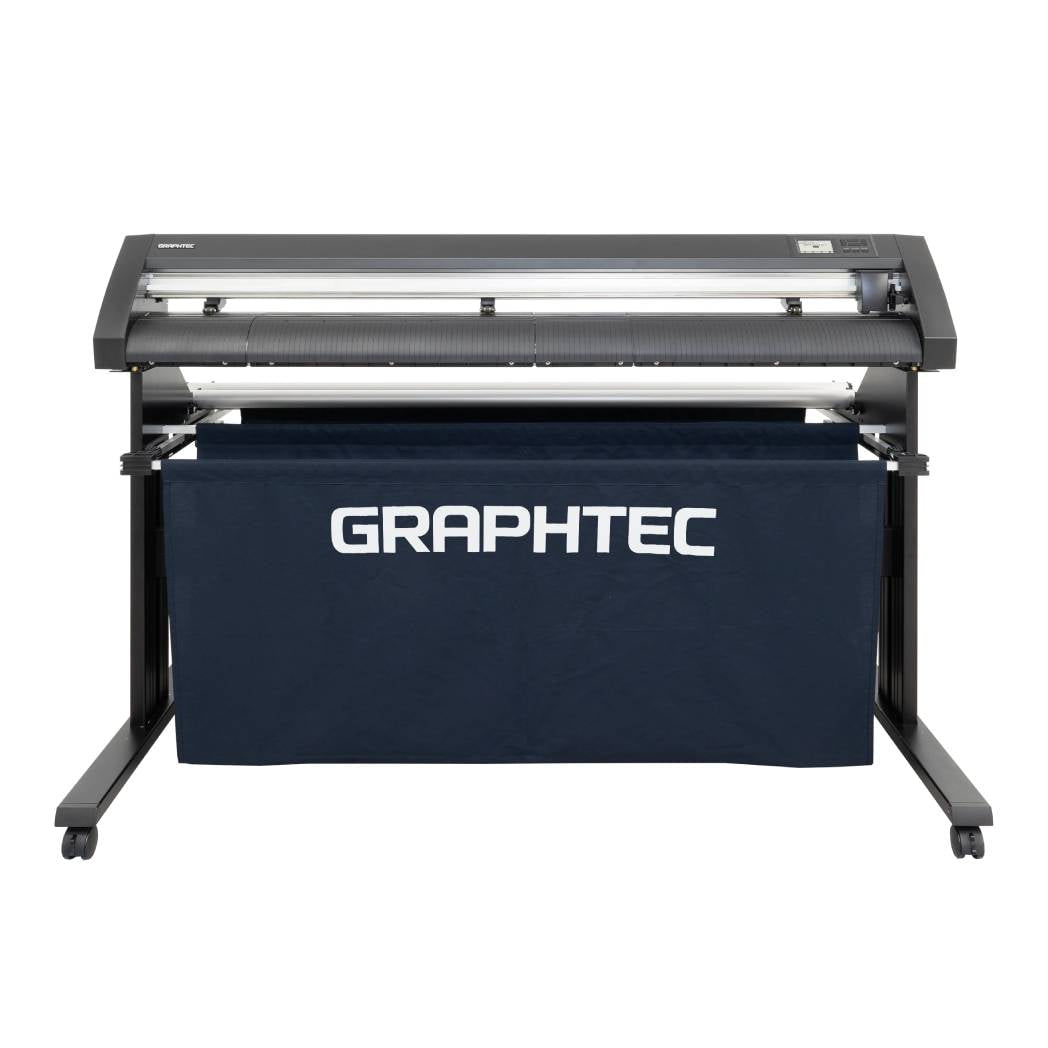
$99/month NEW 51" GRAPHTEC AUTOMOTIVE MODEL WINDOW TINT/PPF ANTI-STATIC KIT Stand, Basket
Sale
$99/month NEW 51" GRAPHTEC AUTOMOTIVE MODEL WINDOW TINT/PPF ANTI-STATIC KIT Stand, Basket
- Sale price
- $99
- Regular price
- $145
$95/month PLYTRONIX Pneumatic PRO 64” with Anti-Static System, Large Format Auto High-Speed Cold/Hot Laminator for Signs, Graphics, Banners, Prints & More


Sale


$95/month PLYTRONIX Pneumatic PRO 64” with Anti-Static System, Large Format Auto High-Speed Cold/Hot Laminator for Signs, Graphics, Banners, Prints & More
- Sale price
- $95
- Regular price
- $165
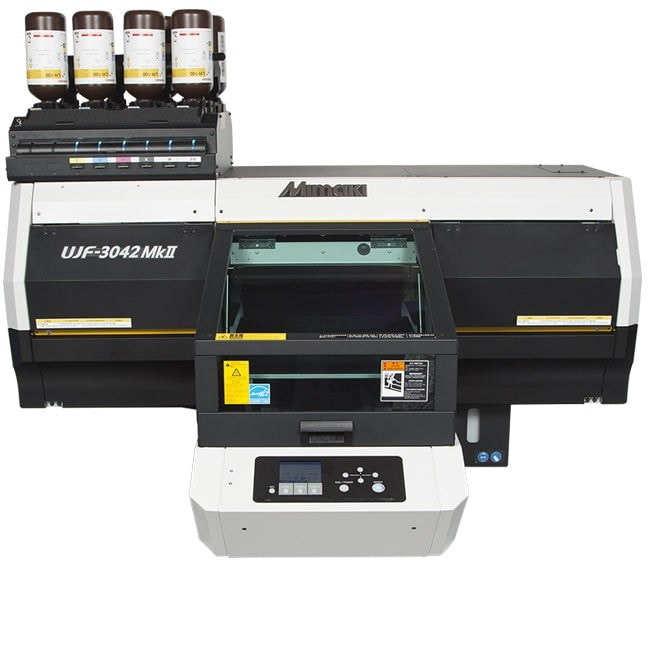
$249/Month Pre-Owned Mimaki UJF-3042MKII UV-LED Curable Flatbed Printer - REPO Excellent condition
Sale
$249/Month Pre-Owned Mimaki UJF-3042MKII UV-LED Curable Flatbed Printer - REPO Excellent condition
- Sale price
- $249
- Regular price
- $525
$495/month Mimaki 23.4"x16.5" UJF-6042MkII UV-LED Flatbed UV Printer - REPO LIKE NEW UJF-6042 MkII


Sale


$495/month Mimaki 23.4"x16.5" UJF-6042MkII UV-LED Flatbed UV Printer - REPO LIKE NEW UJF-6042 MkII
- Sale price
- $495
- Regular price
- $843
$50/month Plytronix Pneumatic Cold Semi-Automatic Applicator Laminator - Air Cylinder Roller – Ideal for Media lamination & Versatile Board Applications


Sale


$50/month Plytronix Pneumatic Cold Semi-Automatic Applicator Laminator - Air Cylinder Roller – Ideal for Media lamination & Versatile Board Applications
- Sale price
- $50
- Regular price
- $115
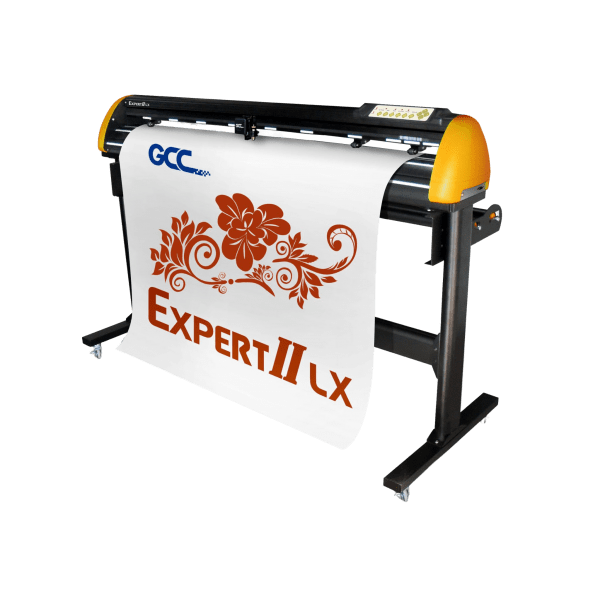
NEW 57" GCC AMERICA Expert II LX WINDOW TINTING/PPF/Vinyl Plotter EX-II LX Windows Tint Cutter With Contour Cutting.
![Absolute Toner [52"] New GCC Professional Expert II 52" Wide LX Vinyl Cutter Plotter With Aligning System For Contour Cutting Vinyl Cutters](//www.absolutetoner.com/cdn/shop/files/gcc-expert-ii-1_1_658735c6-5354-4ac6-b32b-155baab50410.jpg?v=1696875559)
Sale
![Absolute Toner [52"] New GCC Professional Expert II 52" Wide LX Vinyl Cutter Plotter With Aligning System For Contour Cutting Vinyl Cutters](http://www.absolutetoner.com/cdn/shop/files/gcc-expert-ii-1_1_658735c6-5354-4ac6-b32b-155baab50410.jpg?v=1696875559)
NEW 57" GCC AMERICA Expert II LX WINDOW TINTING/PPF/Vinyl Plotter EX-II LX Windows Tint Cutter With Contour Cutting.
- Price
- From $39.95
Yinstar A3 Multifunction UV-DTF Flatbed Printer with Epson Heads for Glass Bottles, Mugs, Phone Cases and more


Sale


Yinstar A3 Multifunction UV-DTF Flatbed Printer with Epson Heads for Glass Bottles, Mugs, Phone Cases and more
- Sale price
- $5,950
- Regular price
- $9,995
$366/month Mimaki UCJV300-160 64" Inch UV Light Curable Inkjet Printer And Cutting Plotter - Demo Unit


$366/month Mimaki UCJV300-160 64" Inch UV Light Curable Inkjet Printer And Cutting Plotter - Demo Unit
- Price
- $366
New Mimaki TxF300-75 31.5" DTF PRINTER (DIRECT-TO-FILM) Printer Dual Print Heads 1440dpi Print Resolution with optional Shaker


New Mimaki TxF300-75 31.5" DTF PRINTER (DIRECT-TO-FILM) Printer Dual Print Heads 1440dpi Print Resolution with optional Shaker
$136/Month New Miro 36 DTF Powder Shaker For Mimaki TxF150-75, TXF300, Epson SureColor G6070C, Roland TY-300i


Sale


$136/Month New Miro 36 DTF Powder Shaker For Mimaki TxF150-75, TXF300, Epson SureColor G6070C, Roland TY-300i
- Sale price
- $156
- Regular price
- $210
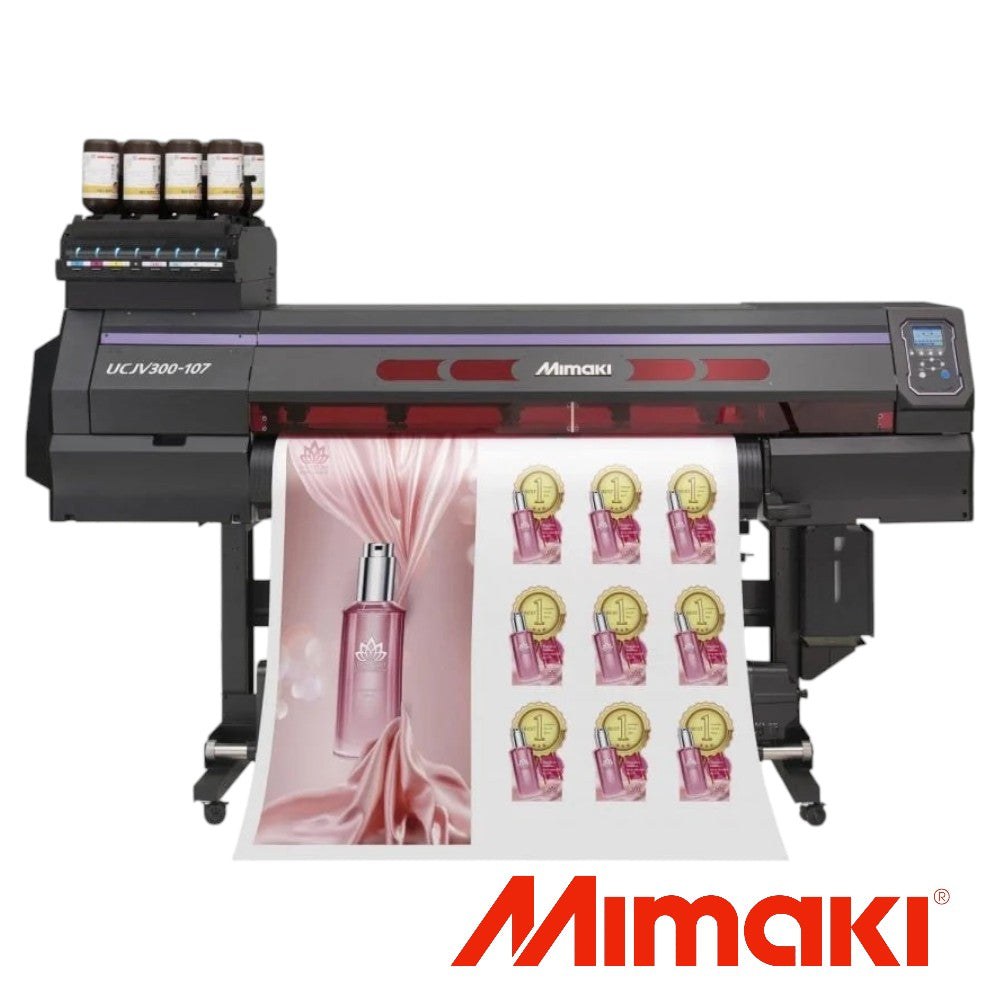
$247/month 42" Mimaki UCJV300-107 2 New Original Heads UV-LED Large Format Printer/Cutter (Print/Cut)

Sale

$247/month 42" Mimaki UCJV300-107 2 New Original Heads UV-LED Large Format Printer/Cutter (Print/Cut)
- Sale price
- $247
- Regular price
- $495
$285/month - PRE-OWNED Mimaki UCJV300-160 UV-LED 64 inch Wide Format Printer/Cutter (PRINT/CUT)


Sale


$285/month - PRE-OWNED Mimaki UCJV300-160 UV-LED 64 inch Wide Format Printer/Cutter (PRINT/CUT)
- Sale price
- $285
- Regular price
- $32,000
$398/month NEW DEMO UV 64" 1 YR WARRANTY Mimaki UCJV300-160 UV-LED 64 inch Wide Format Printer/Cutter (PRINT/CUT)
Sale
$398/month NEW DEMO UV 64" 1 YR WARRANTY Mimaki UCJV300-160 UV-LED 64 inch Wide Format Printer/Cutter (PRINT/CUT)
$472/Month – iMaxCan 8FT x 4FT UV Flatbed Printer with 3 NEW GEN5 heads| High-Precision Large Format Printing for Industrial Applications


$472/Month – iMaxCan 8FT x 4FT UV Flatbed Printer with 3 NEW GEN5 heads| High-Precision Large Format Printing for Industrial Applications
- Sale price
- $29,850
- Regular price
- $65,000
A Step-by-Step Guide to Maintaining Your Direct to Film Transfer Printer

Are you a printing enthusiast or a professional screen printer who relies on a direct to film transfer printer? If so, you understand the importance of keeping your printer in optimal condition to ensure consistent and high-quality prints. This comprehensive guide will walk you through the step-by-step process of maintaining your direct to film transfer printer, helping you achieve remarkable results with every print.
1. Introduction
Before diving into the maintenance process, let's briefly discuss what a direct to film transfer printer is and why it is vital to keep it well-maintained. Direct to film transfer printers are specialized devices that allow screen printers to create high-resolution film positives directly from digital files. These films are then used for creating stencils for screen printing. By properly maintaining your printer, you can avoid potential issues, such as poor print quality, ink clogs, and costly downtime.
2. Understanding Direct to Film Transfer Printers
Direct to film transfer printers utilize advanced printing technology to produce accurate and detailed film positives. They use specialized inks and printing processes to achieve high-resolution prints with sharp edges and fine details. These printers are designed to handle large-format prints and are essential tools for screen printers who want to produce precise and reliable stencils.
3. Importance of Maintaining Your Direct to Film Transfer Printer
Regular maintenance is crucial for preserving the performance and longevity of your direct to film transfer printer. By following a proper maintenance routine, you can prevent issues such as ink smudging, banding, color inconsistencies, and clogged print heads. Additionally, maintaining your printer ensures that it remains calibrated and aligned, resulting in accurate prints and reduced wastage.
4. Step 1: Cleaning and Dusting the Printer
Start the maintenance process by cleaning and dusting your direct to film transfer printer. Dust and debris can accumulate on the surfaces and components, leading to print quality issues and potential damage. Use a soft, lint-free cloth and a mild cleaning solution to gently wipe the printer's exterior, control panel, and any accessible internal parts. Ensure that you follow the manufacturer's guidelines and avoid using abrasive materials or excessive moisture.
5. Step 2: Regular Ink Cartridge Maintenance
Maintaining the ink cartridges is essential for consistent and reliable printing. Begin by checking the ink levels and replacing any depleted cartridges. Clean the cartridge nozzles using a lint-free cloth and a suitable cleaning solution to remove any dried ink or residue. It is advisable to follow the manufacturer's instructions regarding the specific cleaning process and solutions for your printer model.
6. Step 3: Checking and Cleaning the Print Heads
The print heads play a crucial role in delivering precise ink droplets onto the film. Inspect the print heads for any clogs, smears, or dried ink. If you notice any issues, consult the printer's manual for guidance on how to clean the print heads properly. Most printers have built-in cleaning functions that can be activated to clear any clogs automatically.
7. Step 4: Calibrating the Printer
Calibrating your direct to film transfer printer is essential for achieving accurate color reproduction and print alignment. Refer to the printer's manual or online resources provided by the manufacturer to understand the calibration process specific to your model. Follow the instructions carefully to calibrate the printer's settings, ensuring optimal print quality and color accuracy.
8. Step 5: Updating Firmware and Software
Regularly updating the firmware and software of your direct to film transfer printer is vital for accessing new features, performance improvements, and bug fixes. Check the manufacturer's website or support portal for the latest firmware and software updates compatible with your printer model. Follow the provided instructions to install the updates and ensure your printer is running on the latest version.
9. Step 6: Handling Paper Jams
Paper jams can occur occasionally, disrupting the printing process and potentially causing damage to the printer. Familiarize yourself with the paper path and mechanisms of your printer to efficiently clear any paper jams. Follow the manufacturer's instructions to avoid causing additional problems or damaging delicate components during the jam removal process.
10. Step 7: Replacing Worn-out Parts
Over time, certain parts of your direct to film transfer printer may wear out and require replacement. Pay attention to any signs of deterioration, such as degraded print quality, unusual noises, or error messages. Consult the printer's manual or contact the manufacturer's support to identify the specific parts that need replacement and follow the recommended procedures for installing new components.
11. Step 8: Maintaining a Controlled Environment
Creating a controlled environment for your direct to film transfer printer can significantly contribute to its longevity and performance. Keep the printer in a clean and dust-free area, away from direct sunlight and extreme temperature or humidity conditions. It is also advisable to cover the printer when not in use to prevent dust accumulation and potential damage.
12. Troubleshooting Common Issues
Despite regular maintenance, you may encounter occasional issues with your direct to film transfer printer. Familiarize yourself with common problems such as misalignment, banding, or color inconsistencies. Troubleshoot these issues by referring to the printer's manual, online forums, or contacting the manufacturer's support for guidance on resolving specific problems.
13. Tips for Extending the Lifespan of Your Printer
To ensure the long-term performance and durability of your direct to film transfer printer, consider implementing the following tips:
- Use high-quality ink and consumables recommended by the printer's manufacturer.
- Avoid exposing the printer to extreme temperatures or humidity.
- Perform regular maintenance checks and cleanings as outlined in this guide.
- Keep an inventory of essential spare parts to quickly replace worn-out components.
- Stay updated with the latest firmware and software releases.
- Use the printer regularly to prevent ink drying or clogging issues.
14. Best Practices for Direct to Film Transfer Printing
In addition to maintenance, adopting best practices for direct to film transfer printing can help you achieve optimal results. Here are a few tips to enhance your printing process:
- Use high-resolution digital files for creating film positives.
- Optimize the printer's settings for the specific film and ink combination.
- Regularly profile and calibrate your printer for accurate color reproduction.
- Store the film positives in a controlled environment to prevent damage.
- Clean and maintain the exposure unit and screen printing equipment.
15. Conclusion
Maintaining your direct to film transfer printer is essential for achieving consistent, high-quality prints. By following the step-by-step guide outlined in this article, you can ensure that your printer remains in optimal condition, minimizing downtime and maximizing the lifespan of your investment. Remember to perform regular cleaning, ink cartridge maintenance, print head checks, and calibration procedures. Additionally, keep a controlled environment for the printer, troubleshoot common issues, and follow best practices for direct to film transfer printing.
FAQs:
Q: How often should I clean my direct to film transfer printer?- A: It is recommended to clean your printer at least once a month or more frequently if you notice any dust accumulation or print quality issues.
- A: No, it is important to use a mild cleaning solution specifically designed for electronics. Avoid using harsh chemicals or excessive moisture.
- A: Check the paper path for any obstructions or debris. Ensure that the paper is loaded correctly and not exceeding the printer's recommended capacity. If the issue persists, contact the manufacturer's support for further assistance.
- A: Store the ink cartridges in a cool, dry place, and ensure they are tightly sealed when not in use. Avoid exposing them to extreme temperatures or direct sunlight.
- A: Yes, updating the firmware and software ensures that your printer operates with the latest features, bug fixes, and performance enhancements. Check the manufacturer's website for updates and follow the provided instructions for installation.
- Choosing a selection results in a full page refresh.