Menu

Trending Top Sellers
HP DeskJet 4132e All-in-One Printer Includes Six Months of FREE Ink Through HP Ink Replacement Program and HP 1 Year Extended Warranty


Sale


HP DeskJet 4132e All-in-One Printer Includes Six Months of FREE Ink Through HP Ink Replacement Program and HP 1 Year Extended Warranty
- Sale price
- $75
- Regular price
- $149
New Prestige R2 PRO 13" Media Roll DTF Printer 110V A3 (Dual Epson i1600 Print Heads) - Includes Prestige R2 Pro DTF Printer, Startup Package and Accessories


Sale


New Prestige R2 PRO 13" Media Roll DTF Printer 110V A3 (Dual Epson i1600 Print Heads) - Includes Prestige R2 Pro DTF Printer, Startup Package and Accessories
- Price
- From $198
New Prisma Auto Clam Slider 110V 16X20" Inch DTF Heat-Press GS-105HS-Grey/Black With Auto Open Slider Feature And Pressure Sensor


Sale


New Prisma Auto Clam Slider 110V 16X20" Inch DTF Heat-Press GS-105HS-Grey/Black With Auto Open Slider Feature And Pressure Sensor
- Sale price
- $1,398
- Regular price
- $1,499
Cap Heat Press (PROMO: Including 5 Cap Press Lower Platen) Curved For Baseball Hats and Caps DTF Station Galaxy GS-501


Sale


Cap Heat Press (PROMO: Including 5 Cap Press Lower Platen) Curved For Baseball Hats and Caps DTF Station Galaxy GS-501
- Sale price
- $695
- Regular price
- $895
New Prestige R2 13" DTF Printer Bundle - Includes Prestige R2 DTF Printer, Startup Package and Accessories

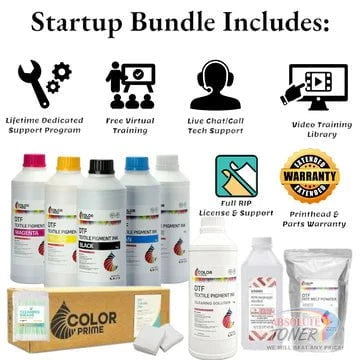

New Prestige R2 13" DTF Printer Bundle - Includes Prestige R2 DTF Printer, Startup Package and Accessories
- Price
- From $167
New Prestige R1 13" DTF Printer Bundle - Includes Prestige R1 DTF Printer, Startup Package and Compatible Machine Options


Sale


New Prestige R1 13" DTF Printer Bundle - Includes Prestige R1 DTF Printer, Startup Package and Compatible Machine Options
- Price
- From $116
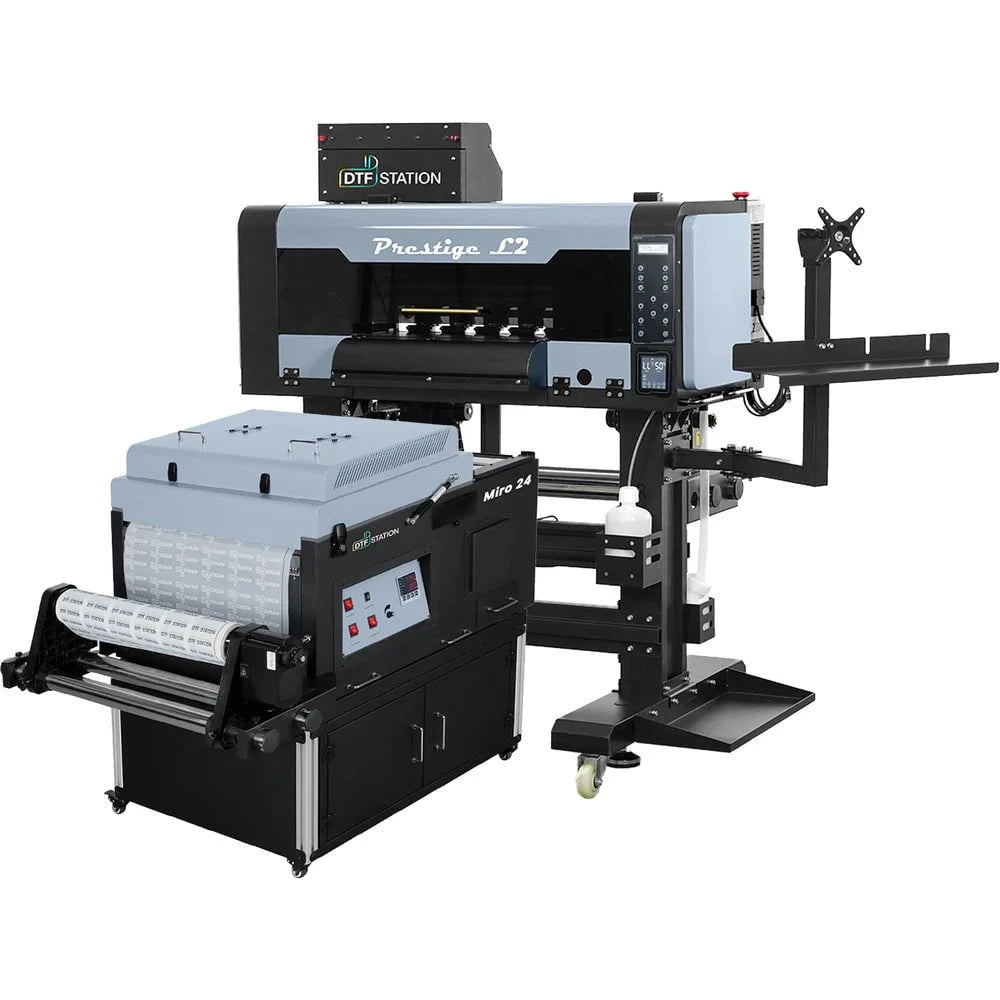
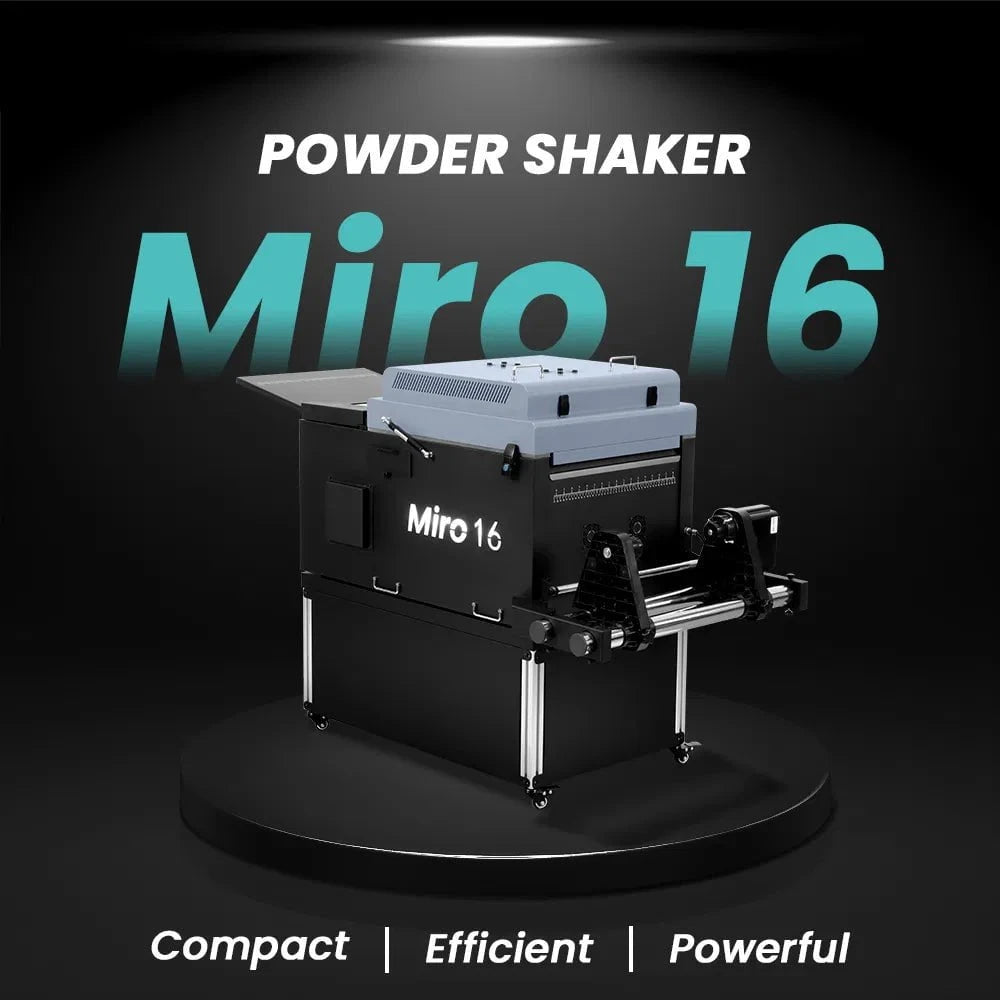
$323/month Prestige L2 18.5" DTF Printer Dual i3200 with Miro 16 Automatic Powder Applicator/Shaker oven and Built-In Oven
Sale
$323/month Prestige L2 18.5" DTF Printer Dual i3200 with Miro 16 Automatic Powder Applicator/Shaker oven and Built-In Oven
- Sale price
- $323
- Regular price
- $483
Prestige XL2 24" DTF Printer with optional Bundle Accessories (Shaker/Oven/Purifier)


Sale


Prestige XL2 24" DTF Printer with optional Bundle Accessories (Shaker/Oven/Purifier)
- Price
- From $342
$398/Month 9-Colour BUNDLE 24" Prestige XL2 PRO New DTF Station Printer with MIRO 24 Automatic Powder Applicator/Shaker/Oven/Purifier


Sale


$398/Month 9-Colour BUNDLE 24" Prestige XL2 PRO New DTF Station Printer with MIRO 24 Automatic Powder Applicator/Shaker/Oven/Purifier
- Sale price
- $398
- Regular price
- $520
$195/month BRAND NEW DTF Station Aries 213 UV DTF with i3200HD Printer 2-in-1 Printing and Laminating With Exceptional Colour Accuracy


Sale


$195/month BRAND NEW DTF Station Aries 213 UV DTF with i3200HD Printer 2-in-1 Printing and Laminating With Exceptional Colour Accuracy
- Sale price
- $195
- Regular price
- $250
$449/month - Aries 124 – 24" (60cm) Commercial UV DTF Printer with Automatic Lamination


Sale


$449/month - Aries 124 – 24" (60cm) Commercial UV DTF Printer with Automatic Lamination
- Sale price
- $28,880
- Regular price
- $39,995
$91/mo. Auto-Feed and Cut 16pt. 13x19 (400GSM) - Business Cards, Door Hangers, Labels, Decals, Gift Boxes, Thermal Transfer and more...


Sale


$91/mo. Auto-Feed and Cut 16pt. 13x19 (400GSM) - Business Cards, Door Hangers, Labels, Decals, Gift Boxes, Thermal Transfer and more...
- Sale price
- $91
- Regular price
- $117
$174/Month 4ftx8ft IN-STOCK Plytronix Pneumatic Flatbed Laminator Applicator Smart Mounting Table with LED Mounting and Laminating


Sale


$174/Month 4ftx8ft IN-STOCK Plytronix Pneumatic Flatbed Laminator Applicator Smart Mounting Table with LED Mounting and Laminating
- Sale price
- $174
- Regular price
- $299
$195/Month 5ftx11ft IN-STOCK Plytronix Pneumatic Flatbed Laminator Applicator Smart Mounting Table with LED Mounting and Laminating

Sale

$195/Month 5ftx11ft IN-STOCK Plytronix Pneumatic Flatbed Laminator Applicator Smart Mounting Table with LED Mounting and Laminating
- Sale price
- $195
- Regular price
- $265
$125/month JAGUAR 70" AUTOMOTIVE SPECIAL EDITION PPF/TINT Cutter Plotter with Anti-Static kit and Tint Velvet Film.


Sale


$125/month JAGUAR 70" AUTOMOTIVE SPECIAL EDITION PPF/TINT Cutter Plotter with Anti-Static kit and Tint Velvet Film.
- Sale price
- $125
- Regular price
- $179
$94/month 50" JAGUAR AUTOMOTIVE SPECIAL EDITION TINT/PPF V-LX J5-101LX-SE Cutter Plotter with Anti-Static kit and Tint Velvet Film.

Sale

$94/month 50" JAGUAR AUTOMOTIVE SPECIAL EDITION TINT/PPF V-LX J5-101LX-SE Cutter Plotter with Anti-Static kit and Tint Velvet Film.
- Sale price
- $94
- Regular price
- $145
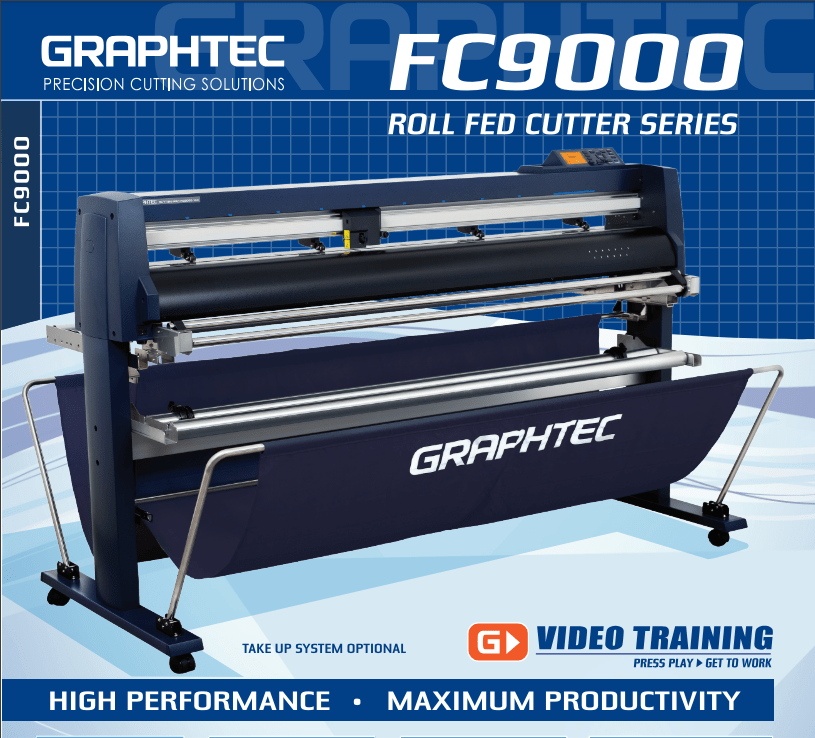
42'' Graphtec FC9000-100 For the Automotive Professionals with 50 ft accurate tracking of Window Tint Film & Vinyl, Roll-fed Cutting Plotter
Sale
42'' Graphtec FC9000-100 For the Automotive Professionals with 50 ft accurate tracking of Window Tint Film & Vinyl, Roll-fed Cutting Plotter
- Sale price
- $129
- Regular price
- $169
$189/MONTH NEW 64" Graphtec FC9000-160 For Automotive Professionals with 50 ft accurate tracking of Window Tint, PPF Film & Vinyl. Roll-fed Cutting Plotter

Sale

$189/MONTH NEW 64" Graphtec FC9000-160 For Automotive Professionals with 50 ft accurate tracking of Window Tint, PPF Film & Vinyl. Roll-fed Cutting Plotter
- Sale price
- $189
- Regular price
- $249
$134/month Graphtec AKZ Engineered for TINT/PPF with Stand, Media Basket and PPF Anti-electrostatic Kit.
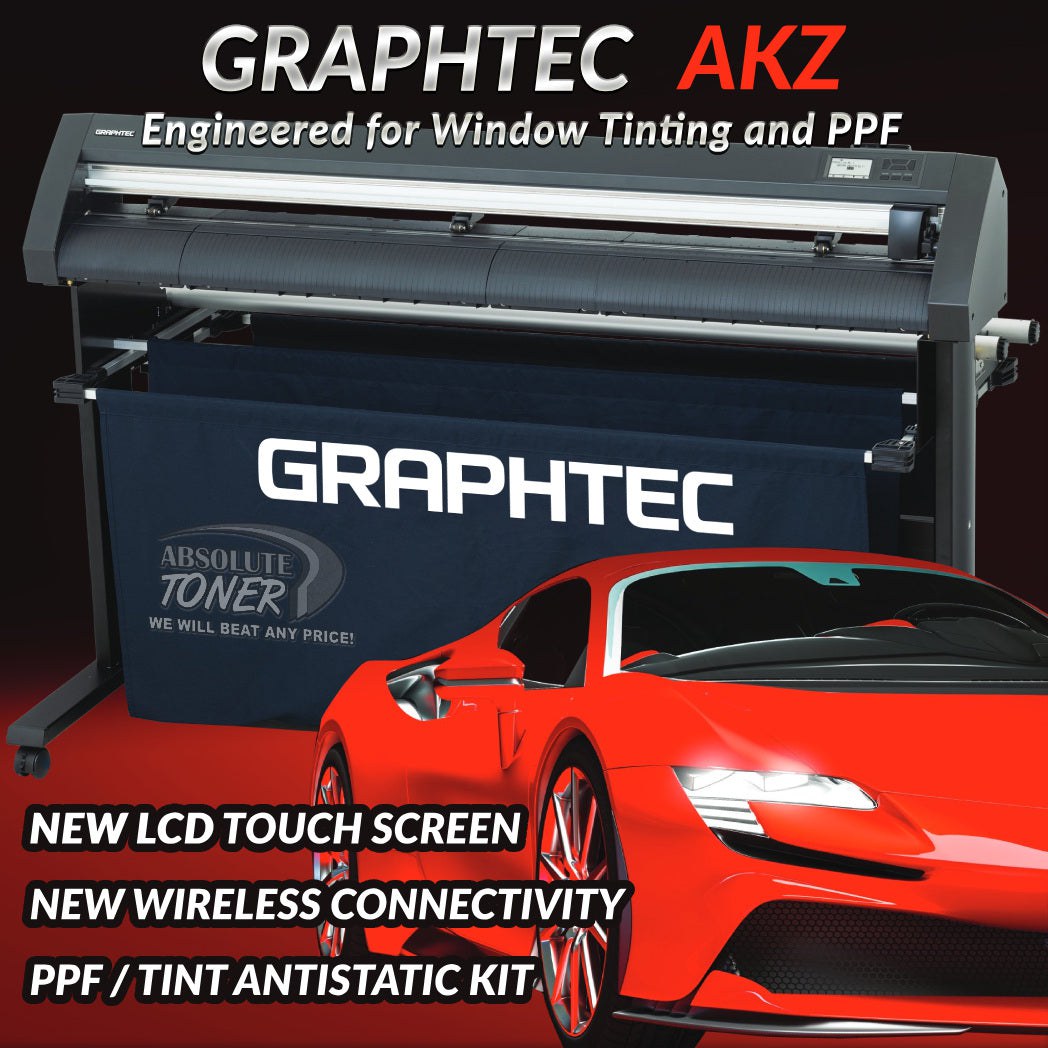
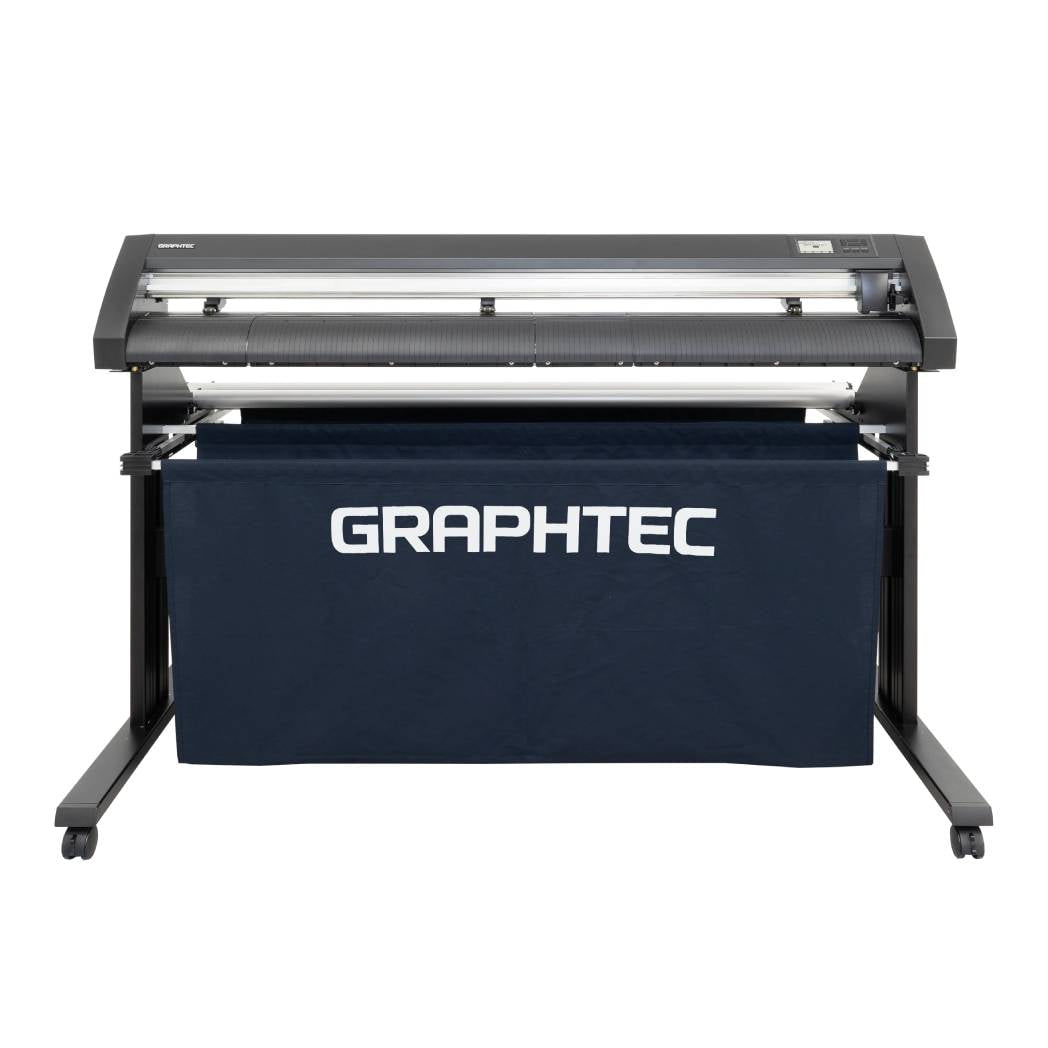
$134/month Graphtec AKZ Engineered for TINT/PPF with Stand, Media Basket and PPF Anti-electrostatic Kit.
- Sale price
- $134
- Regular price
- $159
$115/month PLYTRONIX Pneumatic PRO 64” with Anti-Static System, Large Format Auto High-Speed Cold/Hot Laminator for Signs, Graphics, Banners, Prints & More


$115/month PLYTRONIX Pneumatic PRO 64” with Anti-Static System, Large Format Auto High-Speed Cold/Hot Laminator for Signs, Graphics, Banners, Prints & More
- Sale price
- $115
- Regular price
- $195
Direct to Film Transfer Printer Maintenance Tips and Tricks

Direct to film transfer printers have revolutionized the screen printing industry, offering a cost-effective and efficient way to create high-quality designs on various substrates. These printers rely on advanced technology to transfer ink directly onto films, enabling precise and vibrant prints. However, like any other machinery, proper maintenance is crucial to ensure optimal performance and longevity. In this article, we will explore essential maintenance tips and tricks for direct to film transfer printers, helping you keep your equipment in top shape.
Importance of Direct to Film Transfer Printers
Direct to film transfer printers have gained popularity due to their ability to produce accurate and detailed prints. Whether you're a professional screen printer or a hobbyist, these printers offer numerous advantages, including:
- High-quality prints: Direct to film transfer printers can produce sharp, vibrant designs with intricate details, resulting in superior print quality.
- Time and cost savings: By eliminating the need for traditional screen printing processes, direct to film transfer printers reduce production time and costs.
- Versatility: These printers can print on various substrates, including textiles, ceramics, plastics, and metals, providing versatility for different applications.
Understanding the Maintenance Needs
To ensure consistent print quality and maximize the lifespan of your direct to film transfer printer, regular maintenance is essential. The following maintenance tasks should be incorporated into your routine:
1. Regular Cleaning
Proper cleaning is crucial to prevent ink buildup, clogged nozzles, and other printing issues. Clean the printer heads and ink system regularly using the manufacturer-recommended cleaning solutions and lint-free cloths. This helps maintain ink flow and ensures accurate color reproduction.
2. Ink System Maintenance
Monitor the ink levels in your printer and refill or replace the cartridges as needed. Additionally, agitate ink cartridges regularly to prevent settling and maintain uniform ink density. Always use genuine ink cartridges to avoid compatibility issues and ensure optimal print results.
3. Inspection of Components
Regularly inspect various printer components, including print heads, belts, gears, and paper feed mechanisms. Look for signs of wear, such as cracks, debris, or loose parts. Replace any damaged or worn components promptly to prevent further damage to the printer.
Tips for Maintaining Direct to Film Transfer Printers
Now that we understand the maintenance needs, let's explore some practical tips and tricks to keep your direct to film transfer printer in excellent condition:
1. Cleaning the Print Heads
To maintain optimal print quality, clean the print heads regularly. Follow the manufacturer's instructions to access and clean the print heads properly. Use a lint-free cloth or cotton swabs soaked in the recommended cleaning solution. Gently wipe the print heads to remove any dried ink or debris.
2. Clearing Ink Blockages
If you encounter ink blockages or clogged nozzles, refer to your printer's manual for instructions on how to perform a nozzle check and subsequent cleaning. This process helps clear any blockages and ensures consistent ink flow.
3. Calibrating the Printer
Regularly calibrate your printer to ensure accurate color reproduction. Most direct to film transfer printers offer built-in calibration routines that guide you through the process. Follow these instructions to achieve optimal color accuracy and consistency in your prints.
4. Replacing Worn Parts
As your printer ages, certain components may wear out or become damaged. Keep a stock of spare parts recommended by the manufacturer, such as print heads, belts, and gears. Replace these parts as necessary to maintain optimal performance.
Preventive Maintenance Schedule
To establish a comprehensive maintenance routine, create a preventive maintenance schedule for your direct to film transfer printer. This schedule should include regular cleaning, ink system maintenance, component inspection, and calibration. By following a consistent maintenance schedule, you can prevent major issues and ensure smooth printing operations.
Troubleshooting Common Issues
Despite regular maintenance, you may encounter occasional issues with your direct to film transfer printer. Here are some common problems and troubleshooting tips:
1. Poor Print Quality
If your prints exhibit banding, streaks, or uneven colors, try the following troubleshooting steps:
- Clean the print heads thoroughly.
- Check the ink levels and replace any low or empty cartridges.
- Calibrate the printer to ensure accurate color reproduction.
- Use high-quality printing materials compatible with your printer.
2. Paper Jams
Paper jams can disrupt your printing workflow. To resolve this issue, follow these steps:
- Turn off the printer and disconnect the power source.
- Open the printer cover and carefully remove any jammed paper.
- Inspect the paper feed mechanism for debris or obstructions.
- Reassemble the printer and resume printing.
3. Printer Connectivity Problems
If your printer is not connecting to your computer or network, try these troubleshooting tips:
- Ensure all cables are securely connected.
- Restart both the printer and your computer.
- Update the printer drivers to the latest version.
- Check the network settings and reconnect if necessary.
Expert Advice for Printer Maintenance
For optimal performance and longevity of your direct to film transfer printer, consider the following expert advice:
1. Using Genuine Printer Supplies
Always use genuine ink cartridges and other printer supplies recommended by the manufacturer. Third-party supplies may compromise print quality, clog the print heads, or even damage the printer.
2. Storing the Printer Properly
When not in use, store the printer in a clean and dust-free environment. Keep it covered to prevent dust accumulation and protect it from accidental damage.
3. Seeking Professional Help
If you encounter complex issues or if your printer requires extensive repairs, it's advisable to seek professional assistance. Certified technicians have the expertise and tools to diagnose and resolve intricate problems effectively.
Proper maintenance is vital for the optimal performance and longevity of your direct to film transfer printer. By following the tips and tricks outlined in this article, you can keep your printer in excellent condition, ensuring consistent print quality and minimizing downtime. Regular cleaning, ink system maintenance, component inspection, and troubleshooting common issues are key aspects of printer maintenance. Remember to create a preventive maintenance schedule and seek professional help when needed. Take care of your direct to film transfer printer, and it will serve you well for years to come.
FAQs
How often should I clean the print heads?
- It is recommended to clean the print heads of your direct to film transfer printer every two to four weeks, or more frequently if you notice a decline in print quality.
What should I do if my printer keeps jamming?
- If your printer frequently experiences paper jams, ensure that you are using the correct paper size and type. Additionally, check the paper path for any obstructions and make sure the paper is loaded correctly.
Can I use third-party ink cartridges for my direct to film transfer printer?
- It is best to use genuine ink cartridges recommended by the manufacturer to ensure optimal print quality and avoid potential compatibility issues.
How can I prevent ink blockages in my printer?
- To prevent ink blockages, use your printer regularly to keep the ink flowing. Additionally, store your printer in a controlled environment to avoid extreme temperatures and humidity.
Is it necessary to calibrate the printer regularly?
- Yes, regular calibration is necessary to ensure accurate color reproduction. It helps align the printer's color output with the desired color profile, resulting in consistent and high-quality prints.
- Choosing a selection results in a full page refresh.