Menu

Trending Top Sellers
HP DeskJet 4132e All-in-One Printer Includes Six Months of FREE Ink Through HP Ink Replacement Program and HP 1 Year Extended Warranty


Sale


HP DeskJet 4132e All-in-One Printer Includes Six Months of FREE Ink Through HP Ink Replacement Program and HP 1 Year Extended Warranty
- Sale price
- $75
- Regular price
- $149
New Prestige R2 PRO 13" Media Roll DTF Printer 110V A3 (Dual Epson i1600 Print Heads) - Includes Prestige R2 Pro DTF Printer, Startup Package and Accessories


Sale


New Prestige R2 PRO 13" Media Roll DTF Printer 110V A3 (Dual Epson i1600 Print Heads) - Includes Prestige R2 Pro DTF Printer, Startup Package and Accessories
- Price
- From $198
New Prisma Auto Clam Slider 110V 16X20" Inch DTF Heat-Press GS-105HS-Grey/Black With Auto Open Slider Feature And Pressure Sensor


Sale


New Prisma Auto Clam Slider 110V 16X20" Inch DTF Heat-Press GS-105HS-Grey/Black With Auto Open Slider Feature And Pressure Sensor
- Sale price
- $1,398
- Regular price
- $1,499
Cap Heat Press (PROMO: Including 5 Cap Press Lower Platen) Curved For Baseball Hats and Caps DTF Station Galaxy GS-501


Sale


Cap Heat Press (PROMO: Including 5 Cap Press Lower Platen) Curved For Baseball Hats and Caps DTF Station Galaxy GS-501
- Sale price
- $695
- Regular price
- $895
New Prestige R2 13" DTF Printer Bundle - Includes Prestige R2 DTF Printer, Startup Package and Accessories

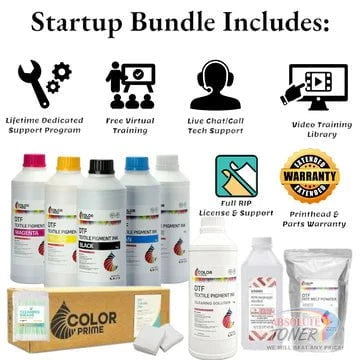

New Prestige R2 13" DTF Printer Bundle - Includes Prestige R2 DTF Printer, Startup Package and Accessories
- Price
- From $167
New Prestige R1 13" DTF Printer Bundle - Includes Prestige R1 DTF Printer, Startup Package and Compatible Machine Options


Sale


New Prestige R1 13" DTF Printer Bundle - Includes Prestige R1 DTF Printer, Startup Package and Compatible Machine Options
- Price
- From $116
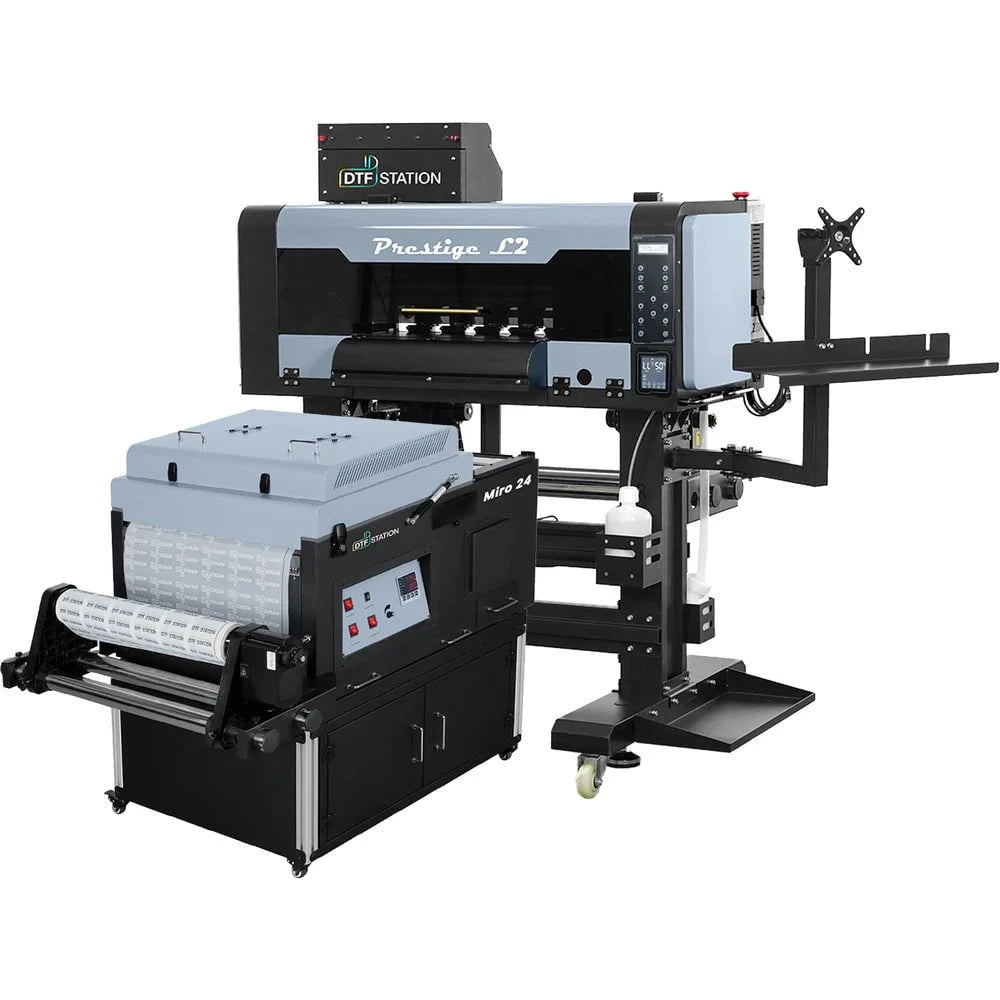
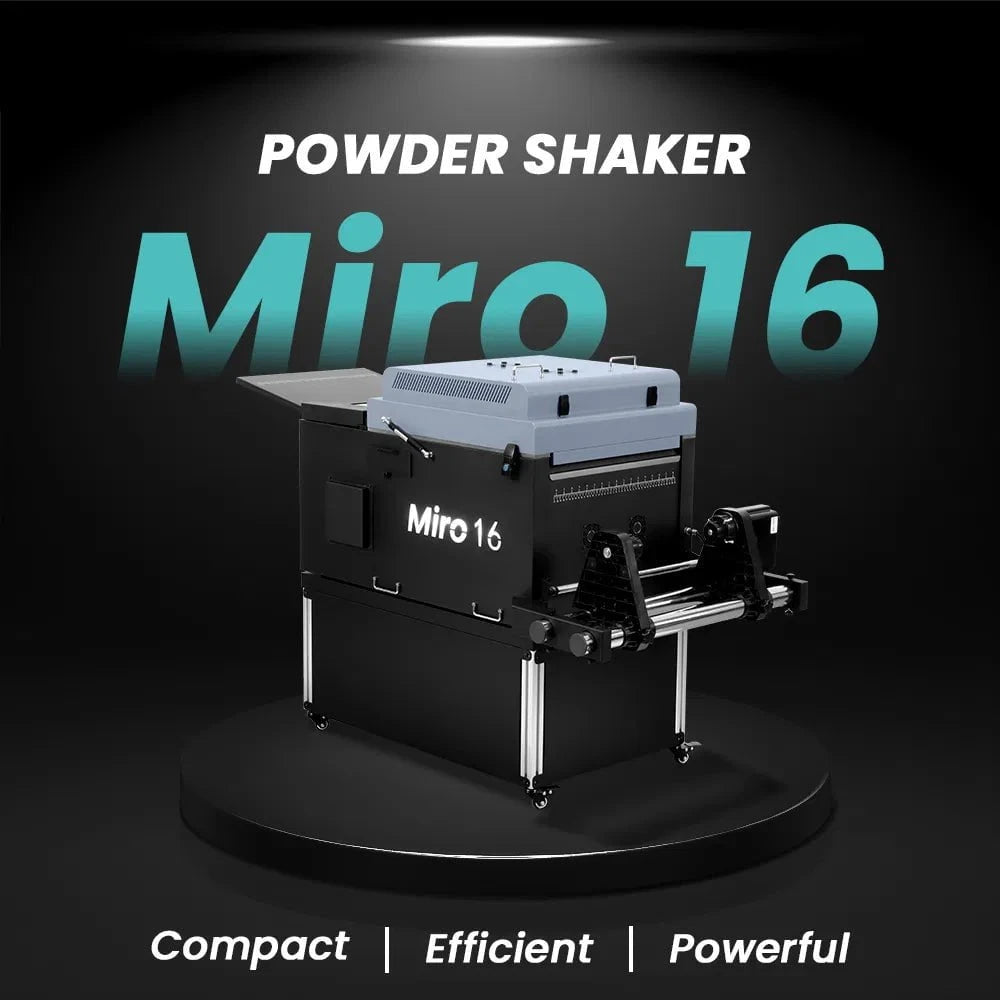
$323/month Prestige L2 18.5" DTF Printer Dual i3200 with Miro 16 Automatic Powder Applicator/Shaker oven and Built-In Oven
Sale
$323/month Prestige L2 18.5" DTF Printer Dual i3200 with Miro 16 Automatic Powder Applicator/Shaker oven and Built-In Oven
- Sale price
- $323
- Regular price
- $483
Prestige XL2 24" DTF Printer with optional Bundle Accessories (Shaker/Oven/Purifier)


Sale


Prestige XL2 24" DTF Printer with optional Bundle Accessories (Shaker/Oven/Purifier)
- Price
- From $342
$397/Month 9-Colour BUNDLE 24" Prestige XL2 PRO New DTF Station Printer with MIRO 24 Automatic Powder Applicator/Shaker/Oven/Purifier


Sale


$397/Month 9-Colour BUNDLE 24" Prestige XL2 PRO New DTF Station Printer with MIRO 24 Automatic Powder Applicator/Shaker/Oven/Purifier
- Sale price
- $398
- Regular price
- $520
$195/month BRAND NEW DTF Station Aries 213 UV DTF with i3200HD Printer 2-in-1 Printing and Laminating With Exceptional Colour Accuracy


Sale


$195/month BRAND NEW DTF Station Aries 213 UV DTF with i3200HD Printer 2-in-1 Printing and Laminating With Exceptional Colour Accuracy
- Sale price
- $195
- Regular price
- $250
$449/month - Aries 124 – 24" (60cm) Commercial UV DTF Printer with Automatic Lamination


Sale


$449/month - Aries 124 – 24" (60cm) Commercial UV DTF Printer with Automatic Lamination
- Sale price
- $28,880
- Regular price
- $39,995
$91/mo. Auto-Feed and Cut 16pt. 13x19 (400GSM) - Business Cards, Door Hangers, Labels, Decals, Gift Boxes, Thermal Transfer and more...


Sale


$91/mo. Auto-Feed and Cut 16pt. 13x19 (400GSM) - Business Cards, Door Hangers, Labels, Decals, Gift Boxes, Thermal Transfer and more...
- Sale price
- $91
- Regular price
- $117
$174/Month 4ftx8ft IN-STOCK Plytronix Pneumatic Flatbed Laminator Applicator Smart Mounting Table with LED Mounting and Laminating


Sale


$174/Month 4ftx8ft IN-STOCK Plytronix Pneumatic Flatbed Laminator Applicator Smart Mounting Table with LED Mounting and Laminating
- Sale price
- $174
- Regular price
- $299
$195/Month 5ftx11ft IN-STOCK Plytronix Pneumatic Flatbed Laminator Applicator Smart Mounting Table with LED Mounting and Laminating

Sale

$195/Month 5ftx11ft IN-STOCK Plytronix Pneumatic Flatbed Laminator Applicator Smart Mounting Table with LED Mounting and Laminating
- Sale price
- $195
- Regular price
- $265
$125/month JAGUAR 70" AUTOMOTIVE SPECIAL EDITION PPF/TINT Cutter Plotter with Anti-Static kit and Tint Velvet Film.


Sale


$125/month JAGUAR 70" AUTOMOTIVE SPECIAL EDITION PPF/TINT Cutter Plotter with Anti-Static kit and Tint Velvet Film.
- Sale price
- $125
- Regular price
- $179
$94/month 50" JAGUAR AUTOMOTIVE SPECIAL EDITION TINT/PPF V-LX J5-101LX-SE Cutter Plotter with Anti-Static kit and Tint Velvet Film.

Sale

$94/month 50" JAGUAR AUTOMOTIVE SPECIAL EDITION TINT/PPF V-LX J5-101LX-SE Cutter Plotter with Anti-Static kit and Tint Velvet Film.
- Sale price
- $94
- Regular price
- $145
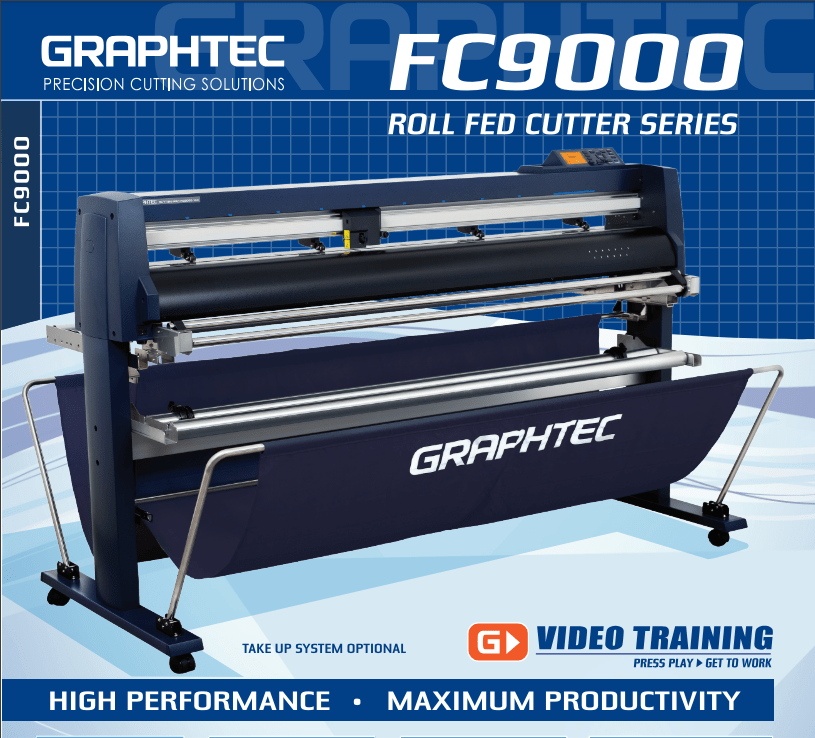
42'' Graphtec FC9000-100 For the Automotive Professionals with 50 ft accurate tracking of Window Tint Film & Vinyl, Roll-fed Cutting Plotter
Sale
42'' Graphtec FC9000-100 For the Automotive Professionals with 50 ft accurate tracking of Window Tint Film & Vinyl, Roll-fed Cutting Plotter
- Sale price
- $129
- Regular price
- $169
$189/MONTH NEW 64" Graphtec FC9000-160 For Automotive Professionals with 50 ft accurate tracking of Window Tint, PPF Film & Vinyl. Roll-fed Cutting Plotter

Sale

$189/MONTH NEW 64" Graphtec FC9000-160 For Automotive Professionals with 50 ft accurate tracking of Window Tint, PPF Film & Vinyl. Roll-fed Cutting Plotter
- Sale price
- $189
- Regular price
- $249
$134/month Graphtec AKZ Engineered for TINT/PPF with Stand, Media Basket and PPF Anti-electrostatic Kit.
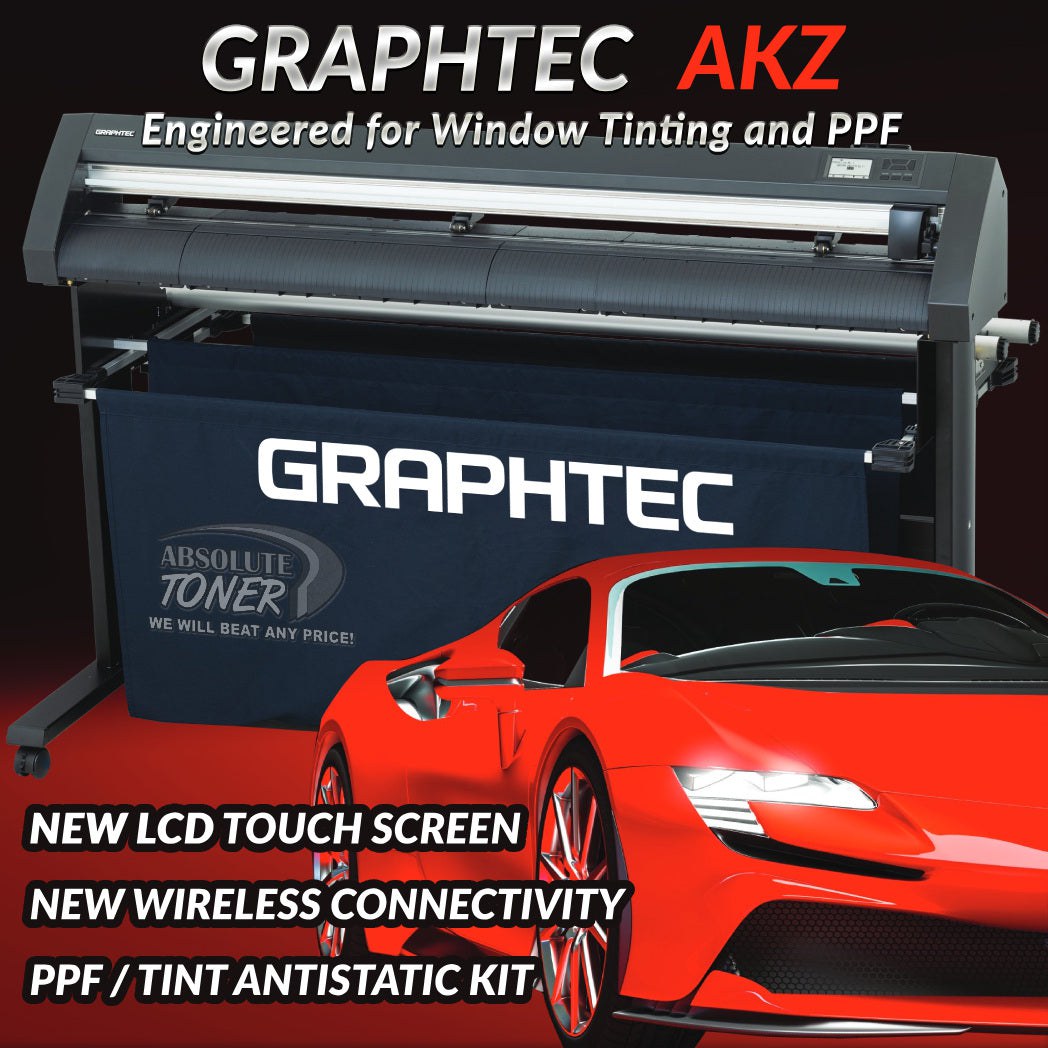
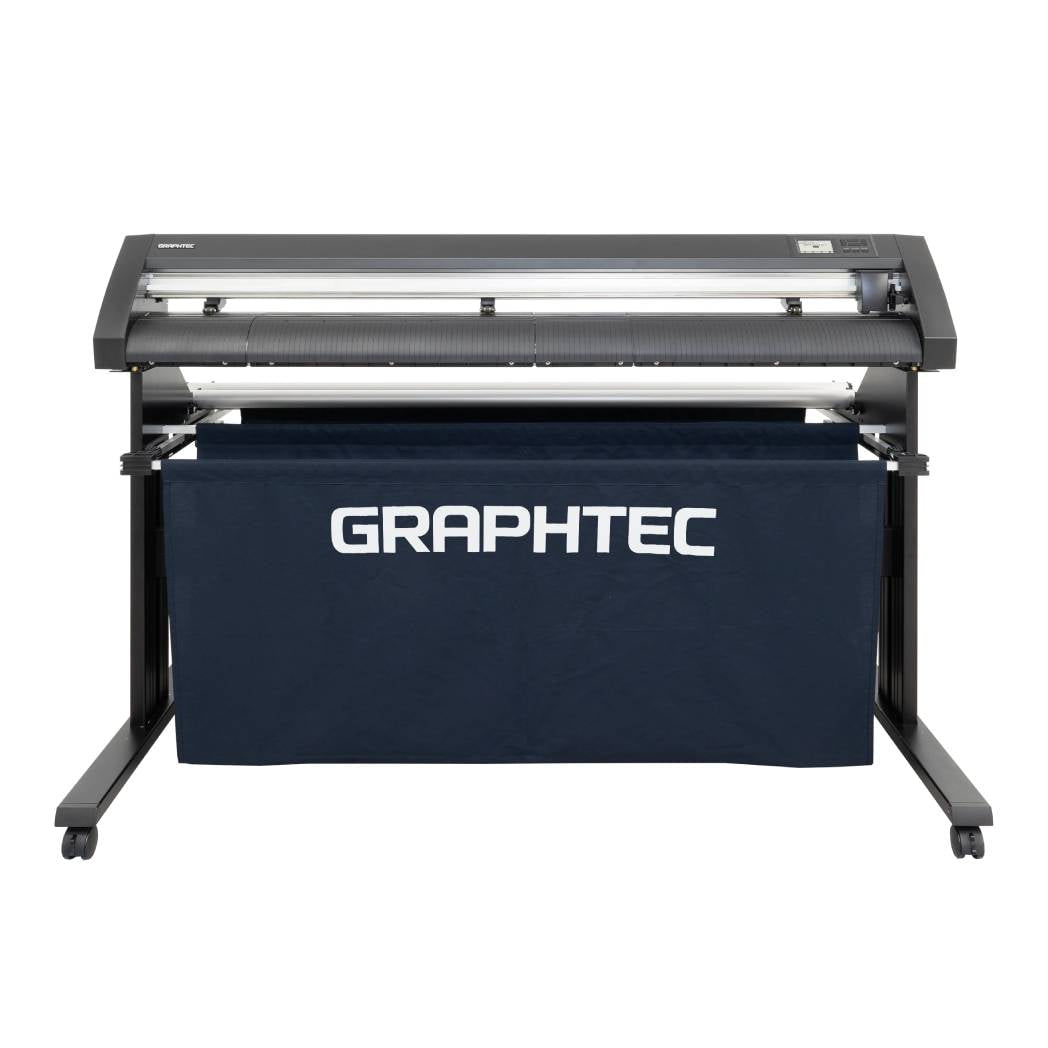
$134/month Graphtec AKZ Engineered for TINT/PPF with Stand, Media Basket and PPF Anti-electrostatic Kit.
- Sale price
- $134
- Regular price
- $159
$115/month PLYTRONIX Pneumatic PRO 64” with Anti-Static System, Large Format Auto High-Speed Cold/Hot Laminator for Signs, Graphics, Banners, Prints & More


$115/month PLYTRONIX Pneumatic PRO 64” with Anti-Static System, Large Format Auto High-Speed Cold/Hot Laminator for Signs, Graphics, Banners, Prints & More
- Sale price
- $115
- Regular price
- $195
Graphtec for Labels and Stickers: Workflow Tips for Flawless Results

In the fast-growing world of custom labels and stickers—whether for product packaging, branding, or retail—precision and efficiency are everything. That’s why so many print shops, small businesses, and crafters turn to Graphtec vinyl cutters for sticker production. With industry-leading contour cutting, reliable build quality, and powerful software integration, Graphtec helps streamline your workflow and elevate your sticker game.
Let’s dive into why Graphtec is ideal for labels and stickers, and how to optimize your process from design to final peel.
✅ Why Choose Graphtec for Sticker & Label Production?
Graphtec cutters, especially the CE8000 and FC9000 series, are renowned for their accuracy, speed, and ability to handle print-and-cut jobs with ease. Whether you're running kiss-cut sheets or die-cut singles, Graphtec’s ARMS (Advanced Registration Mark Sensing) technology ensures precise alignment—even on long or complex jobs.
🧠 Workflow Tips to Maximize Your Graphtec Efficiency
1. Start with the Right Media
Use high-quality printable vinyl or label stock compatible with your printer. Gloss, matte, and clear adhesive vinyl work well, but always test for blade pressure and feed consistency before large runs.
Pro tip: Use a cold-laminate film if you want added scratch and UV resistance without affecting cut accuracy.
2. Design with Cutting in Mind
Whether you're using Adobe Illustrator, CorelDRAW, or Silhouette Studio, make sure your cut lines are clearly defined and on a separate layer. Use spot colors (often named "CutContour") to define cutting paths.
Keep margins clean and avoid overly intricate edges to maintain peel-ability.
3. Use Cutting Master 5 or Graphtec Studio
Graphtec’s Cutting Master 5 plugin makes sending jobs directly from your design software effortless. You can:
- Import crop marks automatically
- Align contour cuts using ARMS
- Set multiple copies or nesting for better material use
If you're not using Adobe or Corel, Graphtec Studio is still robust and intuitive.
4. Master the ARMS System
Place printed media properly and ensure registration marks are clearly visible. Graphtec’s ARMS 8.0 or 9.0 (depending on the model) scans the marks and adjusts for any skew or distortion in the print job.
Avoid glossy overlays on registration marks—they may reflect and interfere with optical sensors.
5. Fine-Tune Your Blade and Settings
Use a 45° blade for most sticker jobs. Adjust:
- Force (pressure) so it kiss-cuts through the vinyl but leaves the backing intact.
- Speed based on complexity—slower speeds offer better precision for small details.
Run a test cut before every batch. This minimizes wasted material and ensures clean weeding.
6. Sheet Feeders for Volume
If you're producing sheet-based labels, Graphtec offers solutions like the F-MARK PLUS, which automates feeding, cutting, and collecting sheets—perfect for high-volume sticker and label operations.
7. Weed and Finish Like a Pro
Once cut, weed slowly around detailed areas and use a pin or hook tool for tight corners. For individual sticker finishing:
- Use a die-cut technique (cut through the liner)
- Or a kiss-cut + back-slit combo for easy peeling sheets
For rolls, use a rewinder or cutter to segment finished rolls for client delivery.
🏁 Final Thoughts
If you're serious about scaling your sticker or label production, Graphtec cutters are a solid investment. They offer the speed, precision, and automation-ready features needed to grow from hobbyist to high-volume producer.
Whether you’re running a local print shop or an eCommerce sticker brand, dialing in your workflow with Graphtec ensures consistent, professional-quality results—with less waste and more productivity.
Need help choosing the right Graphtec cutter for your sticker setup?
As an authorized dealer, we’re happy to help you select the best model, software, and accessories for your production goals.
- Choosing a selection results in a full page refresh.