Menu

Trending Top Sellers
HP DeskJet 4132e All-in-One Printer Includes Six Months of FREE Ink Through HP Ink Replacement Program and HP 1 Year Extended Warranty


Sale


HP DeskJet 4132e All-in-One Printer Includes Six Months of FREE Ink Through HP Ink Replacement Program and HP 1 Year Extended Warranty
- Sale price
- $75
- Regular price
- $149
New Prestige R2 PRO 13" Media Roll DTF Printer 110V A3 (Dual Epson i1600 Print Heads) - Includes Prestige R2 Pro DTF Printer, Startup Package and Accessories


Sale


New Prestige R2 PRO 13" Media Roll DTF Printer 110V A3 (Dual Epson i1600 Print Heads) - Includes Prestige R2 Pro DTF Printer, Startup Package and Accessories
- Price
- From $198
New Prisma Auto Clam Slider 110V 16X20" Inch DTF Heat-Press GS-105HS-Grey/Black With Auto Open Slider Feature And Pressure Sensor


Sale


New Prisma Auto Clam Slider 110V 16X20" Inch DTF Heat-Press GS-105HS-Grey/Black With Auto Open Slider Feature And Pressure Sensor
- Sale price
- $1,398
- Regular price
- $1,499
Cap Heat Press (PROMO: Including 5 Cap Press Lower Platen) Curved For Baseball Hats and Caps DTF Station Galaxy GS-501


Sale


Cap Heat Press (PROMO: Including 5 Cap Press Lower Platen) Curved For Baseball Hats and Caps DTF Station Galaxy GS-501
- Sale price
- $695
- Regular price
- $895
New Prestige R2 13" DTF Printer Bundle - Includes Prestige R2 DTF Printer, Startup Package and Accessories

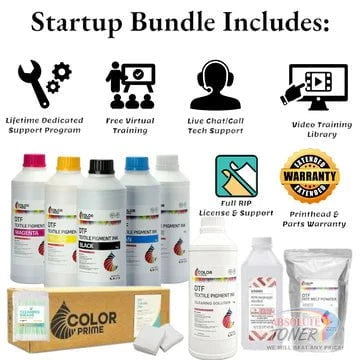

New Prestige R2 13" DTF Printer Bundle - Includes Prestige R2 DTF Printer, Startup Package and Accessories
- Price
- From $167
New Prestige R1 13" DTF Printer Bundle - Includes Prestige R1 DTF Printer, Startup Package and Compatible Machine Options


Sale


New Prestige R1 13" DTF Printer Bundle - Includes Prestige R1 DTF Printer, Startup Package and Compatible Machine Options
- Price
- From $116
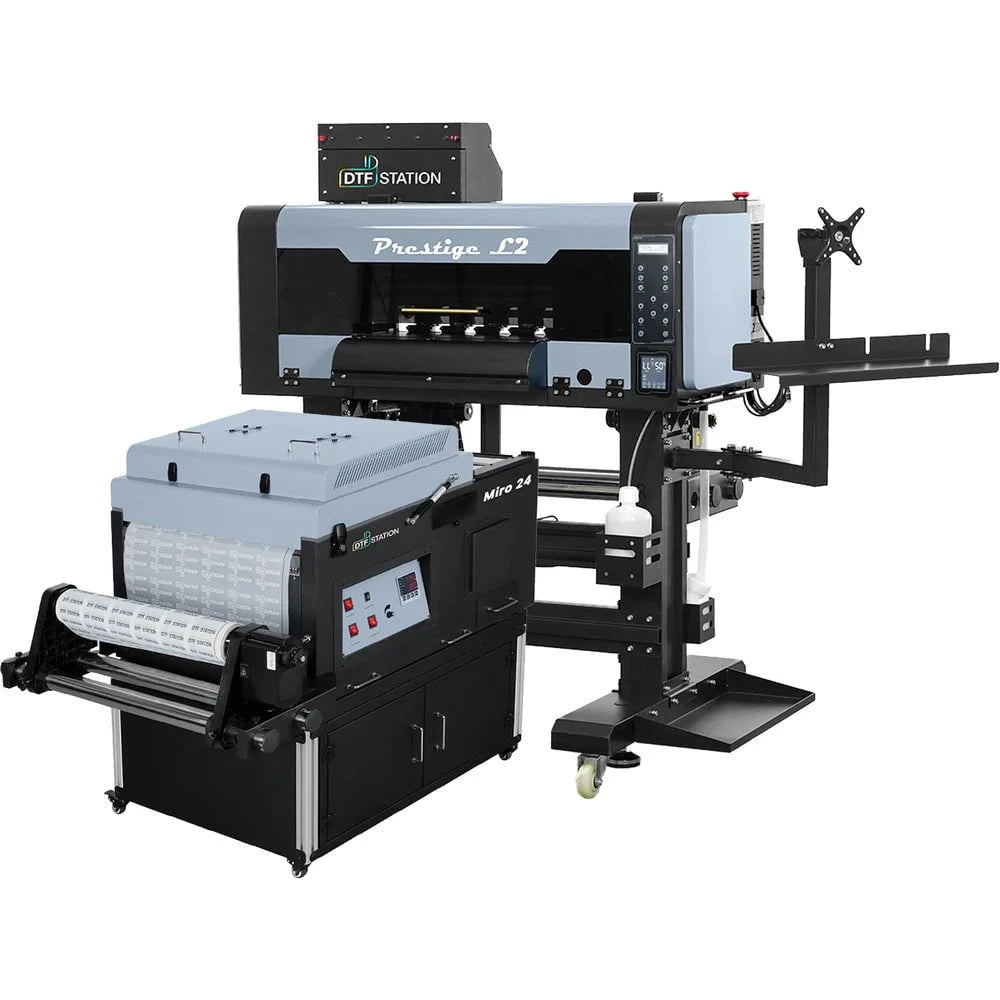
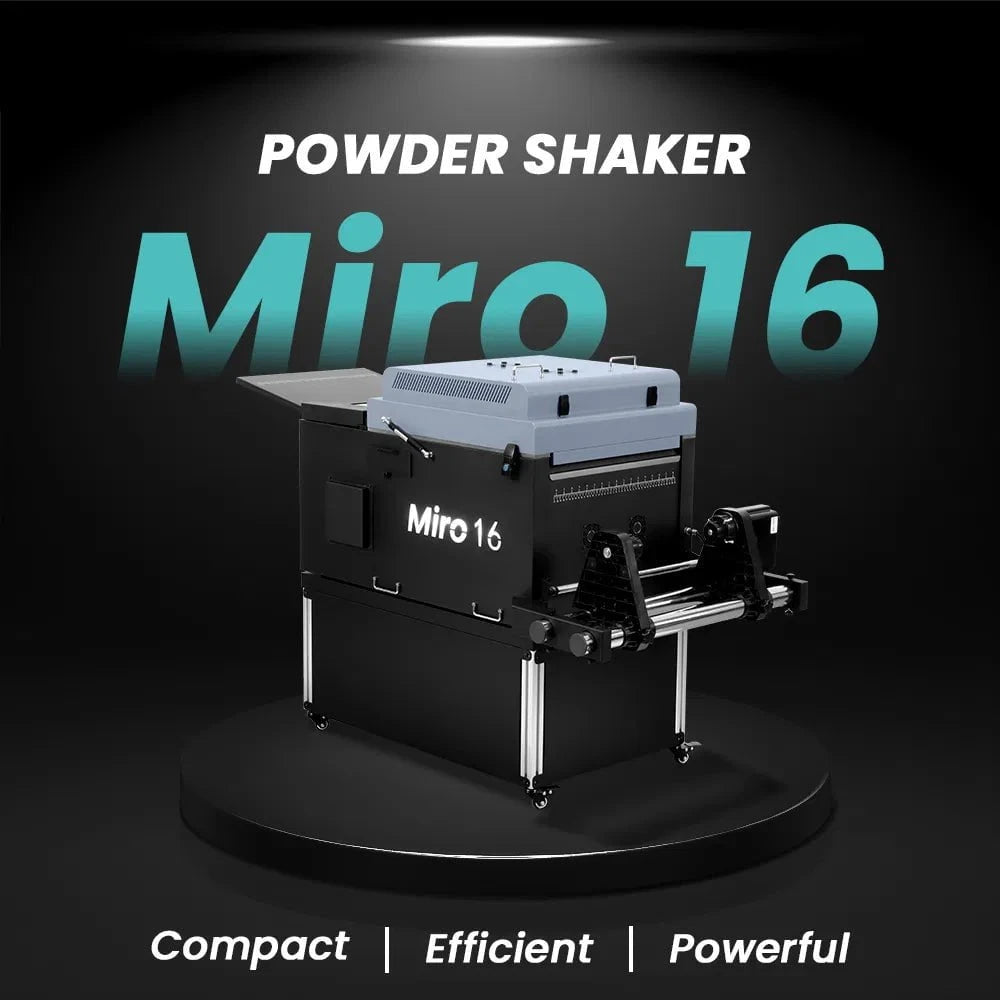
$323/month Prestige L2 18.5" DTF Printer Dual i3200 with Miro 16 Automatic Powder Applicator/Shaker oven and Built-In Oven
Sale
$323/month Prestige L2 18.5" DTF Printer Dual i3200 with Miro 16 Automatic Powder Applicator/Shaker oven and Built-In Oven
- Sale price
- $323
- Regular price
- $483
Prestige XL2 24" DTF Printer with optional Bundle Accessories (Shaker/Oven/Purifier)


Sale


Prestige XL2 24" DTF Printer with optional Bundle Accessories (Shaker/Oven/Purifier)
- Price
- From $342
$398/Month 9-Colour BUNDLE 24" Prestige XL2 PRO New DTF Station Printer with MIRO 24 Automatic Powder Applicator/Shaker/Oven/Purifier


Sale


$398/Month 9-Colour BUNDLE 24" Prestige XL2 PRO New DTF Station Printer with MIRO 24 Automatic Powder Applicator/Shaker/Oven/Purifier
- Sale price
- $398
- Regular price
- $520
$195/month BRAND NEW DTF Station Aries 213 UV DTF with i3200HD Printer 2-in-1 Printing and Laminating With Exceptional Colour Accuracy


Sale


$195/month BRAND NEW DTF Station Aries 213 UV DTF with i3200HD Printer 2-in-1 Printing and Laminating With Exceptional Colour Accuracy
- Sale price
- $195
- Regular price
- $250
$449/month - Aries 124 – 24" (60cm) Commercial UV DTF Printer with Automatic Lamination


Sale


$449/month - Aries 124 – 24" (60cm) Commercial UV DTF Printer with Automatic Lamination
- Sale price
- $28,880
- Regular price
- $39,995
$91/mo. Auto-Feed and Cut 16pt. 13x19 (400GSM) - Business Cards, Door Hangers, Labels, Decals, Gift Boxes, Thermal Transfer and more...


Sale


$91/mo. Auto-Feed and Cut 16pt. 13x19 (400GSM) - Business Cards, Door Hangers, Labels, Decals, Gift Boxes, Thermal Transfer and more...
- Sale price
- $91
- Regular price
- $117
$174/Month 4ftx8ft IN-STOCK Plytronix Pneumatic Flatbed Laminator Applicator Smart Mounting Table with LED Mounting and Laminating


Sale


$174/Month 4ftx8ft IN-STOCK Plytronix Pneumatic Flatbed Laminator Applicator Smart Mounting Table with LED Mounting and Laminating
- Sale price
- $174
- Regular price
- $299
$195/Month 5ftx11ft IN-STOCK Plytronix Pneumatic Flatbed Laminator Applicator Smart Mounting Table with LED Mounting and Laminating

Sale

$195/Month 5ftx11ft IN-STOCK Plytronix Pneumatic Flatbed Laminator Applicator Smart Mounting Table with LED Mounting and Laminating
- Sale price
- $195
- Regular price
- $265
$125/month JAGUAR 70" AUTOMOTIVE SPECIAL EDITION PPF/TINT Cutter Plotter with Anti-Static kit and Tint Velvet Film.


Sale


$125/month JAGUAR 70" AUTOMOTIVE SPECIAL EDITION PPF/TINT Cutter Plotter with Anti-Static kit and Tint Velvet Film.
- Sale price
- $125
- Regular price
- $179
$94/month 50" JAGUAR AUTOMOTIVE SPECIAL EDITION TINT/PPF V-LX J5-101LX-SE Cutter Plotter with Anti-Static kit and Tint Velvet Film.

Sale

$94/month 50" JAGUAR AUTOMOTIVE SPECIAL EDITION TINT/PPF V-LX J5-101LX-SE Cutter Plotter with Anti-Static kit and Tint Velvet Film.
- Sale price
- $94
- Regular price
- $145
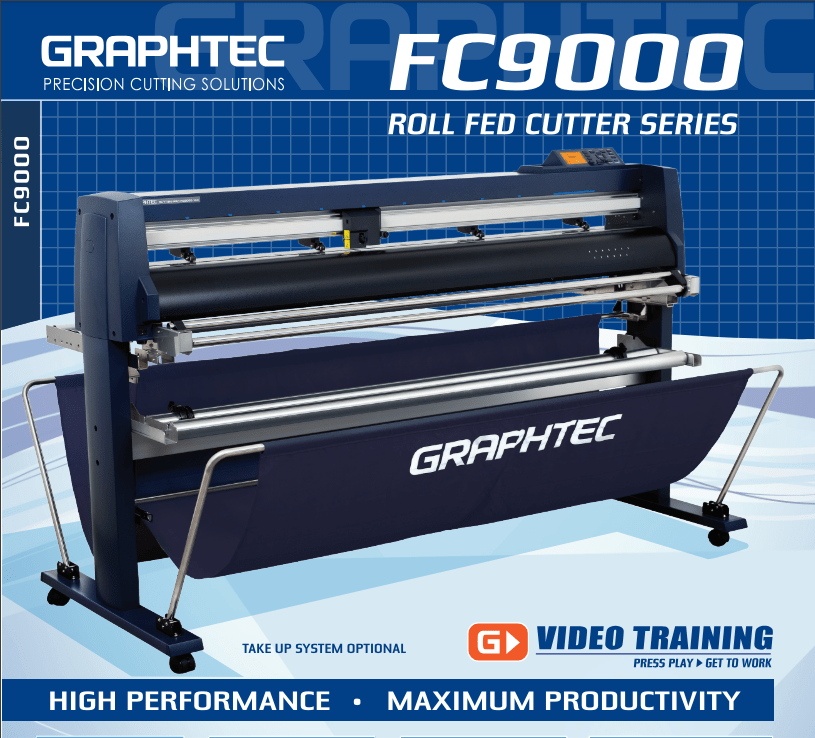
42'' Graphtec FC9000-100 For the Automotive Professionals with 50 ft accurate tracking of Window Tint Film & Vinyl, Roll-fed Cutting Plotter
Sale
42'' Graphtec FC9000-100 For the Automotive Professionals with 50 ft accurate tracking of Window Tint Film & Vinyl, Roll-fed Cutting Plotter
- Sale price
- $129
- Regular price
- $169
$189/MONTH NEW 64" Graphtec FC9000-160 For Automotive Professionals with 50 ft accurate tracking of Window Tint, PPF Film & Vinyl. Roll-fed Cutting Plotter

Sale

$189/MONTH NEW 64" Graphtec FC9000-160 For Automotive Professionals with 50 ft accurate tracking of Window Tint, PPF Film & Vinyl. Roll-fed Cutting Plotter
- Sale price
- $189
- Regular price
- $249
$134/month Graphtec AKZ Engineered for TINT/PPF with Stand, Media Basket and PPF Anti-electrostatic Kit.
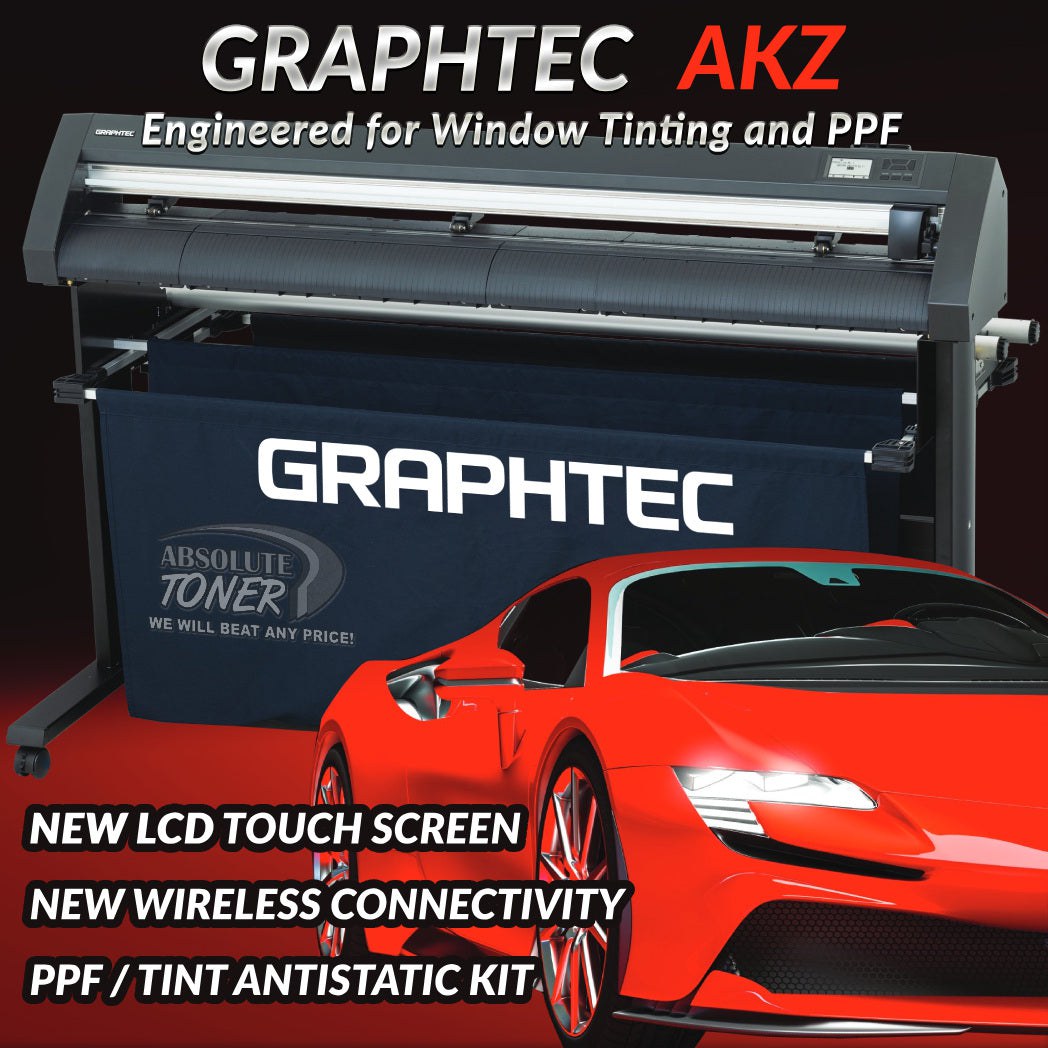
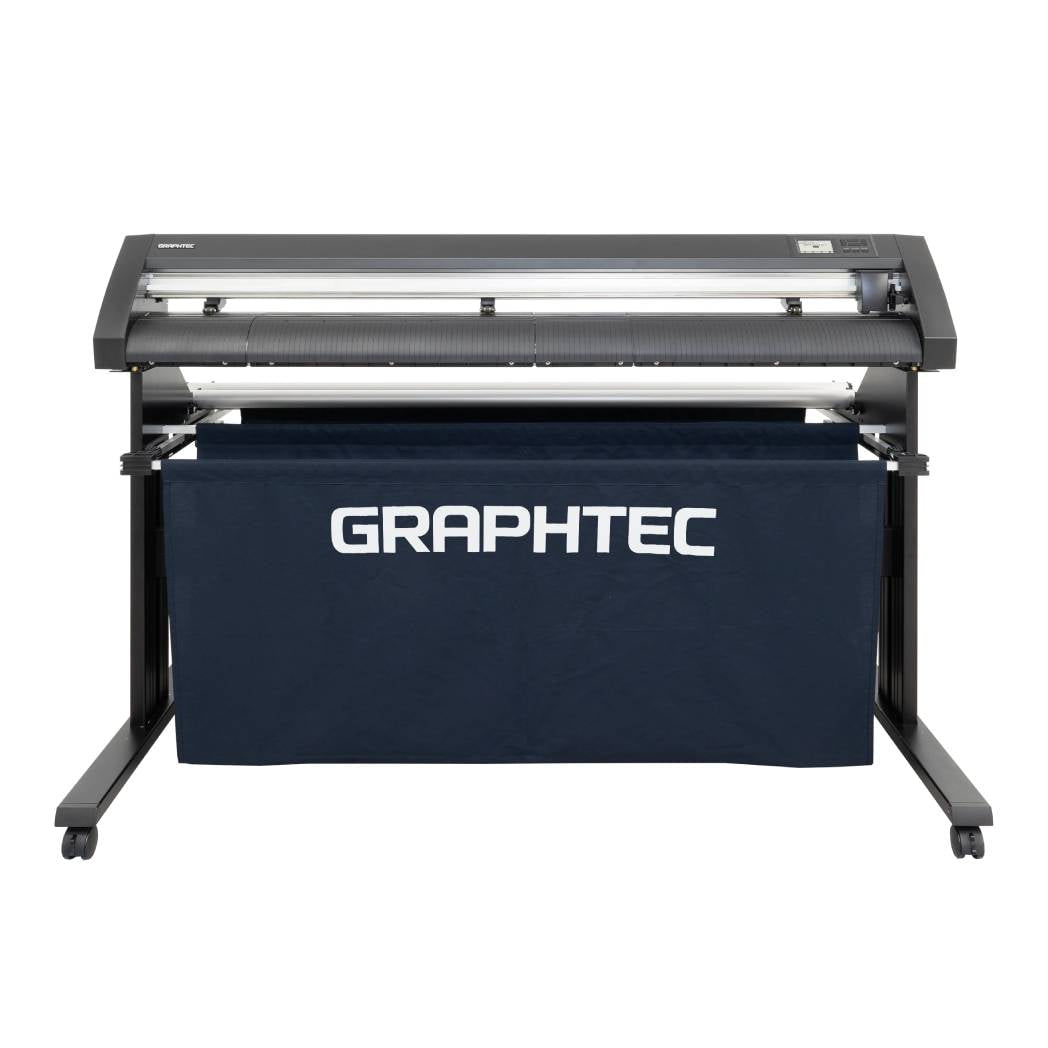
$134/month Graphtec AKZ Engineered for TINT/PPF with Stand, Media Basket and PPF Anti-electrostatic Kit.
- Sale price
- $134
- Regular price
- $159
$115/month PLYTRONIX Pneumatic PRO 64” with Anti-Static System, Large Format Auto High-Speed Cold/Hot Laminator for Signs, Graphics, Banners, Prints & More


$115/month PLYTRONIX Pneumatic PRO 64” with Anti-Static System, Large Format Auto High-Speed Cold/Hot Laminator for Signs, Graphics, Banners, Prints & More
- Sale price
- $115
- Regular price
- $195
The Ultimate Guide to Buying Used Copiers

Introduction
When it comes to outfitting an office with copiers, buying brand new equipment isn't always the most cost-effective solution. Many businesses have found great value in purchasing used copiers. This guide aims to provide a comprehensive overview of the benefits of buying used copiers, factors to consider, tips for researching and finding the right copier, and essential steps in the purchasing process. Whether you're a small business owner or a budget-conscious office manager, this guide will equip you with the knowledge needed to make an informed decision.
I. Benefits of Buying Used Copiers
Cost Savings
One of the primary advantages of buying used copiers is the significant cost savings. Compared to their brand new counterparts, used copiers are often available at a fraction of the original price. This cost advantage allows businesses to allocate their budget towards other essential areas.
Wider Selection
The used copier market offers a wider selection of models and brands than the limited options available for new copiers. This variety allows buyers to find a copier that perfectly matches their specific needs in terms of features, functionality, and performance.
Reduced Depreciation
Copiers, like any other technology, experience depreciation over time. By purchasing a used copier, you bypass the initial steep depreciation curve associated with new copiers. This reduction in depreciation can be a significant advantage for businesses looking to maximize their investment.
Immediate Availability
Buying a new copier often involves waiting for delivery, installation, and setup. However, when purchasing a used copier, it is readily available, allowing businesses to start using it immediately. This instant availability can be crucial for offices in need of a copier urgently.
II. Factors to Consider
Before buying a used copier, it is essential to consider several factors to ensure the best purchase decision. These factors include:
Quality and Condition
Inspecting the quality and condition of a used copier is crucial. Look for signs of wear and damage, such as scratches or malfunctioning buttons. Ensure that all essential components are in good working order to avoid any unexpected issues later on.
Functionality and Features
Assessing the copier's functionality and features is vital to determine if it meets your specific requirements. Consider factors such as printing speed, scanning capabilities, networking options, and finishing features. Choose a copier that aligns with your business needs.
Maintenance and Service History
Understanding the copier's maintenance and service history provides insight into its overall condition and reliability. Request maintenance records, check warranty status, and inquire about the copier's repair history. A well-maintained copier is more likely to perform optimally and require fewer repairs.
Compatibility and Integration
Ensure that the used copier is compatible with your existing infrastructure. Check for compatibility with operating systems, software, and drivers. Additionally, consider its integration capabilities with your network and other office equipment.
III. Researching and Finding Used Copiers
Finding the right used copier involves thorough research and exploration of available options. Consider the following avenues:
Online Marketplaces
Online marketplaces provide a vast selection of used copiers from various sellers. Platforms like [Marketplace Name] and [Marketplace Name] offer user-friendly interfaces, detailed product descriptions, and customer reviews, making it easier to find the right copier.
Local Dealers
Local copier dealers often have a stock of used copiers available for sale. Visit their showrooms or browse their websites to view their inventory. Local dealers provide the advantage of personal interaction and immediate support.
Auctions and Liquidation Sales
Auctions and liquidation sales can be an excellent way to find used copiers at competitive prices. Keep an eye on local listings or online auction websites to discover copiers available from businesses that have closed down or upgraded their equipment.
Refurbished Copier Suppliers
Refurbished copier suppliers specialize in restoring and reselling used copiers. These suppliers typically have a rigorous refurbishment process, ensuring that the copiers are in excellent condition. Explore reputable refurbished copier suppliers for reliable options.
IV. Assessing Quality and Condition
When you've identified potential used copiers, it's crucial to assess their quality and condition before making a purchase. Here are essential steps to follow:
Physical Inspection
Physically inspect the copier, looking for any signs of wear or damage. Check for scratches, dents, or broken parts. A well-maintained copier should have minimal physical defects.
Test Printing and Scanning
Perform test prints and scans to ensure that the copier produces high-quality output. Evaluate the sharpness, color accuracy, and overall print or scan performance. This step helps you verify if the copier meets your expectations.
Document Feeder and Paper Handling
Test the document feeder functionality and paper handling mechanisms. Verify that the document feeder pulls in paper smoothly and consistently. Ensure the copier can handle different paper sizes and weights without jamming or misfeeds.
Maintenance Records
Request maintenance records from the seller or dealer. These records give you an idea of how well the copier has been maintained and if it has undergone regular servicing. A copier with a documented maintenance history is more likely to have a longer lifespan.
V. Evaluating Functionality and Features
Assessing the functionality and features of a used copier is crucial to determine if it meets your specific requirements. Consider the following factors:
Printing Speed and Volume
Evaluate the copier's printing speed, as it directly impacts productivity. Consider the number of pages per minute (PPM) it can produce and whether it aligns with your office's printing demands.
Scanning Capabilities
If your business heavily relies on scanning documents, check the copier's scanning capabilities. Look for features such as automatic document feeder (ADF), duplex scanning, and optical character recognition (OCR) functionality.
Networking and Connectivity Options
Verify the copier's networking and connectivity options. Ensure it supports the necessary protocols (such as Wi-Fi, Ethernet, or USB) and can seamlessly integrate with your office network.
Duplexing and Finishing Features
Copiers with duplexing capabilities allow for automatic double-sided printing, saving paper and reducing costs. Additionally, consider finishing features like stapling, hole punching, and booklet-making if they are essential for your document needs.
VI. Understanding Maintenance and Service History
When buying a used copier, understanding its maintenance and service history is crucial to assess its reliability and potential repair needs. Consider the following aspects:
Service Records and Warranty Status
Request service records from the seller to gain insights into the copier's maintenance history. Additionally, check if any warranty coverage is still applicable. This information can help you anticipate future maintenance needs and potential costs.
Frequency of Maintenance
Inquire about the copier's maintenance schedule and frequency. A copier that has received regular maintenance is more likely to be in good condition and perform optimally.
Availability of Spare Parts
Ensure that spare parts for the copier are readily available. Research if the manufacturer still produces or supports the specific model. Availability of spare parts can significantly impact the copier's lifespan and long-term maintenance costs.
Repair History
Ask the seller about the copier's repair history. Understanding previous repair incidents and the type of repairs conducted can give you an idea of potential recurring issues or underlying problems.
VII. Ensuring Compatibility and Integration
Before finalizing the purchase, ensure that the used copier is compatible with your existing office infrastructure. Consider the following compatibility aspects:
Operating System Compatibility
Check if the copier is compatible with the operating systems used in your office. Verify if it supports popular platforms like Windows, macOS, or Linux.
Software and Driver Compatibility
Ensure that the copier's software and drivers are compatible with your office applications and workflows. Incompatible software or drivers can lead to functionality limitations or compatibility issues.
Network Compatibility
Verify if the copier can seamlessly integrate into your office network environment. It should be compatible with your network protocols, security settings, and remote management systems.
Integration with Existing Infrastructure
Consider how the used copier integrates with your existing office equipment, such as computers, servers, and document management systems. Smooth integration streamlines workflows and enhances productivity.
VIII. Negotiating the Purchase
Once you've found the right used copier, it's time to negotiate the purchase terms with the seller. Consider the following aspects during negotiations:
Price Negotiation
Negotiate the price of the copier based on its condition, age, functionality, and market value. Compare prices from different sellers or similar models to ensure you're getting a fair deal.
Warranty and Return Policies
Discuss the warranty terms and any return policies with the seller. Clarify what is covered under warranty, the duration of coverage, and the process for filing warranty claims. Additionally, understand the return policy in case the copier does not meet your expectations.
Additional Accessories and Supplies
Inquire about any additional accessories or supplies included with the copier. These may include extra toner cartridges, paper trays, or finishing options. Negotiate the inclusion of essential accessories to enhance your copier's functionality.
Delivery and Installation
Coordinate the delivery and installation logistics with the seller. Clarify if the seller provides delivery services or if you need to arrange transportation yourself. Additionally, discuss installation assistance, especially if the copier requires professional setup.
IX. Finalizing the Purchase
Before finalizing the purchase, ensure that all necessary steps are completed. Follow these crucial finalization steps:
Verifying Ownership and Transfer Documents
Ensure that all ownership and transfer documents are in order. Verify the copier's serial number, model number, and any transfer of warranty or service agreements. This step protects you from any ownership disputes or legal issues.
Arranging Payment and Invoicing
Agree on the payment method with the seller and arrange for invoicing. Ensure that the payment terms are clear and align with your budget and financial capabilities.
Organizing Transportation or Pickup
If the copier is not being delivered by the seller, make necessary arrangements for transportation or pickup. Ensure that you have the necessary equipment or assistance to transport the copier safely to its new location.
Setting Up Copier at the New Location
Once the copier is in your possession, set it up at the new location. Follow the manufacturer's instructions for installation, configuration, and network setup. Test the copier to ensure it is fully functional and integrated into your office environment.
X. Maintenance and Support
Proper maintenance and support are essential for the long-term performance of a used copier. Consider the following maintenance and support practices:
Routine Cleaning and Maintenance
Implement a regular cleaning and maintenance schedule for the copier. Clean dust and debris, check paper paths, and inspect consumables. Follow the manufacturer's guidelines for optimal maintenance.
Regular Servicing and Inspections
Schedule regular servicing and inspections with a certified technician. This helps identify any potential issues early on and ensures that the copier continues to function optimally.
Troubleshooting Common Issues
Familiarize yourself with common copier issues and their troubleshooting steps. This knowledge can help you address minor problems independently and reduce downtime.
Support and Technical Assistance
Stay informed about the copier manufacturer's support options and available technical assistance. This can include phone support, online resources, or on-site technician visits. Utilize these resources when needed to resolve any complex issues.
XI. Maximizing the Lifespan of a Used Copier
To maximize the lifespan of your used copier, consider the following practices:
Proper Usage and Handling
Educate your office staff on proper copier usage and handling. Avoid overloading the document feeder, use correct paper sizes and weights, and follow recommended operating procedures.
Regular Maintenance and Cleaning
Adhere to a regular maintenance and cleaning schedule to keep the copier in optimal condition. Clean paper paths, replace consumables on time, and address any maintenance needs promptly.
Upgrading Firmware and Software
Regularly check for firmware and software updates provided by the copier manufacturer. These updates often include bug fixes, performance improvements, and enhanced features.
Replacing Consumables on Time
Monitor the copier's consumables, such as toner cartridges and imaging units. Replace them when necessary to maintain print quality and prevent damage to internal components.
XII. Resale Value and Disposal Options
When the time comes to upgrade or dispose of the copier, consider these factors:
Factors Affecting Resale Value
Understand the factors that can impact the copier's resale value, such as age, condition, brand reputation, and market demand. Proper maintenance and regular servicing can help maintain its value.
Strategies for Maximizing Resale Value
To maximize the resale value, keep the copier in good condition, retain maintenance records, and package it with any additional accessories or supplies. Market it effectively to potential buyers.
Environmentally Friendly Disposal Options
Dispose of the copier responsibly to minimize environmental impact. Look for recycling programs or certified e-waste recycling facilities in your area. These organizations can properly recycle or dispose of the copier's components.
Donating or Recycling Copiers
Consider donating the copier to nonprofits, schools, or community organizations if it is still functional. Some charities may accept used copiers and put them to good use. Recycling the copier is another option if it is no longer usable.
XIII. Conclusion
Buying a used copier can be a cost-effective and practical solution for businesses of all sizes. By considering the benefits, factors to consider, researching and finding options, assessing quality and functionality, and following the necessary purchasing steps, you can make an informed decision. Remember to prioritize maintenance, support, and proper handling to maximize the lifespan of the copier. When the time comes, explore resale options or environmentally friendly disposal methods. With this ultimate guide, you're equipped to navigate the used copier market confidently.
FAQs
FAQ 1: Are used copiers reliable?
- Used copiers can be reliable if properly inspected and maintained. Ensure you assess the copier's condition, functionality, and maintenance history before making a purchase. Buying from reputable sources and implementing regular maintenance practices can increase reliability.
FAQ 2: Can I find high-quality used copiers?
- Yes, you can find high-quality used copiers by conducting thorough research, inspecting their condition, and verifying maintenance records. Look for reputable sellers, refurbished copier suppliers, or local dealers known for their quality standards.
FAQ 3: What warranties are available for used copiers?
- Warranties for used copiers vary depending on the seller and the copier's age. Some sellers offer limited warranties or extended warranty options for an additional cost. Discuss warranty terms with the seller before finalizing the purchase.
FAQ 4: Can used copiers be upgraded?
- In many cases, used copiers can be upgraded to enhance their functionality or performance. Check with the manufacturer or authorized service providers for available upgrade options for your specific copier model.
FAQ 5: How do I choose the right used copier for my needs?
- To choose the right used copier, consider factors such as your office's printing and scanning requirements, desired features, budget, and compatibility with your existing infrastructure. Research available options, assess their condition, and compare their specifications before making a decision.
- Choosing a selection results in a full page refresh.