Menu

Trending Top Sellers
HP DeskJet 4132e All-in-One Printer Includes Six Months of FREE Ink Through HP Ink Replacement Program and HP 1 Year Extended Warranty


Sale


HP DeskJet 4132e All-in-One Printer Includes Six Months of FREE Ink Through HP Ink Replacement Program and HP 1 Year Extended Warranty
- Sale price
- $75
- Regular price
- $149
New Prestige R2 PRO 13" Media Roll DTF Printer 110V A3 (Dual Epson i1600 Print Heads) - Includes Prestige R2 Pro DTF Printer, Startup Package and Accessories


Sale


New Prestige R2 PRO 13" Media Roll DTF Printer 110V A3 (Dual Epson i1600 Print Heads) - Includes Prestige R2 Pro DTF Printer, Startup Package and Accessories
- Price
- From $198
New Prisma Auto Clam Slider 110V 16X20" Inch DTF Heat-Press GS-105HS-Grey/Black With Auto Open Slider Feature And Pressure Sensor


Sale


New Prisma Auto Clam Slider 110V 16X20" Inch DTF Heat-Press GS-105HS-Grey/Black With Auto Open Slider Feature And Pressure Sensor
- Sale price
- $1,398
- Regular price
- $1,499
Cap Heat Press (PROMO: Including 5 Cap Press Lower Platen) Curved For Baseball Hats and Caps DTF Station Galaxy GS-501


Sale


Cap Heat Press (PROMO: Including 5 Cap Press Lower Platen) Curved For Baseball Hats and Caps DTF Station Galaxy GS-501
- Sale price
- $695
- Regular price
- $895
New Prestige R2 13" DTF Printer Bundle - Includes Prestige R2 DTF Printer, Startup Package and Accessories

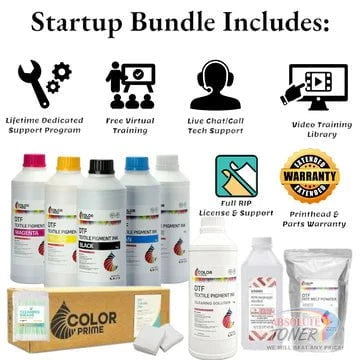

New Prestige R2 13" DTF Printer Bundle - Includes Prestige R2 DTF Printer, Startup Package and Accessories
- Price
- From $167
New Prestige R1 13" DTF Printer Bundle - Includes Prestige R1 DTF Printer, Startup Package and Compatible Machine Options


Sale


New Prestige R1 13" DTF Printer Bundle - Includes Prestige R1 DTF Printer, Startup Package and Compatible Machine Options
- Price
- From $116
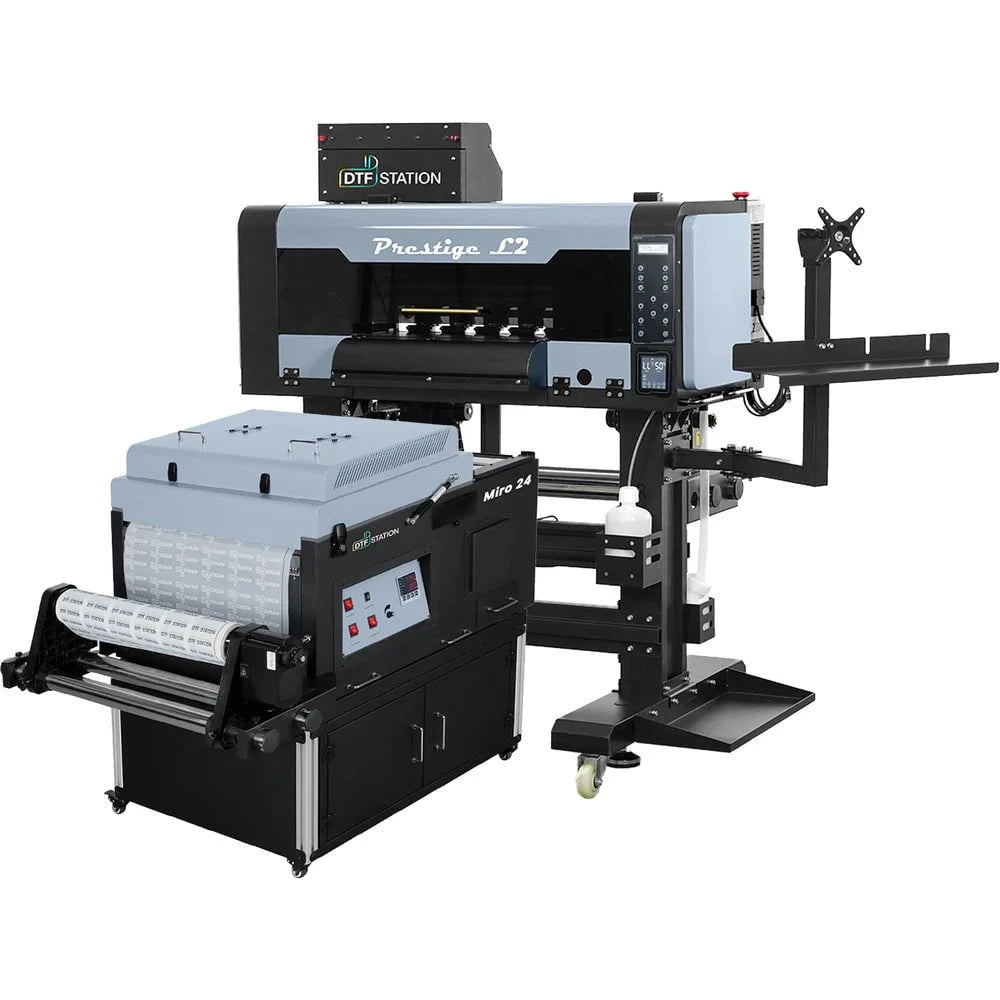
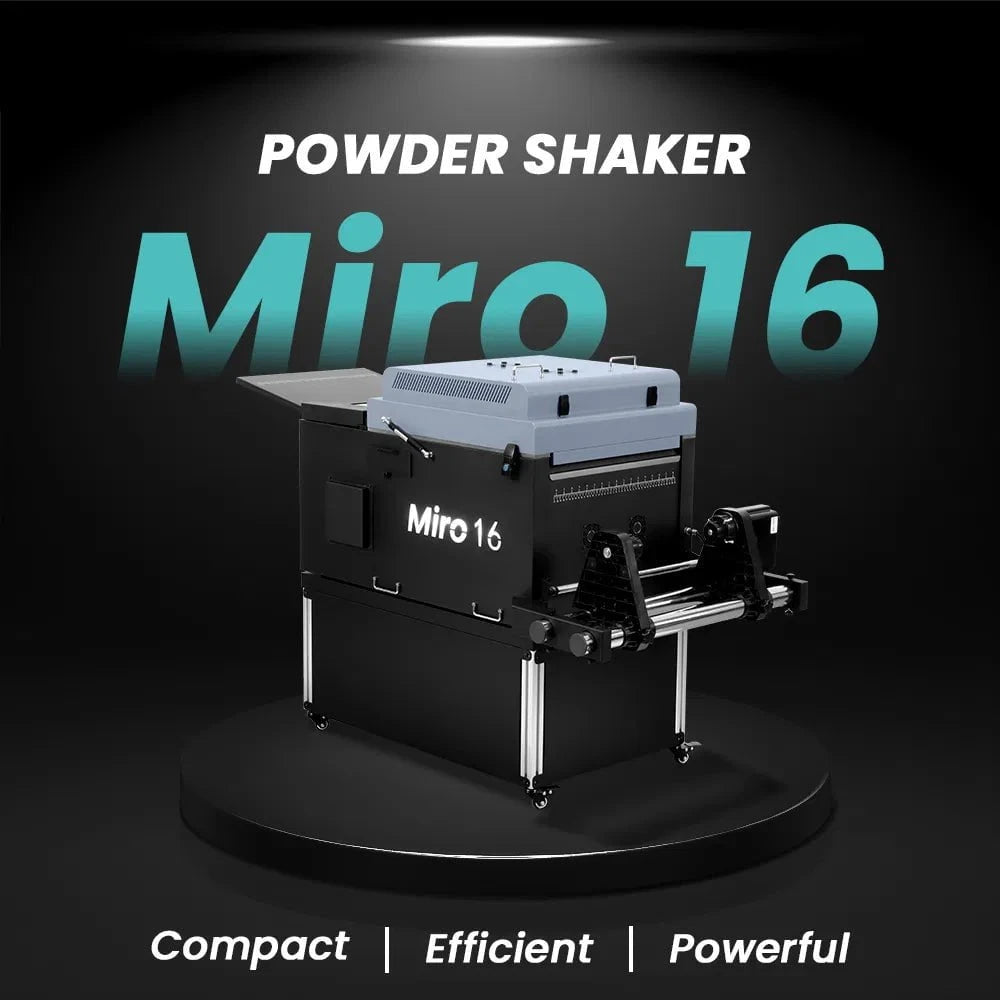
$323/month Prestige L2 18.5" DTF Printer Dual i3200 with Miro 16 Automatic Powder Applicator/Shaker oven and Built-In Oven
Sale
$323/month Prestige L2 18.5" DTF Printer Dual i3200 with Miro 16 Automatic Powder Applicator/Shaker oven and Built-In Oven
- Sale price
- $323
- Regular price
- $483
Prestige XL2 24" DTF Printer with optional Bundle Accessories (Shaker/Oven/Purifier)


Sale


Prestige XL2 24" DTF Printer with optional Bundle Accessories (Shaker/Oven/Purifier)
- Price
- From $342
$398/Month 9-Colour BUNDLE 24" Prestige XL2 PRO New DTF Station Printer with MIRO 24 Automatic Powder Applicator/Shaker/Oven/Purifier


Sale


$398/Month 9-Colour BUNDLE 24" Prestige XL2 PRO New DTF Station Printer with MIRO 24 Automatic Powder Applicator/Shaker/Oven/Purifier
- Sale price
- $398
- Regular price
- $520
$195/month BRAND NEW DTF Station Aries 213 UV DTF with i3200HD Printer 2-in-1 Printing and Laminating With Exceptional Colour Accuracy


Sale


$195/month BRAND NEW DTF Station Aries 213 UV DTF with i3200HD Printer 2-in-1 Printing and Laminating With Exceptional Colour Accuracy
- Sale price
- $195
- Regular price
- $250
$449/month - Aries 124 – 24" (60cm) Commercial UV DTF Printer with Automatic Lamination


Sale


$449/month - Aries 124 – 24" (60cm) Commercial UV DTF Printer with Automatic Lamination
- Sale price
- $28,880
- Regular price
- $39,995
$91/mo. Auto-Feed and Cut 16pt. 13x19 (400GSM) - Business Cards, Door Hangers, Labels, Decals, Gift Boxes, Thermal Transfer and more...


Sale


$91/mo. Auto-Feed and Cut 16pt. 13x19 (400GSM) - Business Cards, Door Hangers, Labels, Decals, Gift Boxes, Thermal Transfer and more...
- Sale price
- $91
- Regular price
- $117
$174/Month 4ftx8ft IN-STOCK Plytronix Pneumatic Flatbed Laminator Applicator Smart Mounting Table with LED Mounting and Laminating


Sale


$174/Month 4ftx8ft IN-STOCK Plytronix Pneumatic Flatbed Laminator Applicator Smart Mounting Table with LED Mounting and Laminating
- Sale price
- $174
- Regular price
- $299
$195/Month 5ftx11ft IN-STOCK Plytronix Pneumatic Flatbed Laminator Applicator Smart Mounting Table with LED Mounting and Laminating

Sale

$195/Month 5ftx11ft IN-STOCK Plytronix Pneumatic Flatbed Laminator Applicator Smart Mounting Table with LED Mounting and Laminating
- Sale price
- $195
- Regular price
- $265
$125/month JAGUAR 70" AUTOMOTIVE SPECIAL EDITION PPF/TINT Cutter Plotter with Anti-Static kit and Tint Velvet Film.


Sale


$125/month JAGUAR 70" AUTOMOTIVE SPECIAL EDITION PPF/TINT Cutter Plotter with Anti-Static kit and Tint Velvet Film.
- Sale price
- $125
- Regular price
- $179
$94/month 50" JAGUAR AUTOMOTIVE SPECIAL EDITION TINT/PPF V-LX J5-101LX-SE Cutter Plotter with Anti-Static kit and Tint Velvet Film.

Sale

$94/month 50" JAGUAR AUTOMOTIVE SPECIAL EDITION TINT/PPF V-LX J5-101LX-SE Cutter Plotter with Anti-Static kit and Tint Velvet Film.
- Sale price
- $94
- Regular price
- $145
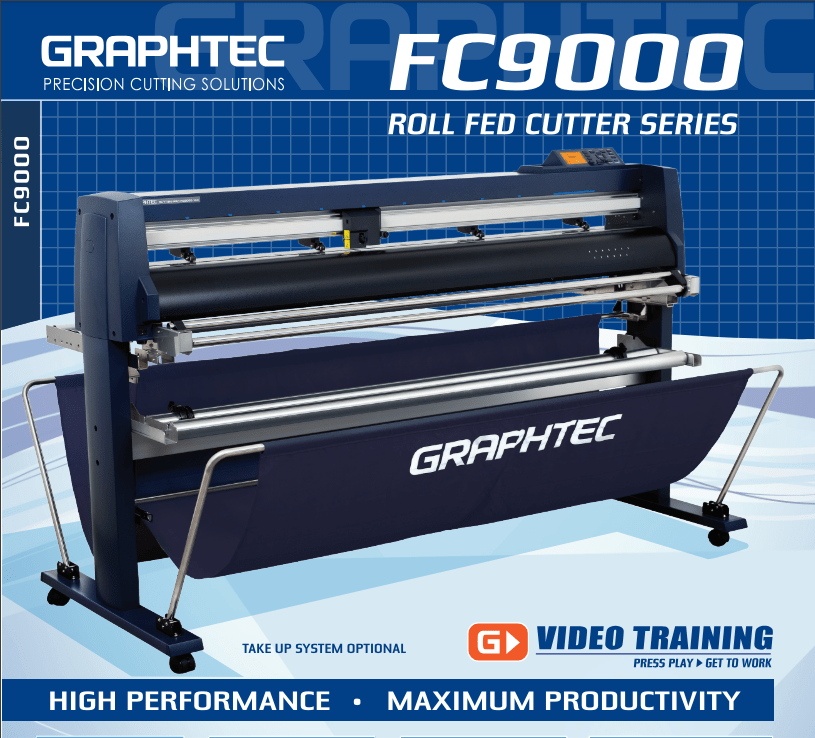
42'' Graphtec FC9000-100 For the Automotive Professionals with 50 ft accurate tracking of Window Tint Film & Vinyl, Roll-fed Cutting Plotter
Sale
42'' Graphtec FC9000-100 For the Automotive Professionals with 50 ft accurate tracking of Window Tint Film & Vinyl, Roll-fed Cutting Plotter
- Sale price
- $129
- Regular price
- $169
$189/MONTH NEW 64" Graphtec FC9000-160 For Automotive Professionals with 50 ft accurate tracking of Window Tint, PPF Film & Vinyl. Roll-fed Cutting Plotter

Sale

$189/MONTH NEW 64" Graphtec FC9000-160 For Automotive Professionals with 50 ft accurate tracking of Window Tint, PPF Film & Vinyl. Roll-fed Cutting Plotter
- Sale price
- $189
- Regular price
- $249
$134/month Graphtec AKZ Engineered for TINT/PPF with Stand, Media Basket and PPF Anti-electrostatic Kit.
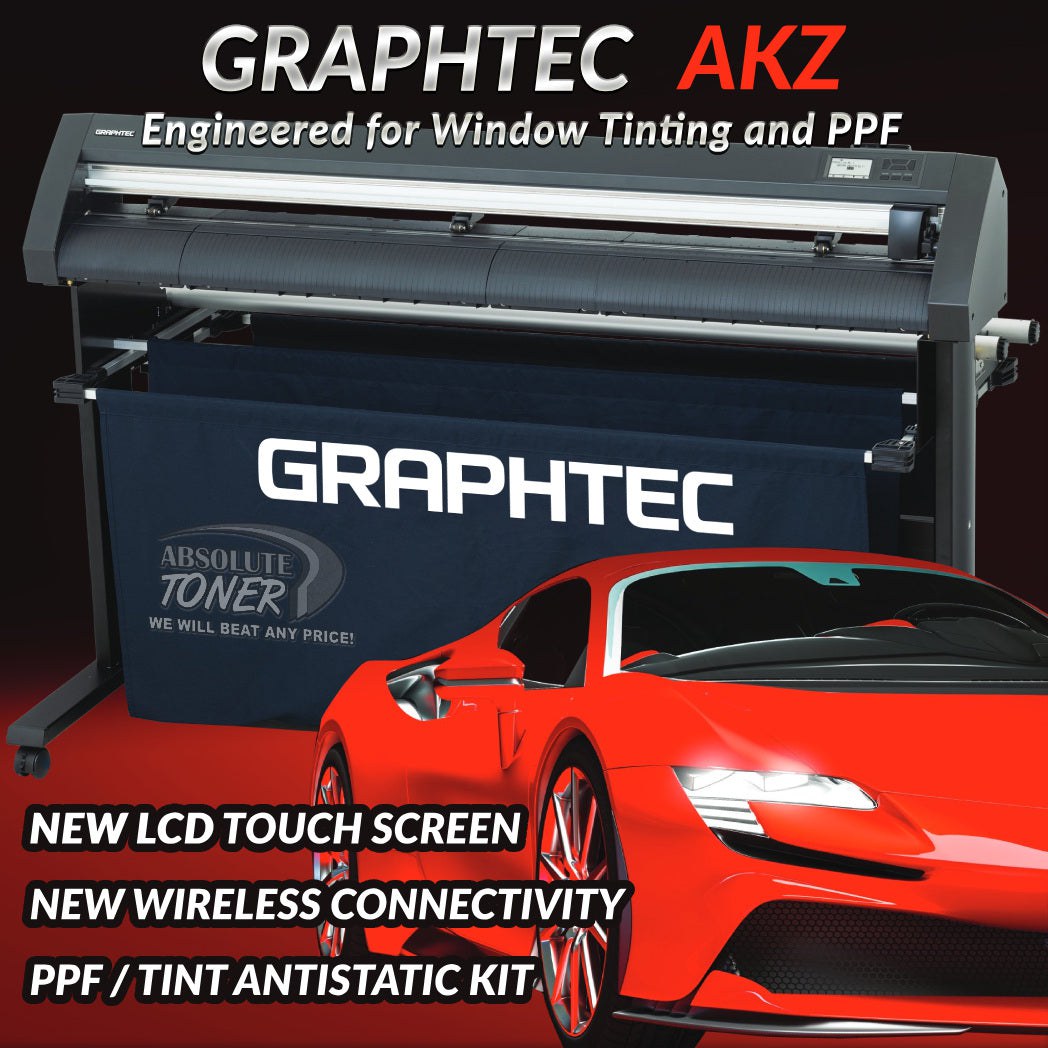
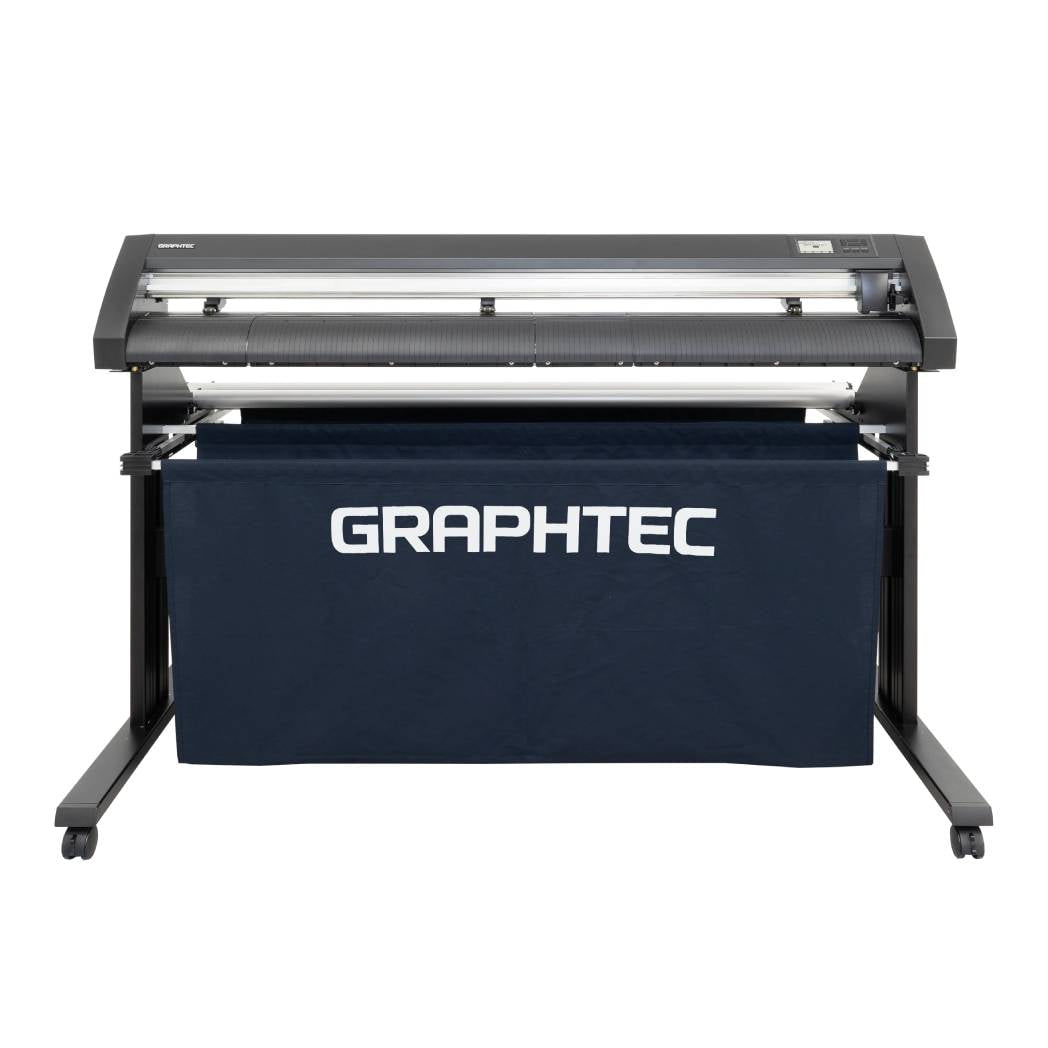
$134/month Graphtec AKZ Engineered for TINT/PPF with Stand, Media Basket and PPF Anti-electrostatic Kit.
- Sale price
- $134
- Regular price
- $159
$115/month PLYTRONIX Pneumatic PRO 64” with Anti-Static System, Large Format Auto High-Speed Cold/Hot Laminator for Signs, Graphics, Banners, Prints & More


$115/month PLYTRONIX Pneumatic PRO 64” with Anti-Static System, Large Format Auto High-Speed Cold/Hot Laminator for Signs, Graphics, Banners, Prints & More
- Sale price
- $115
- Regular price
- $195
Xerox WorkCentre 3215 Sale at the Best Price in Toronto
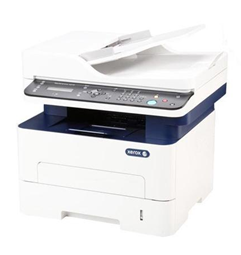
The brand name xerox itself became a synonym to the word photocopy globally, that serves as a verb or a noun. Since then, Xerox expanded their product range. One of their best-selling products that is currently available is the Xerox WorkCentre 3215. The WorkCentre 3215 is an entry-level all-in-one monochrome laser unit. Listed for only 109 USD (from Xerox or Amazon) it’s competitively priced monochrome laser printer vs other similar laser units like Brother MFC-L2750DW currently priced (as of writing) at 181 USD or HP LaserJet Pro M426FDW with a price tag of 449 USD. For someone who’s looking for an affordable monochrome laser printer, it’s a good choice that fits your budget. Have a look at its specs:

Xerox WorkCentre 3215 Printers in Toronto
Key specifications: of Xerox WorkCentre 3215
- Print output: Black
- Print speed: up to 27ppm
- Functions: Print, Scan, Copy, Email, Fax
- Wireless printing: Yes
- Cartridge capacity: up to 1,500 pages
- Drum capacity: up to 10,000 pages
- Monthly duty cycle: up to 30,000 images
- Primary Tray: 250 sheets max
- ADF: 40 sheets
- Output Tray: 120 sheets
- Toner cost (original): $63.99
- Drum cost (original): $64.99
Right out of the box, the printer comes with the driver CD, user manual, USB cable, fax cord, and AC power cord. The cartridge is placed inside the printer and its protective plastic snaps should be removed before using. I have removed the protective snaps without a problem but some users reported its toner spewed a lot of powder upon removal. For safety, make sure you have a cloth near the toner and cover yourself substantially before you open its protective snaps slowly in case the toner cartridge spits out a lot of powder.
Button Layout
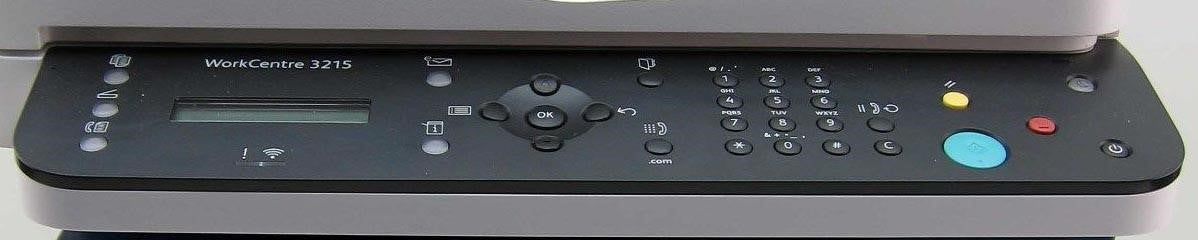
Xerox WorkCentre 3215 Sale in Toronto
The panel buttons are pretty much easy to navigate although they are labeled with symbols. Some of the essential functions are the following:
- The power button rests on the extreme right of the panel.
- The machine status can be accessed by pressing the button with [i]
- On top of it is the power-saver indicator that flashes if it’s on sleep mode and dims when ready.
- The big teal button is the Start button and its function is dependent on the three buttons located on the left side of the panel.
- Top button is Print
- Middle button is Scan
- Bottom button is Fax.
- The red button is Stop.
- The button with “C” label is to
- The yellow button is Clear All
- The navigation buttons are in the middle of the panel.
- Below the LED message display on the right side is the wireless It glows when the printer is configured for wireless function and the WiFi already on.
Setting Up
- The overall installation is a bit quirky; not really that easy to setup but it turns out ok. Some things to look out for:
- The printer, for some reason by default, always prints a status page every time you power it up. To turn off this wasteful feature go to the following (in order)
- Open Centre Ware Internet Services (should be installed during driver installation)
- Click Properties
- Go to Machine Settings >> System >> Setup
- At the very bottom, uncheck Startup Configuration Report
- For setting up the network, you need to access the Network menu from the machine status button and choose a wide variety of options available. Make sure your SSID or WiFi name has no special characters otherwise your printer wouldn’t be able to detect it.
- When you’re about to print and both USB and wireless printing have been set up, the software you’re using will display two listed WorkCentre 3215 printers but wireless printing will have a name extension containing the alphanumeric name automatically assigned during wireless setup.
Print Speed
Xerox listed its WorkCentre 3215 can print 27 ppm but there was no indication at what page coverage percentage the claimed ppm was derived. I tested to print a full page of text, approximately 10% page coverage and one page printing took about 11 seconds from initializing and prints 14 pages in a minute. Since there’s a wide difference of the actual ppm vs claimed ppm at 10% page percentage I tried printing again but with approximately 5% page coverage more than a half full of plain text and the printed output went to 26 pages in a minute. Close enough.
Print Quality
Printing quality is excellent. The text looks crisp and clean. It doesn’t print double sided though it’s not an issue for my needs or any simple printing task.
After I have used it for a few months, I set the printing quality to draft. The print quality is still good, barely lighter than standard printing that you won’t even notice from reading afar. The toner lasted for quite a while before replenishing that a rough estimate of number of pages printed in text somewhat increased around 8% than its rated capacity.
Scan Quality
I scanned an ID and the result is very good. A bit bright but not much of an issue.
Verdict; Setting up: 3 / 5 ,Print Speed: 4 / 5,Print Quality: 5 / 5,Scan Quality: 4 / 5,Overall rating: 4 / 5
The Xerox WorkCentre 3215 all-in-one monochrome laser printer is a very good printer at its price point. It prints fast that’s close enough to what Xerox claims its speed to be. The printer truly shines when you’re printing in draft mode as the text doesn’t look like it’s being printed in draft. Because of this, it has the edge that maximizes your toner that delays or saves you time from replacing the toner. It’s understandable that it doesn’t have double sided printing feature as laser printers with this feature cost significantly higher. Scanning is also decent; might be a bit bright to your liking but not really that affecting the scanning quality. The only thing that prevents it from getting a higher rating is that setting it up takes longer than other printers normally do.
Need to buy a new printer or printing supplies in Toronto? Absolute Toner is the leading supplier of colour and black & white multifunction office/business copier products. It is 100% guaranteed to satisfy you. Call 1-877-437-5364 today!
- Choosing a selection results in a full page refresh.