Menu


Trending Top Sellers
$135/Month BAi THE MIRROR Commercial Embroidery Machine - 15-Needle Custom Apparel & Structured Hat System - NEW


$135/Month BAi THE MIRROR Commercial Embroidery Machine - 15-Needle Custom Apparel & Structured Hat System - NEW
- Price
- $135
$175/Month BAi THE VISION 15-Needle Single-Head Embroidery Machine - 15.7" x 19.7" Commercial Apparel System - NEW


$175/Month BAi THE VISION 15-Needle Single-Head Embroidery Machine - 15.7" x 19.7" Commercial Apparel System - NEW
- Price
- $175
$219/Month BAi THE VISION 2 Dual-Head Commercial Embroidery Machine - Dual-Head 15-Needle Custom Apparel System - NEW


$219/Month BAi THE VISION 2 Dual-Head Commercial Embroidery Machine - Dual-Head 15-Needle Custom Apparel System - NEW
- Price
- $219
$890/month NEW - IN STOCK -Mimaki 64" Hybrid – Complete Turnkey Package | UJ330H-160 Hybrid UV-LED Printer


$890/month NEW - IN STOCK -Mimaki 64" Hybrid – Complete Turnkey Package | UJ330H-160 Hybrid UV-LED Printer
$185/Month New Mimaki DTF TxF300-75 32" High-Speed Dual Printheads DTF Printer


Sale


$185/Month New Mimaki DTF TxF300-75 32" High-Speed Dual Printheads DTF Printer
PROMO: $285/month New Mimaki DTF TxF300-75 32" DTF BUNDLE DTF PRINTER (DIRECT-TO-FILM) Dual Print Heads with Miro 36 Shaker Bundle


Sale


PROMO: $285/month New Mimaki DTF TxF300-75 32" DTF BUNDLE DTF PRINTER (DIRECT-TO-FILM) Dual Print Heads with Miro 36 Shaker Bundle
- Sale price
- $285
- Regular price
- $695
PROMO: $268/month New Mimaki DTF TxF300-75 32" DTF BUNDLE DTF PRINTER (DIRECT-TO-FILM) Dual Print Heads with Miro 24 Shaker Bundle

Sale

PROMO: $268/month New Mimaki DTF TxF300-75 32" DTF BUNDLE DTF PRINTER (DIRECT-TO-FILM) Dual Print Heads with Miro 24 Shaker Bundle
- Sale price
- $268
- Regular price
- $28,600
$495/month - 4'x8' Plytronix Flatbed Cutter TX-1325 (4.26 ft x8.2 ft ) High-Precision Digital Flatbed Cutting Machine with Automated Finishing System Utilizes Interchangeable Tool Heads


$495/month - 4'x8' Plytronix Flatbed Cutter TX-1325 (4.26 ft x8.2 ft ) High-Precision Digital Flatbed Cutting Machine with Automated Finishing System Utilizes Interchangeable Tool Heads
- Price
- $495
New Prisma Auto Clam Slider 110V 16X20" Inch DTF Heat-Press GS-105HS-Grey/Black With Auto Open Slider Feature And Pressure Sensor


Sale


New Prisma Auto Clam Slider 110V 16X20" Inch DTF Heat-Press GS-105HS-Grey/Black With Auto Open Slider Feature And Pressure Sensor
- Sale price
- $1,690
- Regular price
- $1,986
$99/month - JAGUAR 70" AUTOMOTIVE SPECIAL EDITION PPF/TINT Cutter Plotter with Anti-Static kit and Tint Velvet Film.


Sale


$99/month - JAGUAR 70" AUTOMOTIVE SPECIAL EDITION PPF/TINT Cutter Plotter with Anti-Static kit and Tint Velvet Film.
- Sale price
- $99
- Regular price
- $145
$99/Month - (FREE SHAKER) DTF x2 Epson Print Heads (110V) YINSTAR A3 13" DTF PRINTER


Sale


$99/Month - (FREE SHAKER) DTF x2 Epson Print Heads (110V) YINSTAR A3 13" DTF PRINTER
- Sale price
- $99
- Regular price
- $185
From $99/month - New Prestige R1 13" DTF Printer Bundle - Includes Prestige R1 DTF Printer, Startup Package and Compatible Machine Options -MC


From $99/month - New Prestige R1 13" DTF Printer Bundle - Includes Prestige R1 DTF Printer, Startup Package and Compatible Machine Options -MC
- Price
- From $99
From $149/month New Prestige R2 PRO 13.75" WITH CUTTER DTF Printer 110V A3+ with Bundle options -MC


From $149/month New Prestige R2 PRO 13.75" WITH CUTTER DTF Printer 110V A3+ with Bundle options -MC
- Price
- From $149
From $417/Month 9-Colour BUNDLE 24" Prestige XL2 PRO New DTF Station Printer with Automatic Powder Applicator/Shaker/Oven/Purifier -MC


From $417/Month 9-Colour BUNDLE 24" Prestige XL2 PRO New DTF Station Printer with Automatic Powder Applicator/Shaker/Oven/Purifier -MC
- Price
- From $417
From $497/month - 9 COLORS Prestige XL3 with 3 Epson i3200 DTF Printer Bundle with Auto Powder Shaker/Oven


From $497/month - 9 COLORS Prestige XL3 with 3 Epson i3200 DTF Printer Bundle with Auto Powder Shaker/Oven
- Price
- From $497
NEW JAGUAR 70" AUTOMOTIVE SPECIAL EDITION PPF/TINT Cutter Plotter with Anti-Static kit and Tint Velvet Film.
Sale
NEW JAGUAR 70" AUTOMOTIVE SPECIAL EDITION PPF/TINT Cutter Plotter with Anti-Static kit and Tint Velvet Film.
- Sale price
- $5,980
- Regular price
- $6,980
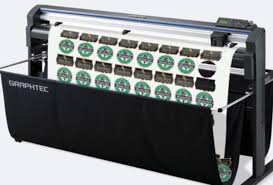
$169/MONTH NEW 64" Graphtec FC9000-160 For Automotive Professionals with 50 ft accurate tracking of Window Tint, PPF Film & Vinyl. Roll-fed Cutting Plotter

Sale

$169/MONTH NEW 64" Graphtec FC9000-160 For Automotive Professionals with 50 ft accurate tracking of Window Tint, PPF Film & Vinyl. Roll-fed Cutting Plotter
- Sale price
- $169
- Regular price
- $225
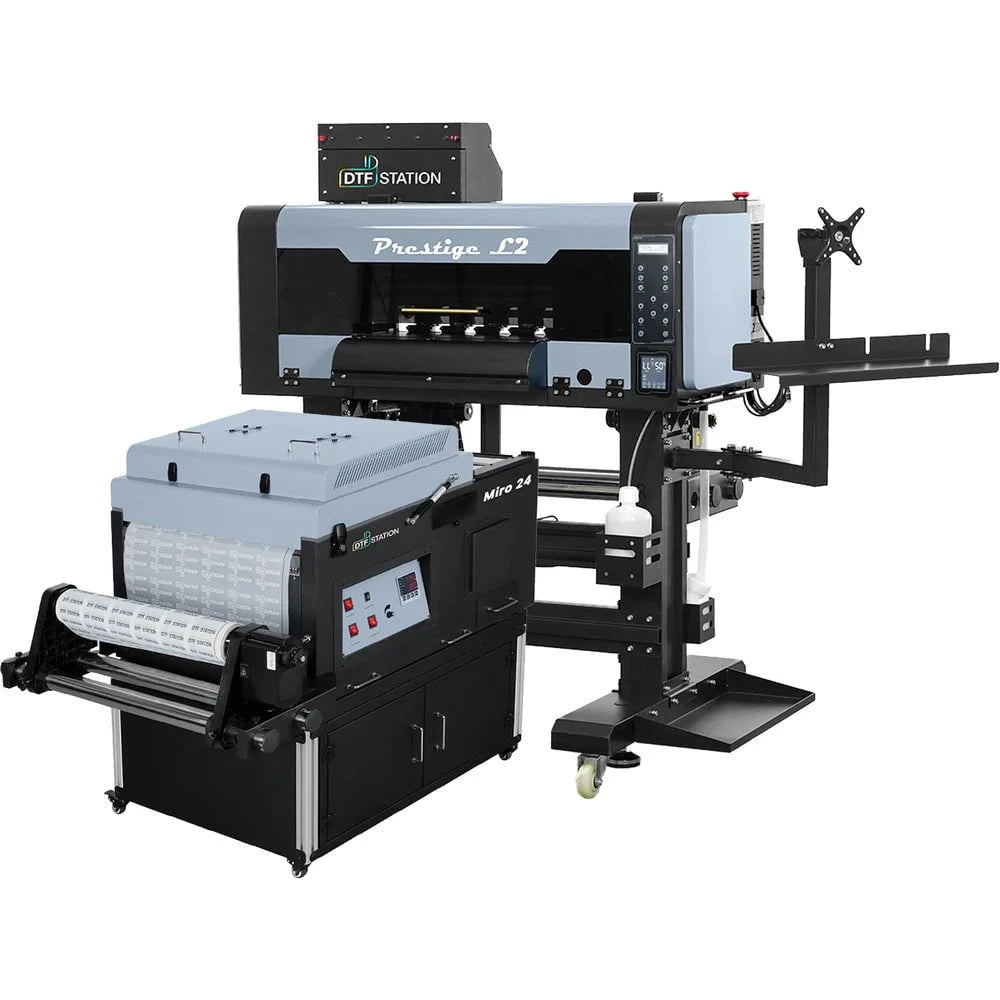
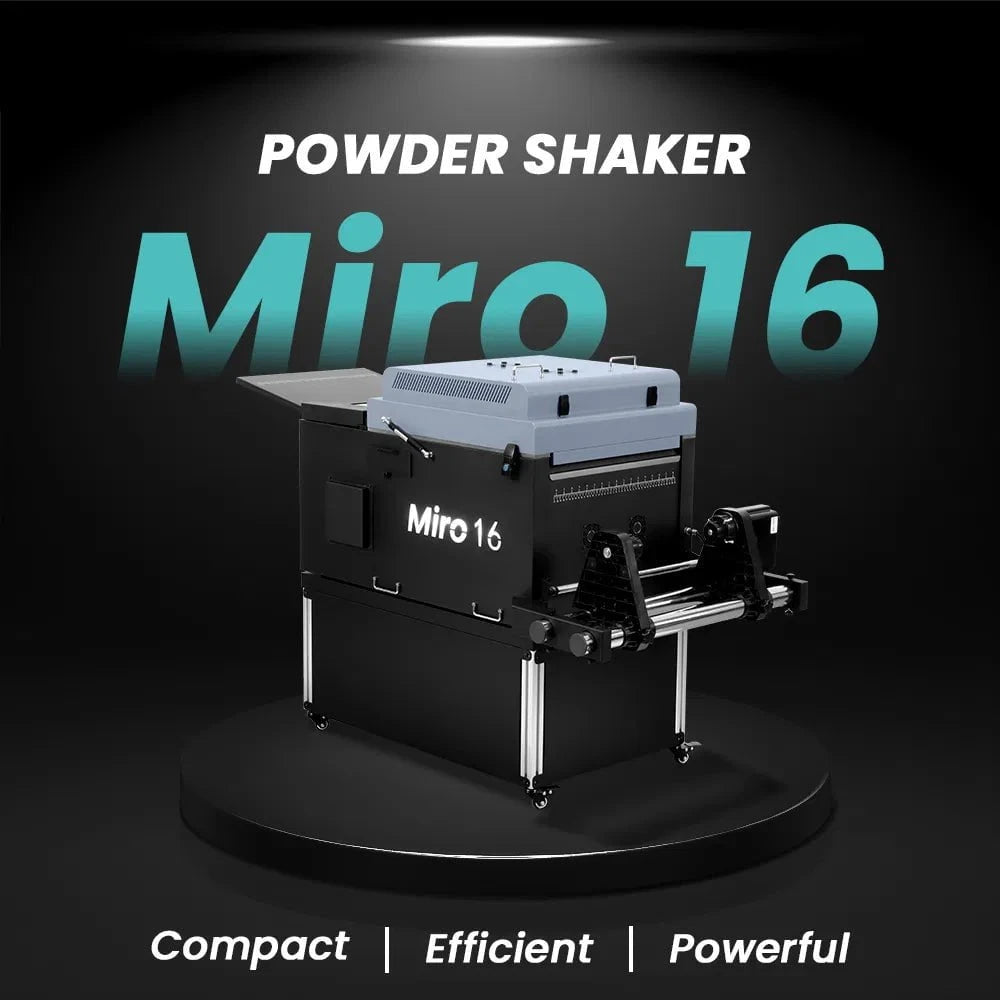
$379/month Prestige L2 18.5" DTF Printer Dual i3200 with Miro 16 Automatic Powder Applicator/Shaker oven and Built-In Oven
Sale
$379/month Prestige L2 18.5" DTF Printer Dual i3200 with Miro 16 Automatic Powder Applicator/Shaker oven and Built-In Oven
- Sale price
- $379
- Regular price
- $465
$195/Month 27" IN-STOCK Yinstar High Precision 27" Commercial Production DTF Printer with 2x i3200-A1 Epson Printheads DTF Powder Shaker.


Sale


$195/Month 27" IN-STOCK Yinstar High Precision 27" Commercial Production DTF Printer with 2x i3200-A1 Epson Printheads DTF Powder Shaker.
- Sale price
- $195
- Regular price
- $249
$247/Month 24" IN-STOCK Yinstar WI-FI DTF Printer with 2x Epson I3200 Print Heads Including DTF Powder Shaker Machine with Air Filter and Auto Powder Recycling System


Sale


$247/Month 24" IN-STOCK Yinstar WI-FI DTF Printer with 2x Epson I3200 Print Heads Including DTF Powder Shaker Machine with Air Filter and Auto Powder Recycling System
- Sale price
- $247
- Regular price
- $350
How to Evaluate the Condition of a Used Copier

In today's fast-paced business environment, having a reliable copier is essential for efficient document management. However, investing in a brand new copier may not always be the most cost-effective solution for every business. Buying a used copier can be a viable alternative, but it's crucial to assess its condition thoroughly before making a purchase. In this article, we will guide you through the process of evaluating the condition of a used copier, helping you make an informed decision and avoid potential pitfalls.
Introduction
When considering a used copier, evaluating its condition becomes paramount to ensure that it meets your business requirements and provides value for your investment. By assessing various aspects such as physical condition, functionality, and maintenance history, you can gauge the copier's performance and determine if it suits your needs. Let's explore the key factors to consider before evaluating a used copier.
Why Evaluate the Condition of a Used Copier?
Before delving into the evaluation process, it's essential to understand why it's crucial to assess the condition of a used copier. Evaluating the copier's condition enables you to:
- Determine its suitability: By examining the copier's condition, you can ensure that it meets your specific business needs, such as required print volume, speed, and features.
- Identify potential issues: Assessing the copier's condition helps identify any existing or potential problems, enabling you to make an informed decision and avoid unnecessary repair costs.
- Evaluate the value: Understanding the condition allows you to assess whether the asking price aligns with the copier's current state and its expected lifespan.
Now that we understand the importance of evaluating a used copier, let's explore the factors to consider before proceeding with the evaluation process.
Factors to Consider Before Evaluating a Used Copier
Brand and Model
The brand and model of a copier play a significant role in determining its overall quality and reliability. Well-known brands often have a track record of producing robust and long-lasting copiers. Researching the reputation of the brand and the specific model you are considering will give you valuable insights into its performance and durability.
Age and Usage
The age and usage of a used copier are crucial factors to consider. Older copiers may be more prone to breakdowns and could lack compatibility with modern software and connectivity options. Additionally, high usage over the years may have caused wear and tear on critical components. Understanding the copier's age and usage history will help you assess its remaining lifespan and potential maintenance requirements.
Physical Condition
Conducting a visual inspection is essential to evaluate the physical condition of the copier. Look for signs of damage, such as cracks, dents, or scratches on the exterior. Additionally, check if all buttons, trays, and paper feeders are intact and functioning properly. A copier in good physical condition indicates that it has been well-maintained and is more likely to perform reliably.
Functionality and Performance
Testing the copier's functions and features is vital to ensure it performs as expected. Check the control panel and verify if all functions respond correctly. Test the scanner, printer, and copier functionalities individually to ensure they operate smoothly. Evaluate the copier's speed and check if it meets your desired printing requirements.
Maintenance History
Inquire about the copier's maintenance history to gain insights into how well it has been taken care of. Ask for any maintenance records, service logs, or repair history. A copier with regular maintenance and timely repairs indicates that it has been well-maintained and is less likely to have hidden issues.
Steps to Evaluate the Condition of a Used Copier
Now that we have examined the factors to consider, let's dive into the steps involved in evaluating the condition of a used copier. By following these steps, you can thoroughly assess the copier's performance and ensure its suitability for your business needs.
Visual Inspection
Begin by conducting a visual inspection of the copier. Examine the exterior for any visible signs of damage, such as cracks or broken parts. Check the paper trays, document feeder, and output trays for any physical defects. A thorough visual inspection helps identify potential issues that may affect the copier's performance.
Test the Functions and Features
Proceed to test the copier's functions and features. Verify if the control panel and all buttons are responsive. Test the scanner by scanning a document and check the quality of the scanned image. Print a test page to evaluate the print quality, color accuracy, and sharpness. Test any additional features, such as duplex printing or stapling, if available.
Print Quality and Speed
Evaluate the copier's print quality and speed. Print a sample document with various colors and text sizes to assess the sharpness, color accuracy, and overall print quality. Additionally, check the copier's speed by printing a document with multiple pages. Ensure that the copier meets your desired print quality standards and printing speed requirements.
Connectivity Options
Check the copier's connectivity options to ensure compatibility with your existing network infrastructure. Verify if the copier has Ethernet or Wi-Fi capabilities for seamless integration into your office environment. If your business requires mobile printing, check if the copier supports printing from smartphones or tablets via apps or wireless protocols like AirPrint or Google Cloud Print.
Paper Handling
Evaluate the copier's paper handling capabilities. Check the paper trays and ensure they can accommodate the paper sizes and types your business requires. Look for features like automatic duplexing, multiple paper trays, or a bypass tray for specialty media. The copier's paper handling capabilities should align with your business's document requirements.
Noise and Energy Efficiency
Consider the copier's noise level and energy efficiency. Copiers that operate quietly are less disruptive in a working environment. Look for copiers with energy-saving features, such as sleep mode or automatic shutdown, to reduce power consumption and lower operational costs.
Maintenance and Service Requirements
Inquire about the copier's maintenance and service requirements. Ask if the copier requires regular maintenance tasks like cleaning or replacing consumables. Additionally, check if the copier is under any warranty or service agreement. Understanding the maintenance needs and availability of service support ensures that you can keep the copier running smoothly after purchase.
By following these steps, you can evaluate the condition of a used copier comprehensively. Now let's explore the benefits of evaluating a used copier before making a purchase.
Benefits of Evaluating the Condition of a Used Copier
Evaluating the condition of a used copier offers several benefits that can positively impact your business. Let's delve into the advantages of conducting a thorough evaluation.
Cost Savings
One of the primary benefits of buying a used copier is cost savings. Used copiers are generally more affordable than brand new ones. By evaluating the copier's condition, you can ensure that you are paying a fair price based on its current state. This allows you to maximize your budget and allocate resources to other areas of your business.
Reliability and Performance
Evaluating the copier's condition helps you determine its reliability and performance. A copier in good condition is less likely to encounter frequent breakdowns or malfunctions, reducing the risk of downtime and productivity loss. By ensuring the copier meets your performance expectations, you can rely on it for consistent and efficient document management.
Compatibility and Integration
Assessing the copier's condition allows you to evaluate its compatibility and integration capabilities. Ensure that the copier seamlessly integrates into your existing network infrastructure, software applications, and document workflows. Compatibility ensures smooth operations and minimizes potential compatibility issues down the line.
Now that we've explored the benefits of evaluating a used copier, let's discuss common issues to look for during the evaluation process.
Common Issues to Look for When Evaluating a Used Copier
During the evaluation process, it's crucial to be aware of common issues that may arise with a used copier. By being vigilant and identifying these issues, you can make an informed decision and avoid purchasing a copier with underlying problems. Let's explore some of the common issues to look out for:
Jamming and Misfeeds
Inspect the copier's paper path and look for any signs of jamming or misfeeds. These issues can significantly impact productivity and cause frustration. Ensure that the copier feeds paper smoothly and consistently without any paper jams or misalignments.
Image Quality Problems
Evaluate the copier's print quality to identify any image-related issues. Look for blurry prints, streaks, or color inconsistencies. Poor image quality may indicate problems with the copier's toner cartridges, imaging unit, or other internal components.
Error Messages and Malfunctions
Pay attention to any error messages or malfunctions displayed on the copier's control panel. Error messages can provide valuable insights into underlying issues. Test the copier's functions again after encountering an error to determine if it was an isolated incident or a recurring problem.
Networking and Compatibility Issues
If you plan to connect the copier to a network, ensure that it seamlessly integrates and functions correctly. Verify if the copier is compatible with your network protocols and security settings. Networking and compatibility issues can hinder your ability to leverage the copier's full capabilities.
Software and Firmware Updates
Check if the copier's software and firmware are up to date. Outdated software or firmware may lack essential features, security patches, or compatibility with the latest operating systems. Updates may be necessary to ensure optimal performance and functionality.
Being aware of these common issues and thoroughly inspecting the copier will help you make an informed decision. Now let's explore some valuable tips to consider when buying a used copier.
Tips for Buying a Used Copier
To ensure a successful purchase and a copier that meets your needs, consider the following tips:
Research and Compare Options
Take the time to research and compare different used copier options. Look for reviews, user experiences, and ratings of various models and sellers. Compare prices, features, and conditions to find the best fit for your business requirements and budget.
Check Seller's Reputation
When buying a used copier, it's essential to assess the reputation of the seller. Look for reviews or testimonials from previous customers. A reputable seller is more likely to provide accurate information about the copier's condition and offer reliable customer support.
Ask for Documentation and Warranty
Request documentation such as maintenance records, service logs, or repair history from the seller. This information can help you gauge the copier's maintenance and repair history. Additionally, inquire about any remaining warranty or service agreements to ensure you have support in case of any issues.
Consider Service and Support
Evaluate the availability of service and support for the used copier. Check if the manufacturer or third-party service providers offer maintenance and repair services. Reliable service and support ensure that you can address any future issues promptly and keep the copier running smoothly.
By following these tips, you can navigate the process of buying a used copier with confidence and make an informed decision.
Conclusion
Evaluating the condition of a used copier is a crucial step in ensuring a successful purchase. By considering factors such as brand, age, physical condition, functionality, and maintenance history, you can make an informed decision and find a copier that meets your business requirements. Thoroughly assessing the copier's condition helps identify potential issues, determine its value, and leverage cost savings. By following the outlined steps and tips, you can navigate the evaluation process and purchase a reliable and efficient used copier that supports your document management needs.
FAQs
Can I negotiate the price of a used copier?
- Yes, negotiating the price of a used copier is often possible. It's worth discussing with the seller to see if there is room for negotiation based on the copier's condition and market value.
Is it better to buy a used copier from a dealer or an individual?
- Both options have their pros and cons. Buying from a reputable dealer offers more security and may come with warranties or service agreements. Buying from an individual seller may provide cost savings but requires more diligence in evaluating the copier's condition and reliability.
How often should a used copier be serviced?
- The frequency of servicing a used copier depends on factors such as usage, manufacturer recommendations, and maintenance history. Generally, it's advisable to have regular servicing every six months to a year to maintain optimal performance.
Can I upgrade the features of a used copier?
- Upgrading features of a used copier is possible in some cases. However, it's essential to check the copier's compatibility and availability of upgrade options. Consult with the manufacturer or a certified service provider for guidance on upgrade possibilities.
Are there any risks involved in buying a used copier?
- There are some risks associated with buying a used copier, such as hidden issues, lack of warranty, or limited support. Thoroughly evaluating the copier's condition and buying from reputable sellers can help mitigate these risks and ensure a successful purchase.
- Choosing a selection results in a full page refresh.