Menu


Trending Top Sellers
$135/Month BAi THE MIRROR Commercial Embroidery Machine - 15-Needle Custom Apparel & Structured Hat System - NEW


$135/Month BAi THE MIRROR Commercial Embroidery Machine - 15-Needle Custom Apparel & Structured Hat System - NEW
- Price
- $135
$175/Month BAi THE VISION 15-Needle Single-Head Embroidery Machine - 15.7" x 19.7" Commercial Apparel System - NEW


$175/Month BAi THE VISION 15-Needle Single-Head Embroidery Machine - 15.7" x 19.7" Commercial Apparel System - NEW
- Price
- $175
$219/Month BAi THE VISION 2 Dual-Head Commercial Embroidery Machine - Dual-Head 15-Needle Custom Apparel System - NEW


$219/Month BAi THE VISION 2 Dual-Head Commercial Embroidery Machine - Dual-Head 15-Needle Custom Apparel System - NEW
- Price
- $219
$890/month NEW - IN STOCK -Mimaki 64" Hybrid – Complete Turnkey Package | UJ330H-160 Hybrid UV-LED Printer


$890/month NEW - IN STOCK -Mimaki 64" Hybrid – Complete Turnkey Package | UJ330H-160 Hybrid UV-LED Printer
$185/Month New Mimaki DTF TxF300-75 32" High-Speed Dual Printheads DTF Printer


Sale


$185/Month New Mimaki DTF TxF300-75 32" High-Speed Dual Printheads DTF Printer
PROMO: $285/month New Mimaki DTF TxF300-75 32" DTF BUNDLE DTF PRINTER (DIRECT-TO-FILM) Dual Print Heads with Miro 36 Shaker Bundle


Sale


PROMO: $285/month New Mimaki DTF TxF300-75 32" DTF BUNDLE DTF PRINTER (DIRECT-TO-FILM) Dual Print Heads with Miro 36 Shaker Bundle
- Sale price
- $285
- Regular price
- $695
PROMO: $268/month New Mimaki DTF TxF300-75 32" DTF BUNDLE DTF PRINTER (DIRECT-TO-FILM) Dual Print Heads with Miro 24 Shaker Bundle

Sale

PROMO: $268/month New Mimaki DTF TxF300-75 32" DTF BUNDLE DTF PRINTER (DIRECT-TO-FILM) Dual Print Heads with Miro 24 Shaker Bundle
- Sale price
- $268
- Regular price
- $28,600
$495/month - 4'x8' Plytronix Flatbed Cutter TX-1325 (4.26 ft x8.2 ft ) High-Precision Digital Flatbed Cutting Machine with Automated Finishing System Utilizes Interchangeable Tool Heads


$495/month - 4'x8' Plytronix Flatbed Cutter TX-1325 (4.26 ft x8.2 ft ) High-Precision Digital Flatbed Cutting Machine with Automated Finishing System Utilizes Interchangeable Tool Heads
- Price
- $495
New Prisma Auto Clam Slider 110V 16X20" Inch DTF Heat-Press GS-105HS-Grey/Black With Auto Open Slider Feature And Pressure Sensor


Sale


New Prisma Auto Clam Slider 110V 16X20" Inch DTF Heat-Press GS-105HS-Grey/Black With Auto Open Slider Feature And Pressure Sensor
- Sale price
- $1,690
- Regular price
- $1,986
$99/month - JAGUAR 70" AUTOMOTIVE SPECIAL EDITION PPF/TINT Cutter Plotter with Anti-Static kit and Tint Velvet Film.


Sale


$99/month - JAGUAR 70" AUTOMOTIVE SPECIAL EDITION PPF/TINT Cutter Plotter with Anti-Static kit and Tint Velvet Film.
- Sale price
- $99
- Regular price
- $145
$99/Month - (FREE SHAKER) DTF x2 Epson Print Heads (110V) YINSTAR A3 13" DTF PRINTER


Sale


$99/Month - (FREE SHAKER) DTF x2 Epson Print Heads (110V) YINSTAR A3 13" DTF PRINTER
- Sale price
- $99
- Regular price
- $185
From $99/month - New Prestige R1 13" DTF Printer Bundle - Includes Prestige R1 DTF Printer, Startup Package and Compatible Machine Options -MC


From $99/month - New Prestige R1 13" DTF Printer Bundle - Includes Prestige R1 DTF Printer, Startup Package and Compatible Machine Options -MC
- Price
- From $99
From $149/month New Prestige R2 PRO 13.75" WITH CUTTER DTF Printer 110V A3+ with Bundle options -MC


From $149/month New Prestige R2 PRO 13.75" WITH CUTTER DTF Printer 110V A3+ with Bundle options -MC
- Price
- From $149
From $417/Month 9-Colour BUNDLE 24" Prestige XL2 PRO New DTF Station Printer with Automatic Powder Applicator/Shaker/Oven/Purifier -MC


From $417/Month 9-Colour BUNDLE 24" Prestige XL2 PRO New DTF Station Printer with Automatic Powder Applicator/Shaker/Oven/Purifier -MC
- Price
- From $417
From $497/month - 9 COLORS Prestige XL3 with 3 Epson i3200 DTF Printer Bundle with Auto Powder Shaker/Oven


From $497/month - 9 COLORS Prestige XL3 with 3 Epson i3200 DTF Printer Bundle with Auto Powder Shaker/Oven
- Price
- From $497
NEW JAGUAR 70" AUTOMOTIVE SPECIAL EDITION PPF/TINT Cutter Plotter with Anti-Static kit and Tint Velvet Film.
Sale
NEW JAGUAR 70" AUTOMOTIVE SPECIAL EDITION PPF/TINT Cutter Plotter with Anti-Static kit and Tint Velvet Film.
- Sale price
- $5,980
- Regular price
- $6,980
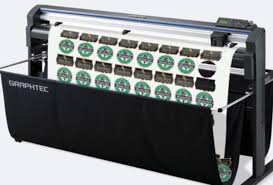
$169/MONTH NEW 64" Graphtec FC9000-160 For Automotive Professionals with 50 ft accurate tracking of Window Tint, PPF Film & Vinyl. Roll-fed Cutting Plotter

Sale

$169/MONTH NEW 64" Graphtec FC9000-160 For Automotive Professionals with 50 ft accurate tracking of Window Tint, PPF Film & Vinyl. Roll-fed Cutting Plotter
- Sale price
- $169
- Regular price
- $225
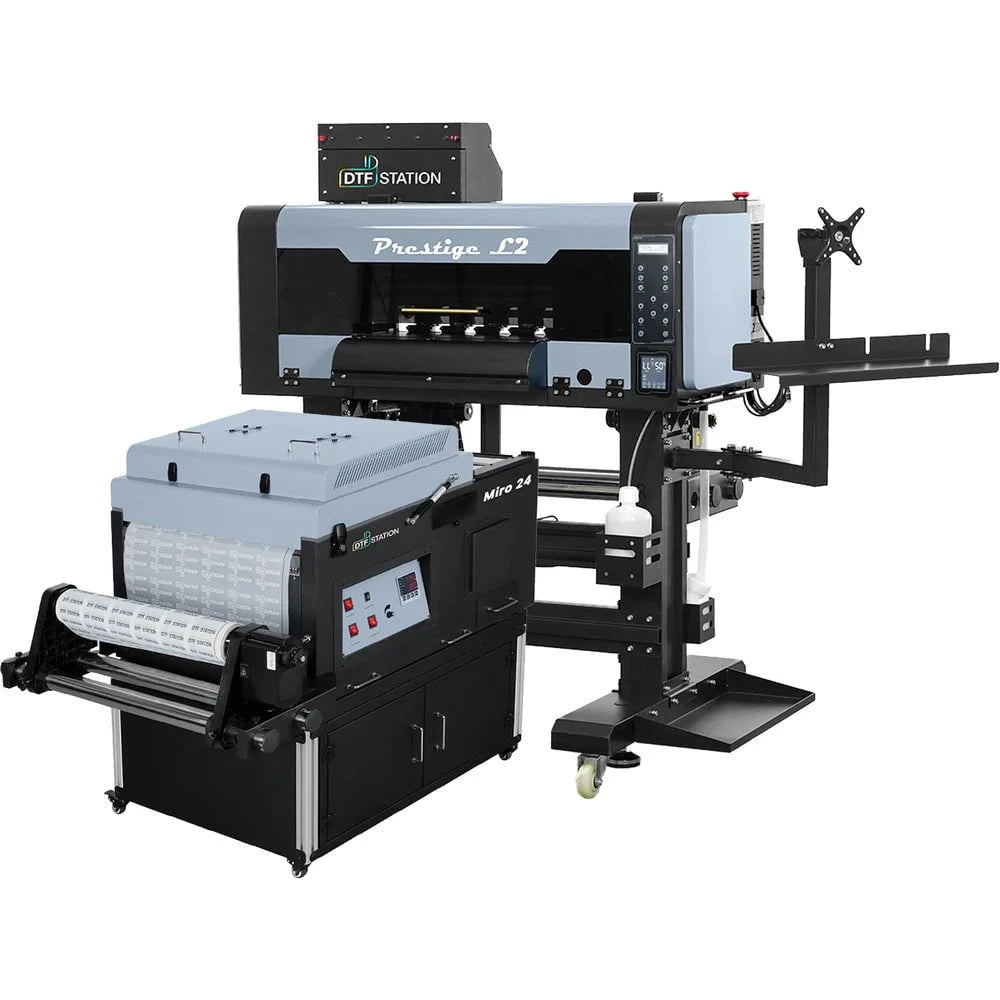
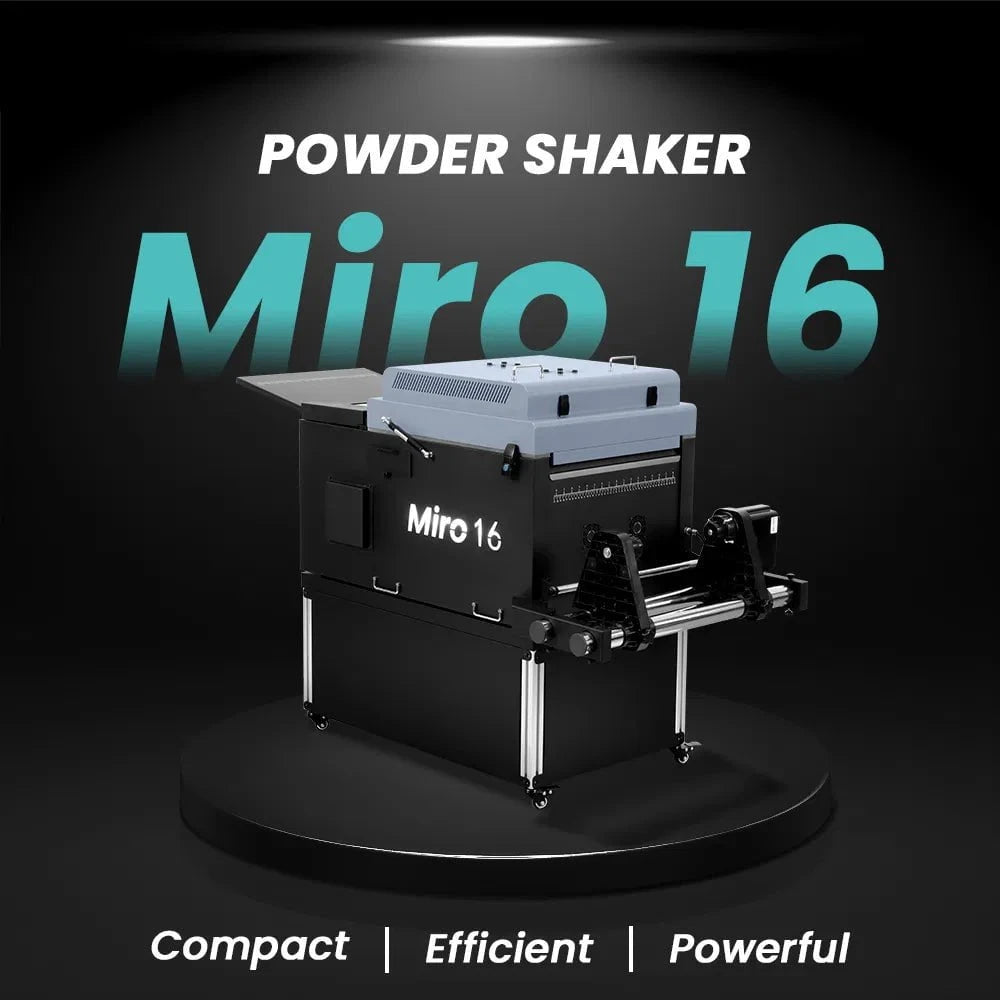
$379/month Prestige L2 18.5" DTF Printer Dual i3200 with Miro 16 Automatic Powder Applicator/Shaker oven and Built-In Oven
Sale
$379/month Prestige L2 18.5" DTF Printer Dual i3200 with Miro 16 Automatic Powder Applicator/Shaker oven and Built-In Oven
- Sale price
- $379
- Regular price
- $465
$195/Month 27" IN-STOCK Yinstar High Precision 27" Commercial Production DTF Printer with 2x i3200-A1 Epson Printheads DTF Powder Shaker.


Sale


$195/Month 27" IN-STOCK Yinstar High Precision 27" Commercial Production DTF Printer with 2x i3200-A1 Epson Printheads DTF Powder Shaker.
- Sale price
- $195
- Regular price
- $249
$247/Month 24" IN-STOCK Yinstar WI-FI DTF Printer with 2x Epson I3200 Print Heads Including DTF Powder Shaker Machine with Air Filter and Auto Powder Recycling System


Sale


$247/Month 24" IN-STOCK Yinstar WI-FI DTF Printer with 2x Epson I3200 Print Heads Including DTF Powder Shaker Machine with Air Filter and Auto Powder Recycling System
- Sale price
- $247
- Regular price
- $350
Tips for Maintaining Blade Life on Graphtec Plotters

Maximize performance, minimize costs. Whether you’re using a Graphtec CE8000 or another model in the lineup, one thing remains constant: blade health is essential. A well-maintained blade doesn’t just improve your cut quality—it saves you time, materials, and money. In this blog, we’ll cover smart, actionable tips to extend the life of your Graphtec plotter blades and keep your workflow smooth.
🔧 1. Use the Right Blade for the Job
Graphtec offers a variety of blades for different materials—standard vinyl, reflective film, flock, sandblast mask, and more. Using a 45° blade when a 60° is required (or vice versa) can wear the edge quickly and damage both your media and your cutter head.
Pro Tip: Always refer to Graphtec’s blade guide or your material supplier for the ideal blade angle for your specific media.
🎯 2. Set Proper Blade Extension
Too much blade exposure is one of the most common mistakes users make. It leads to premature wear, inconsistent cuts, and even damage to your cutting strip.
Here’s a rule of thumb:
You should barely see the blade tip sticking out of the holder—about the thickness of a credit card or less.
⚙️ 3. Calibrate Cutting Force Regularly
Running a job with too much downforce dulls blades fast. Use the Test Cut function on your Graphtec plotter before every major job, especially when switching materials. It's worth the few extra seconds to get the force right.
Bonus Tip:
If you're getting frayed edges or excessive weeding difficulty, your force might be too high.
🧼 4. Keep Your Blade Holder Clean
Dirt, vinyl dust, and adhesive residue can accumulate in the blade holder over time, leading to friction, drag, and poor blade rotation.
Maintenance routine:
Remove the blade holder weekly, blow out debris with compressed air, and wipe down the exterior. If rotation feels gritty, replace or clean the internal bearings.
📦 5. Store Blades Properly
If you change blades often or keep backups, store them in a clean, dry container away from dust and moisture. Tossing them in a drawer can result in chipped tips or corrosion.
Use blade cases or containers with foam padding to keep them safe and sharp.
🛠️ 6. Replace Cutting Strips When Needed
A worn cutting strip underneath your media can damage even a new blade. Check it regularly for grooves or cuts. If you see uneven lines or feel drag during cutting, it may be time to replace the strip.
📈 Summary: Keep Blades Sharp, Output Sharper
Your Graphtec plotter is a high-precision machine—and it deserves high-precision care. Proper blade maintenance doesn’t require fancy tools or hours of time, but it makes a big difference in performance and output quality.
By following these tips, you’ll:
- Extend blade life
- Reduce material waste
- Improve cut consistency
- Save money on frequent replacements
Read More – Related Blogs:
👉 How to Make Custom Labels & Stickers Using Graphtec
👉 How to Use Graphtec with Window Tint Software
👉 Graphtec vs GCC: Which Vinyl Cutter is Better for Business Use?
- Choosing a selection results in a full page refresh.